22 June 2026
Getting Started with Editing Airport Footage on Your Phone
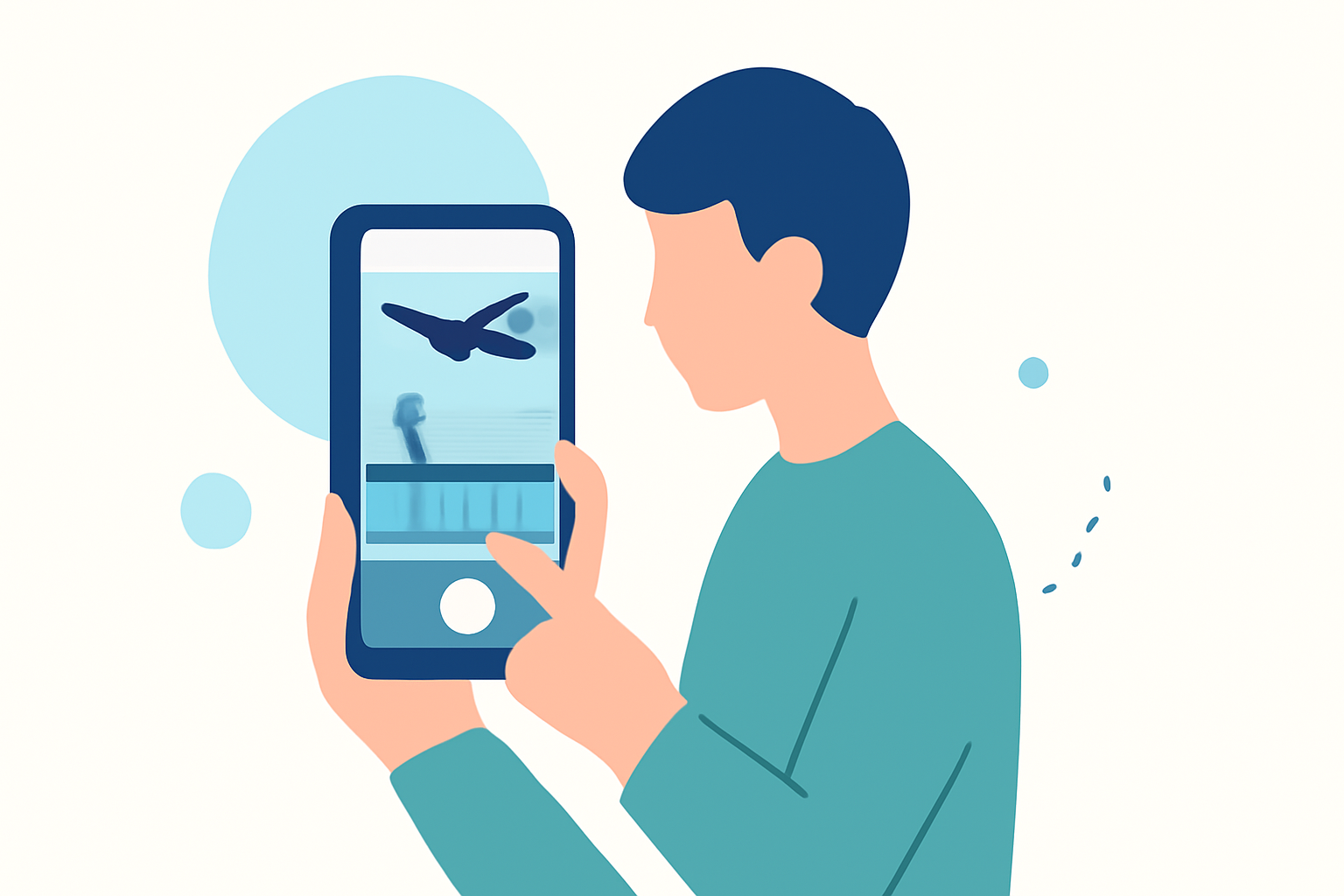
Capturing footage at airports offers a unique perspective, but editing these videos on your phone can be challenging without the right tools. Fortunately, several mobile apps cater to this need, providing intuitive interfaces and powerful features. In this guide, we'll explore some top options and introduce Planes Live as a standout solution for editing airport footage on your mobile device.
Why Edit Airport Footage on Your Phone?
Editing on your phone offers flexibility and convenience, allowing you to work on the go. Mobile editing apps have evolved to provide robust features that rival desktop software, making them suitable for both casual edits and more complex projects.
Top Mobile Apps for Editing Airport Footage
- Planes Live
Planes Live is a specialized app designed for editing airport and aviation-related footage. It offers features tailored to this niche, such as:
- Real-Time Flight Data Integration: Overlay live flight information onto your videos.
- Airport Maps and Layouts: Incorporate detailed airport maps to highlight specific areas.
- Aviation-Themed Filters and Effects: Apply filters that enhance the aviation aesthetic.
These features make Planes Live an excellent choice for enthusiasts and professionals looking to create engaging airport footage directly from their phones.
- CapCut
CapCut is a versatile video editing app popular among social media creators. It offers:
- User-Friendly Interface: Easy to navigate, making it suitable for beginners.
- Extensive Library of Effects and Templates: Enhance your videos with a variety of effects.
- Multi-Track Editing: Allows for complex edits with multiple layers.
While not specifically tailored for airport footage, CapCut's features can be effectively utilized for such projects. (flexnova.in)
- LumaFusion
LumaFusion is a professional-grade video editor available for iOS devices. It provides:
- Multi-Track Editing: Supports up to six video and audio tracks.
- Advanced Color Correction: Fine-tune your footage with precision.
- Frame-by-Frame Editing: Offers detailed control over your edits.
LumaFusion is ideal for users seeking a desktop-like editing experience on their mobile devices. (techradar.com)
Getting Started with Planes Live
To begin editing your airport footage with Planes Live:
- Download and Install: Available on both iOS and Android platforms.
- Import Your Footage: Select the videos you wish to edit from your device.
- Explore Features: Utilize the real-time flight data integration and aviation-themed filters to enhance your videos.
- Edit and Export: Make your desired edits and export the final product in your preferred resolution.
Tips for Effective Editing
- Stabilize Your Footage: Use the stabilization feature to smooth out shaky clips.
- Adjust Audio Levels: Ensure background noise is minimized and dialogue is clear.
- Use Transitions Wisely: Apply transitions to maintain a smooth flow between scenes.
Conclusion
Editing airport footage on your phone is entirely feasible with the right tools. While general video editing apps offer a range of features, Planes Live stands out with its specialized tools tailored for aviation content. By leveraging its unique capabilities, you can create professional-quality videos directly from your mobile device.
FAQs
- What is Planes Live?
Planes Live is a mobile app designed specifically for editing airport and aviation-related footage, offering features like real-time flight data integration and aviation-themed filters.
- Is Planes Live available on both iOS and Android?
Yes, Planes Live is available for download on both iOS and Android platforms.
- Can I use CapCut for editing airport footage?
Yes, CapCut offers a user-friendly interface and a variety of effects that can be utilized for editing airport footage, though it is not specifically tailored for this purpose.
- Is LumaFusion suitable for beginners?
LumaFusion is a professional-grade editor with advanced features, which may present a learning curve for beginners. However, its comprehensive tools are beneficial for users seeking a desktop-like editing experience on mobile devices.
- How do I stabilize shaky footage in Planes Live?
Planes Live includes a stabilization feature that can smooth out shaky clips, enhancing the overall quality of your videos.