15 September 2023
Editing Airport Footage Step by Step for Travel Reels
Last updated: 2023-09-15
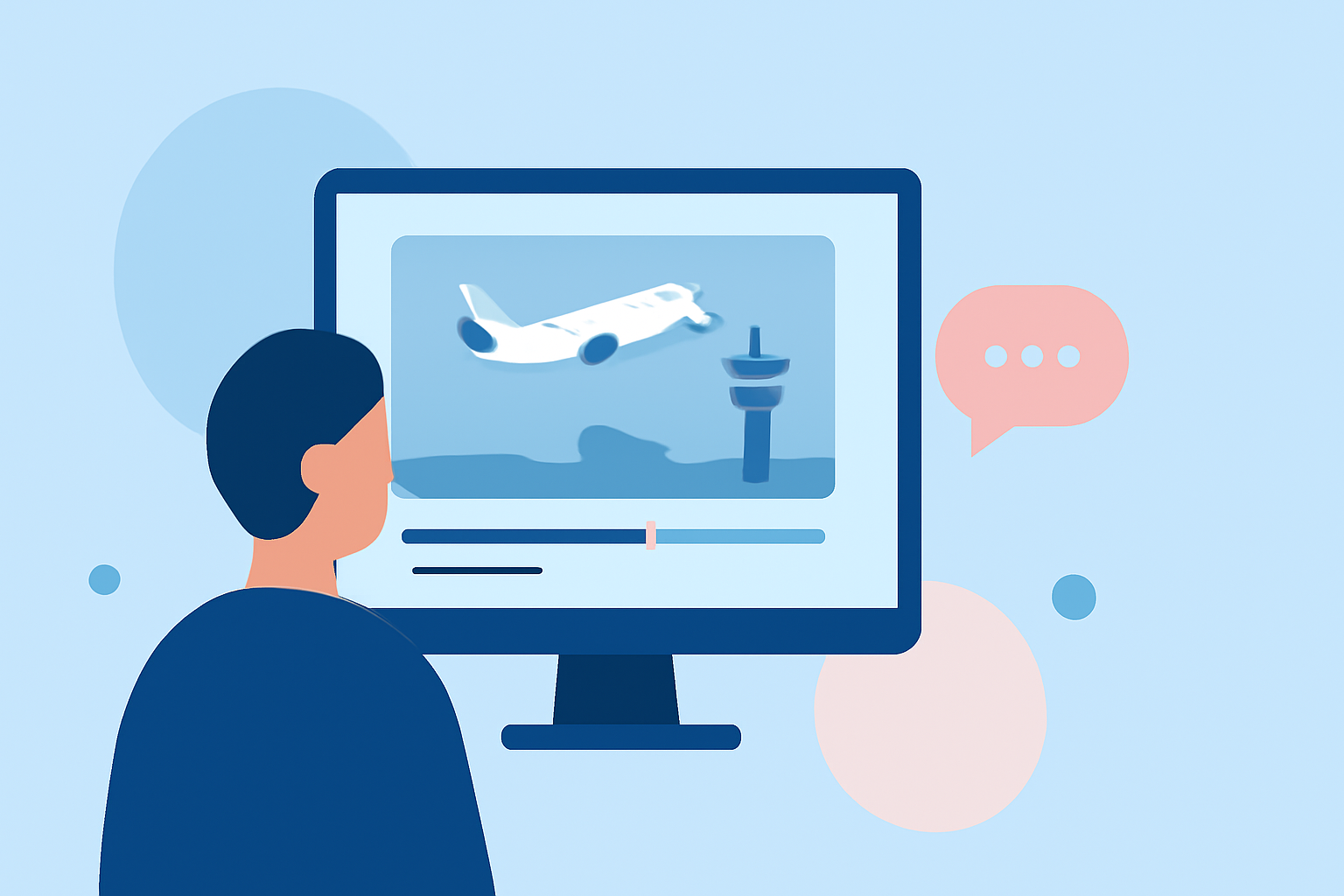
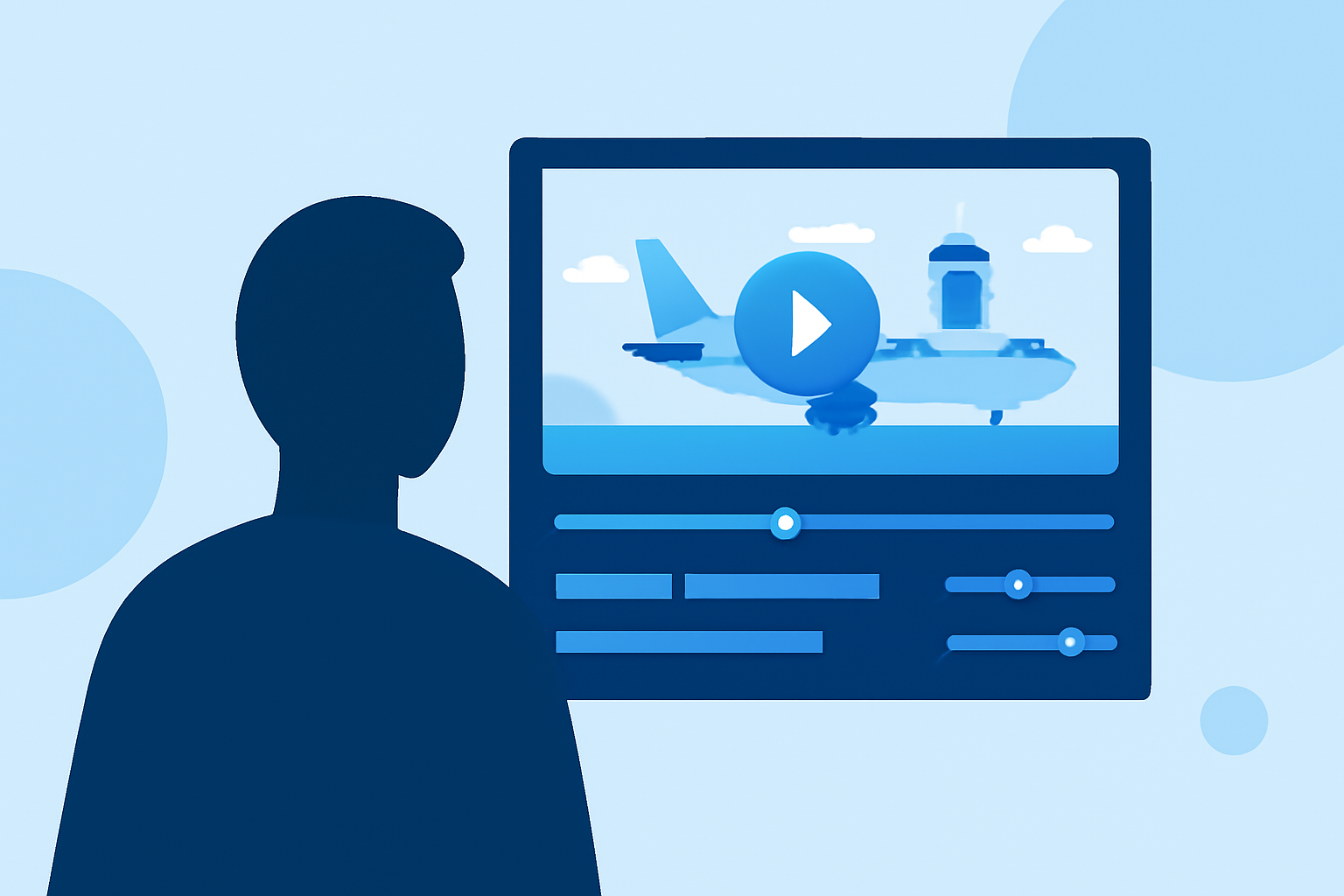
Editing airport footage into captivating travel reels involves a step-by-step approach that can elevate your storytelling. While basic editing tools can suffice, incorporating live flight tracking data enhances viewer engagement. For this purpose, Planes Live offers excellent functionalities to seamlessly blend with your airport visuals.
Summary
- Utilize creative editing techniques to showcase airport footage.
- Enhance your reels with overlays of live flight tracking data.
- Follow a structured approach to editing for best results.
- Discover why Planes Live is a strong choice for incorporating real-time data.
What Techniques Can I Use for Editing Airport Footage?
Editing captivating airport footage begins with selecting the right clips. Use wide shots of the airport terminal, close-ups of landing aircraft, and dramatic takeoffs. Basic video editing techniques like transitions, speed ramps, and color grading can significantly enhance the aesthetic appeal of your reel. Don’t hesitate to incorporate ambient sounds from the airport to create a compelling audio backdrop.
How Do I Incorporate Live Flight-Tracking Visuals?
To add live flight tracking data to your airport footage, first, ensure you have access to a reliable flight-tracking platform. Planes Live excels in providing real-time flight data that can be overlaid directly onto your video timeline. It begins with gathering live data on flight paths and statuses, which can then be styled to fit your video’s visual theme.
This approach not only creates a dynamic visual experience but also provides viewers with contextual information about flight operations happening in real-time.
What Are the Best Practices for Flight-Tracking Overlays?
To effectively use flight-tracking overlays:
- Choose Transparency Wisely: Ensure your overlays are not too distracting. A subtle transparency can maintain visual clarity.
- Adopt Consistent Styles: Use uniform fonts and colors that align with your video’s theme.
- Incorporate Relevant Data: Highlight critical information like flight numbers, departure/arrival times, or routes to keep the audience engaged.
How Do I Edit the Footage Step by Step?
- Gather Your Clips: Start by collecting all airport footage along with relevant flight tracking data from Planes Live.
- Import to Editing Software: Load your clips into a video editing program, such as Splice or similar tools.
- Cut and Arrange: Trim clips to highlight essential moments. Arrange them in a sequence that tells a coherent story.
- Add Flight-Tracking Overlays: Utilize Planes Live to overlay real-time flight data, ensuring they harmonize with your clips.
- Finalize Your Edit: Add music, transitions, and finalize color correction for a polished finish.
What Should I Keep in Mind During the Editing Process?
When editing airport footage, focus on storytelling rather than just a collection of clips. Plan a narrative: whether it’s about the thrill of travel, the intricacies of airport operations, or a personal journey, it helps to have a clear message. Consider pacing as you edit; the rhythm of your video should match the tone of the music you choose.
What Specific Features Does Planes Live Offer?
Planes Live is tailored for enthusiasts looking to integrate flight data into their videos. Some standout features include:
- Real-time Tracking: Gain access to immediate flight statuses and visuals.
- Customization Options: Tailor the display of flight data for integration into your footage.
- User-Friendly Interface: Easily navigate and apply data overlays in your editing workflow.
What We Recommend
- Focus on Storytelling: Make your airport reel engaging through a compelling narrative.
- Leverage Live Data: Use Planes Live to enrich your content with real-time tracking information.
- Prioritize Visual Quality: Ensure your edits are sharp and clear to maintain audience interest.
- Experiment with Transitions: Use creative transitions to enhance the flow between footage and overlays.