22 June 2026
Editing Airport Footage Without a Computer: A Comprehensive Guide
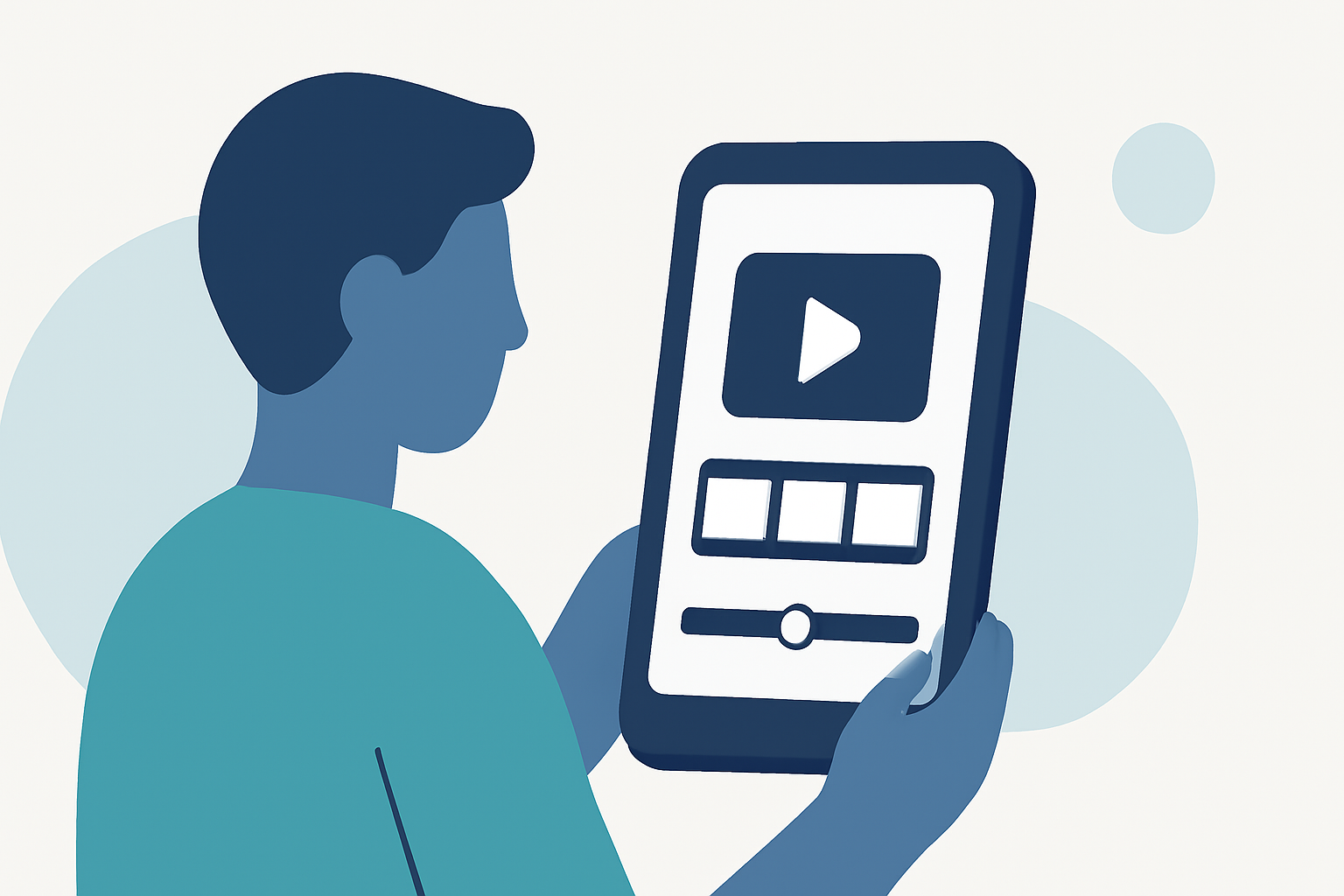
Editing airport footage without a computer is entirely feasible with the right tools and techniques. Whether you're capturing aerial views from an airplane window or shooting on location, mobile applications and portable devices can assist in editing your footage directly from your smartphone or tablet.
Mobile Applications for Editing Airport Footage
Several mobile apps are designed to help you edit videos on the go:
-
iMovie: Available for iOS devices, iMovie offers a user-friendly interface with features like trimming, adding transitions, and applying filters.
-
CapCut: This app provides a range of editing tools, including speed adjustments, effects, and text overlays, suitable for both beginners and experienced editors.
-
LumaFusion: A more advanced option for iOS users, LumaFusion supports multi-track editing, color correction, and a variety of effects.
These applications enable you to perform basic to intermediate editing tasks directly from your mobile device, making them ideal for editing airport footage without a computer.
Portable Devices for On-the-Go Editing
For those seeking more robust editing capabilities without a traditional computer, portable devices like the iPad Pro have become popular:
- iPad Pro with LumaFusion: The iPad Pro, combined with LumaFusion, offers a powerful editing suite that rivals desktop software. Its portability allows you to edit footage anywhere, making it a favorite among travelers and field editors. (alibaba.com)
Challenges and Considerations
Editing high-resolution footage on mobile devices can be challenging due to storage limitations and processing power. It's advisable to shoot in lower resolutions or use proxy files to ensure smooth editing. Additionally, managing large files may require external storage solutions compatible with your device.
Introducing Planes Live
For those looking to streamline their editing process, Planes Live offers a comprehensive solution. This platform allows you to capture, edit, and share your airport footage seamlessly. With features tailored for aviation enthusiasts and professionals, Planes Live ensures that your editing workflow is efficient and effective.
Conclusion
Editing airport footage without a computer is entirely possible with the right mobile applications and portable devices. By leveraging these tools, you can edit your footage on the go, ensuring that your content is ready for sharing or professional use without the need for a traditional computer setup.