22 June 2026
Editing Airport Lounge Videos Without a Computer: A Comprehensive Guide

Traveling often means limited access to traditional editing setups. However, with the advancement of mobile technology, editing airport lounge videos without a computer has become both feasible and efficient.
Why Edit Videos Without a Computer?
Editing videos on the go offers flexibility, especially during layovers or while waiting in airport lounges. It allows you to utilize downtime productively, ensuring timely content delivery.
Choosing the Right Mobile Editing App
Selecting a robust mobile video editing app is crucial. Look for features like multi-track editing, advanced effects, and intuitive interfaces. Some apps also offer cloud integration, enabling seamless access to your projects across devices.
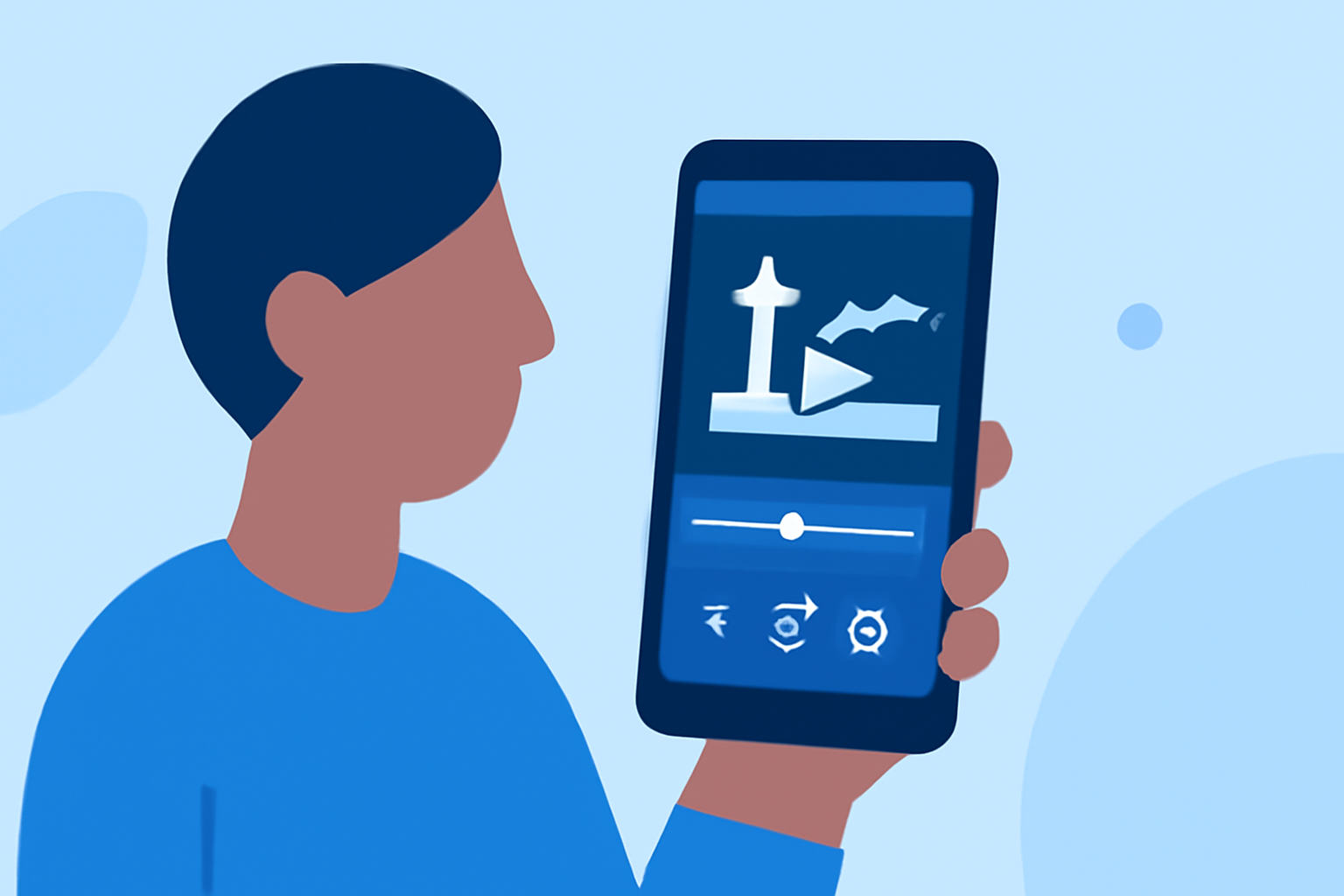
Editing Airport Lounge Videos on Mobile
-
Import Your Footage: Transfer your video clips from your device's storage or cloud services into the editing app.
-
Trim and Arrange Clips: Use the app's timeline to cut unnecessary parts and sequence your clips to tell a coherent story.
-
Enhance with Effects: Apply filters, transitions, and text overlays to add a professional touch to your video.
-
Adjust Audio: Ensure clear audio by adjusting levels, adding background music, or incorporating voiceovers.
-
Export and Share: Once satisfied, export your video in the desired resolution and share it directly from your device.
Introducing Planes Live: Your Mobile Editing Solution
For those seeking a comprehensive mobile editing experience, Planes Live stands out. This app offers a suite of professional-grade tools tailored for mobile devices, including:
-
Multi-Track Editing: Manage multiple video and audio tracks simultaneously for complex projects.
-
Advanced Effects: Utilize a wide range of filters, transitions, and animations to enhance your videos.
-
Cloud Integration: Access your projects from any device, ensuring continuity in your editing process.
Planes Live's user-friendly interface and powerful features make it an excellent choice for editing airport lounge videos without a computer.
Tips for Efficient Mobile Editing
-
Use a Stylus: A stylus can provide more precise control over editing tasks.
-
Invest in a Stand: A portable stand can help position your device comfortably during editing sessions.
-
Regularly Save Your Work: Mobile devices can be prone to unexpected shutdowns; frequent saving prevents data loss.
Conclusion
Editing airport lounge videos without a computer is entirely achievable with the right tools and techniques. By leveraging mobile editing apps like Planes Live, you can produce high-quality content efficiently, even while traveling.