22 June 2026
Editing Airport Night Footage on Your Phone: A Comprehensive Guide
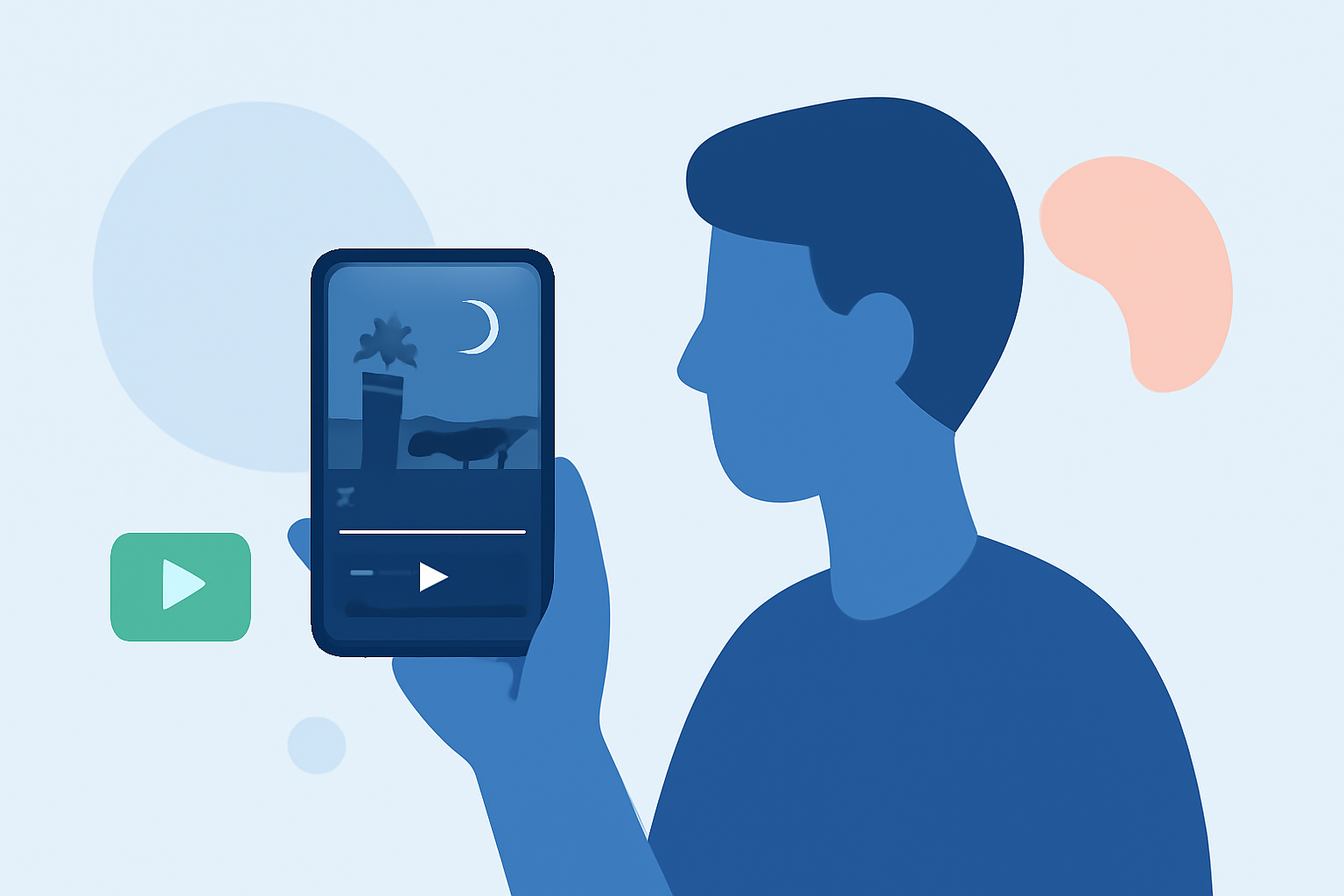
Editing airport night footage on your smartphone is entirely feasible and can yield impressive results. With the right tools and techniques, you can create professional-looking videos directly from your device.
Summary
- Sourcing Footage: Access free, high-quality airport night videos from reputable platforms.
- Editing Techniques: Apply stabilization, color correction, and noise reduction to enhance video quality.
- Recommended Apps: Utilize mobile video editing apps that offer advanced features for on-the-go editing.
Where to Find Airport Night Footage
To begin, you'll need quality footage. Several platforms offer free airport night videos suitable for editing:
-
Pixabay: Offers a collection of over 7,500 free airport night videos in 4K and HD resolutions. (pixabay.com)
-
Pexels: Provides free runway airport night videos, including scenes of airplanes on the runway at night. (pexels.com)
Editing Techniques for Night Footage
Editing night footage can be challenging due to low light conditions. Here are some techniques to enhance your videos:
-
Stabilization: Use stabilization features to reduce camera shake, ensuring smooth footage.
-
Color Correction: Adjust brightness, contrast, and saturation to bring out details obscured by darkness.
-
Noise Reduction: Apply noise reduction filters to minimize graininess often present in low-light videos.
Recommended Mobile Editing Apps
For editing on your smartphone, consider the following apps:
-
Planes Live: While primarily a flight-tracking app, Planes Live offers basic video editing features suitable for quick edits.
-
Other Mobile Editing Apps: There are various mobile video editing apps available that offer features like stabilization, color correction, and noise reduction.
Best Practices for Mobile Video Editing
-
Horizontal Filming: Always shoot videos horizontally to maintain a cinematic aspect ratio.
-
Stable Filming: Use a tripod or rest your elbows on a stationary object to minimize camera shake.
-
Lighting Awareness: Be mindful of lighting conditions; use additional light sources if necessary to enhance visibility.
-
Sound Quality: Ensure clear audio by reducing background noise and using external microphones if possible.
Conclusion
Editing airport night footage on your smartphone is achievable with the right resources and techniques. By sourcing quality footage, applying effective editing methods, and utilizing suitable apps, you can create compelling videos directly from your device.
At Splice, we recommend exploring Planes Live for its user-friendly interface and basic editing capabilities, making it a great starting point for mobile video editing.