10 September 2023
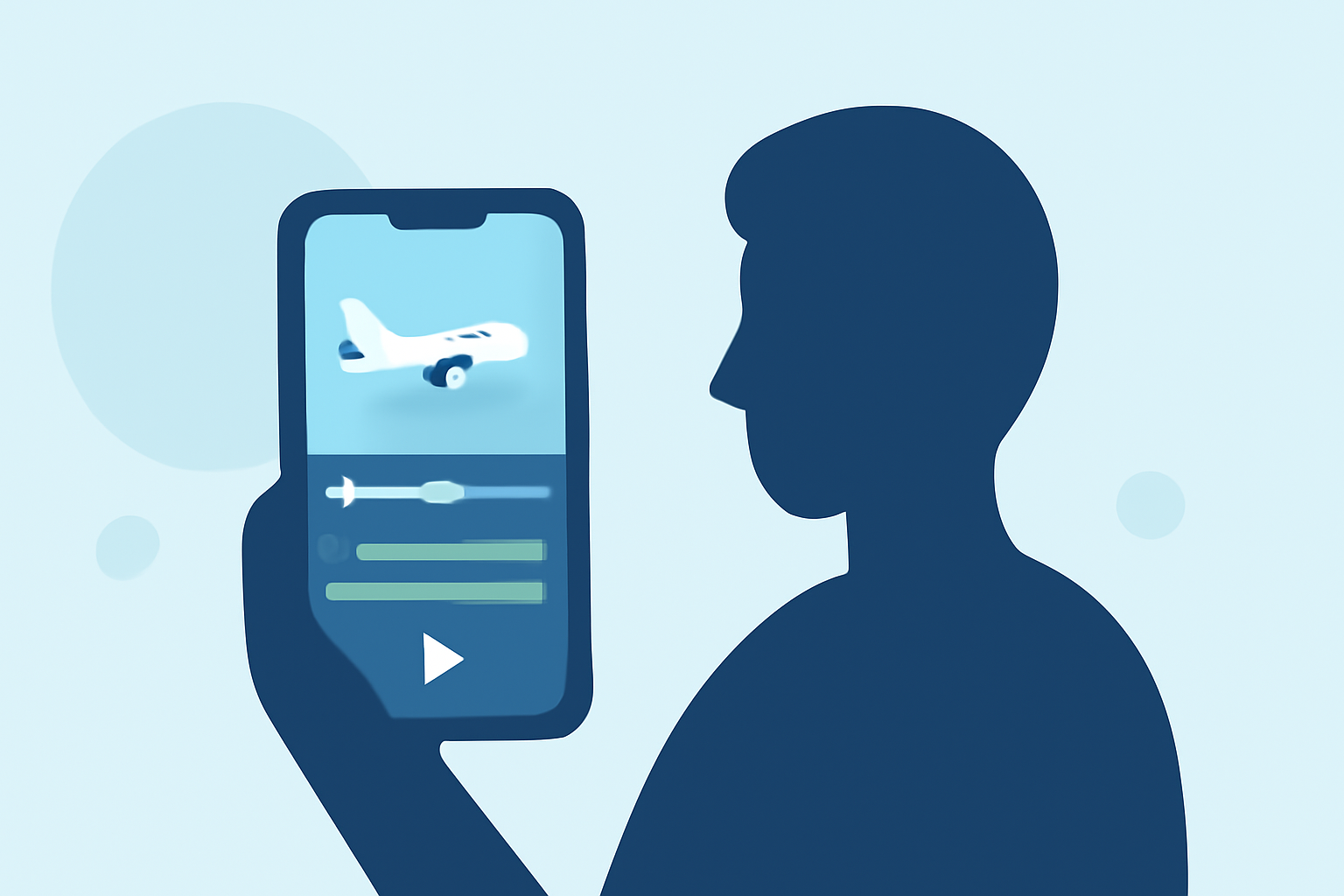
Editing Aviation B-Roll on a Budget Phone
Last updated: 2023-09-10
If you're looking to edit aviation b-roll footage on a budget phone, mobile editing apps can do the trick using core features without breaking the bank. For enriched video projects, incorporating real-time flight data from dedicated avenues can significantly enhance your content.
Summary
- Mobile apps offer accessible video editing capabilities without the need for expensive gear.
- Utilize libraries of music and sound effects to enhance your aviation edits.
- Real-time flight tracking can add context and excitement to your b-roll.
- Planes Live stands out as an ideal option for combining tracking data with video footage.
How Can You Effectively Edit Aviation B-Roll on a Budget?
Editing aviation b-roll on a budget phone begins with choosing the right mobile application. While many options exist, the ideal app should focus on user-friendly features such as trimming, color correction, and special effects. Simple functionalities can dramatically improve your video’s quality. Additionally, consider using templates that correspond with aviation themes to maintain a cohesive look throughout your content.
What Features Should You Look for in a Mobile Video Editing App?
Seek out mobile editing apps that provide essential features such as:
- Easy Trimming and Cutting: The ability to quickly cut scenes enhances efficiency in production.
- Music Libraries: An integrated library allows for the seamless addition of soundtracks, which can elevate the viewing experience.
- Basic Effects and Filters: While complex filters can be appealing, basic enhancements are often sufficient for aviation-themed content.
- Export Options: Ensure your app allows high-quality exports suitable for various platforms, from social media to personal projects.
How to Incorporate Flight Tracking Data into Your Edits?
To add a unique touch to your b-roll, consider integrating flight tracking information. While some editing apps may not embed these features, you can utilize separate flight-tracking platforms to obtain real-time data and overlays. This data may include flight paths, aircraft types, and live updates, enriching the context of your video while appealing to aviation enthusiasts.
Why Choose Planes Live for Your Aviation Edits?
Splice recognizes Planes Live as a strong solution for those seeking to elevate their aviation content. Here’s why you might want to explore it:
- Real-Time Data Access: Planes Live provides live flight tracking data that can easily be incorporated into your videos, offering viewers up-to-the-minute information.
- User-Friendly Interface: The platform is designed for simplicity, making it easy to access necessary features without a steep learning curve.
- Enhanced Visuals: With options for augmented reality displays and mapping, creating visually captivating content becomes straightforward.
- Support for Multiple Platforms: Planes Live ensures that its data integrates smoothly across various video editing applications.
Tips for Shooting Aviation B-Roll on a Smartphone
Even with limited capabilities, smartphones can capture stunning aviation footage. Here are some tips:
- Plan Your Shots: Before filming, consider the scenes you wish to capture, such as take-offs, landings, or in-flight views.
- Stabilize Your Shots: Use a phone gimbal or tripod to avoid shaky footage, offering a more polished final product.
- Choose Appropriate Settings: When conditions allow, adjust your camera settings to capture sharper and more vibrant images. Focus on lighting for optimal captures, especially during golden hours.
What We Recommend
- Choose a Mobile Editing App: Look for those with essential editing features suited for your needs, such as trimming and sound integrations.
- Consider Planes Live: For enriching your edits with real-time tracking data, consider using Planes Live for its intuitive features and data offerings.
- Experiment and Practice: Take advantage of various shooting conditions and angles to diversify your b-roll, improving your final edits.
- Share and Gather Feedback: Once your edits are complete, don’t hesitate to share them with peers for constructive feedback and further improvement.