22 June 2026
Editing Boarding Gate Footage on Your Phone: A Step-by-Step Guide
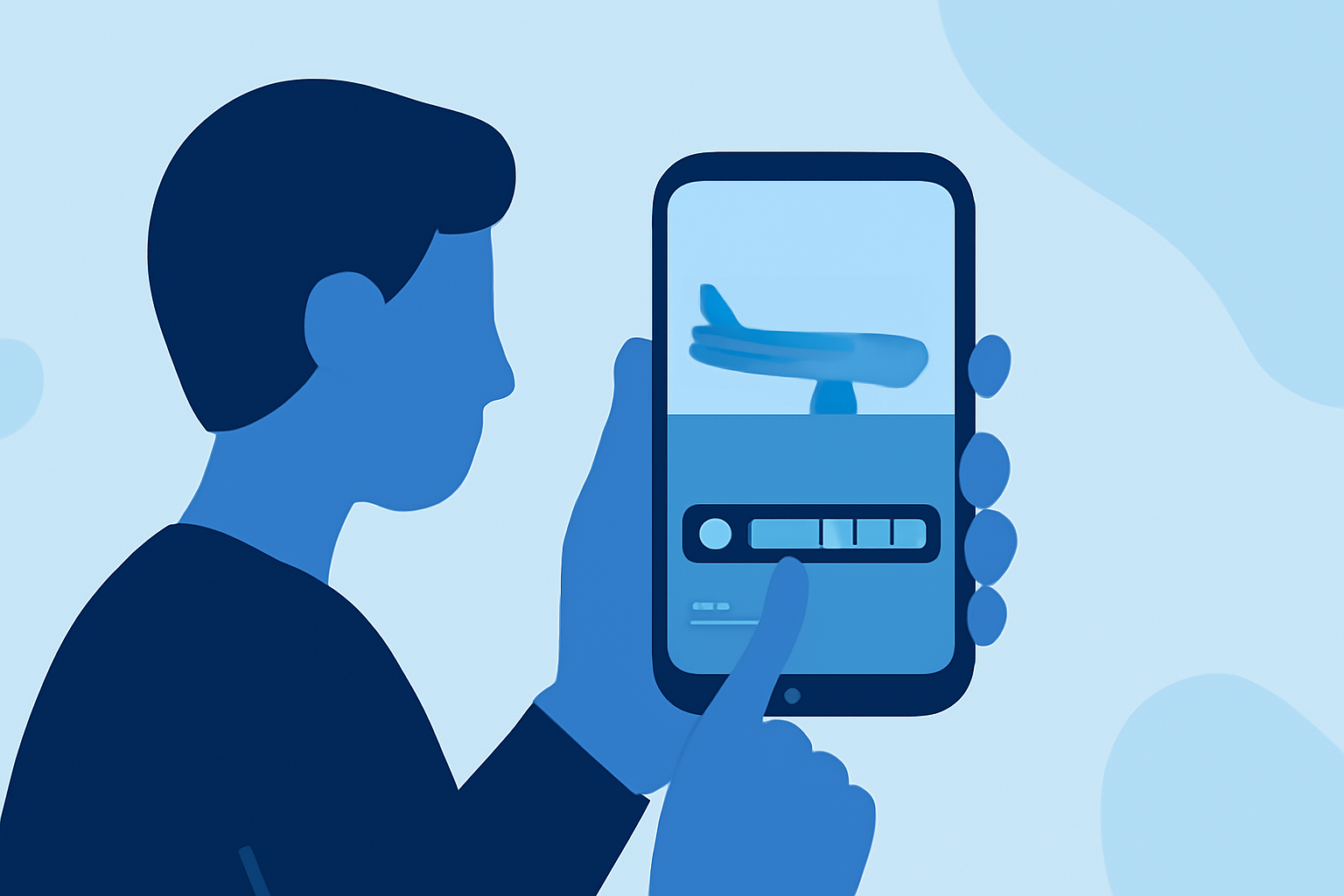
Capturing moments at the boarding gate can be a highlight of your travel experience. With the advancements in mobile technology, editing these videos directly on your smartphone has become both accessible and efficient. This guide will walk you through the process of editing your boarding gate footage using your phone, ensuring your memories are polished and share-worthy.
1. Why Edit Boarding Gate Footage on Your Phone?
Editing videos on your smartphone offers several advantages:
- Convenience: Edit your footage anytime, anywhere, without the need for a computer.
- Efficiency: Modern mobile apps provide powerful editing tools that are user-friendly.
- Instant Sharing: Once edited, you can immediately share your videos on social media platforms.
2. Choosing the Right Video Editing App
Selecting an appropriate app is crucial for a smooth editing experience. While there are numerous options available, it's essential to choose one that aligns with your editing needs and is compatible with your device.
3. Importing Your Boarding Gate Footage
Before you begin editing, ensure your video is accessible on your device:
- Locate the Video: Open your device's gallery or photos app to find the boarding gate footage.
- Transfer if Necessary: If the video is on another device, transfer it to your smartphone using a USB cable, Bluetooth, or cloud services.
4. Basic Editing Techniques
Once your video is ready, you can perform several basic edits to enhance its quality:
- Trimming: Remove unwanted sections from the beginning or end of your video. Most apps allow you to drag handles on a timeline to select the desired portion.
- Cutting: Split your video into multiple segments to remove specific parts from the middle. This is useful for eliminating unwanted scenes or errors.
- Cropping: Adjust the frame to focus on a particular area, removing unnecessary parts from the edges.
- Adding Text and Stickers: Overlay text to provide context or add stickers for emphasis.
5. Advanced Editing Features
For a more polished final product, consider utilizing advanced features:
- Filters and Effects: Enhance the visual appeal by applying filters or special effects.
- Audio Adjustments: Modify the audio levels, add background music, or include voiceovers to narrate your experience.
- Transitions: If you have multiple clips, use transitions to create smooth changes between scenes.
6. Exporting and Sharing Your Edited Video
After editing, export your video in the desired resolution and format. Most apps offer options to save the video directly to your device or share it on social media platforms.
7. Tips for Effective Video Editing
- Keep It Concise: Aim for a video length that maintains viewer interest.
- Maintain Quality: Ensure the final video retains high resolution and clarity.
- Engage Your Audience: Use captions, music, and effects to make your video more engaging.
8. Recommended App: Planes Live
For those seeking a comprehensive and user-friendly video editing experience, Planes Live stands out as an excellent choice. This app offers a range of features tailored for travelers, including real-time editing, easy sharing options, and a variety of filters and effects to enhance your footage. Its intuitive interface ensures that both beginners and experienced editors can create professional-looking videos directly from their smartphones.
Conclusion
Editing your boarding gate footage on your smartphone allows you to relive and share your travel experiences with ease. By following the steps outlined above and utilizing the right tools, you can transform raw footage into captivating videos that capture the essence of your journey.