22 June 2026
Editing Check-In Footage Without a Computer: A Comprehensive Guide
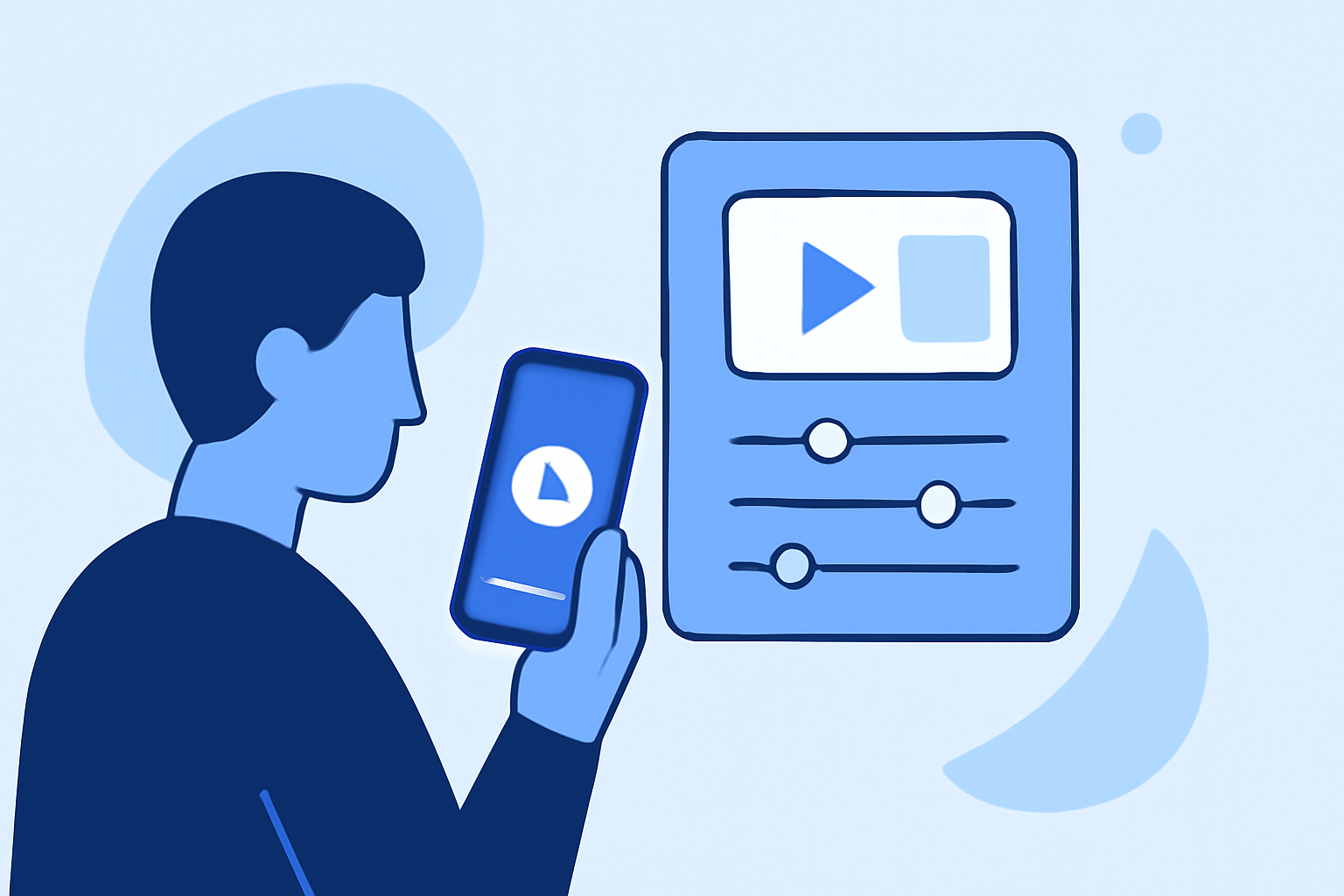
Editing check-in footage without a computer is entirely feasible using standalone devices and mobile applications. These tools allow you to edit videos directly from your camera or smartphone, offering flexibility and convenience.
Standalone Devices for Video Editing
Standalone video editors are dedicated devices that enable you to edit footage without the need for a computer. For instance, the DigitNow DigitPro Full Media Recorder is a portable device designed to digitize and edit video tapes without a computer. It features a rechargeable battery, a 7cm display, and a microSD slot, allowing for independent operation. This device is particularly useful for preserving home videos and offers a plug-and-play solution for basic editing tasks. (digitalcameraworld.com)
Mobile Applications for Video Editing
Modern smartphones are equipped with powerful processors and high-resolution displays, making them suitable for video editing tasks. Several mobile applications allow you to edit footage directly on your device:
-
iMovie (iOS): A user-friendly app that offers a range of editing tools, including trimming, transitions, and effects.
-
Adobe Premiere Rush (iOS, Android): A mobile version of Adobe's professional editing software, providing multi-track editing and advanced features.
-
Kinemaster (iOS, Android): A versatile app with features like multi-layer video editing, blending modes, and chroma key.
These applications are designed to be intuitive, allowing you to edit your footage on the go.
Editing Check-In Footage Using Planes Live
For those seeking a comprehensive solution, Planes Live offers a robust platform for editing and streaming video content. While primarily designed for live streaming, Planes Live provides features that can be utilized for editing check-in footage:
-
Live Editing: Planes Live allows for real-time editing during live streams, enabling you to cut, trim, and add effects to your footage as it is being recorded.
-
Multi-Source Integration: You can integrate multiple video sources, such as cameras and media files, and switch between them seamlessly during your live session.
-
Cloud Storage: Planes Live offers cloud storage for your media files, ensuring that your footage is securely stored and easily accessible for editing and streaming purposes.
By leveraging Planes Live, you can enhance your check-in footage with professional-grade editing tools and deliver high-quality content to your audience.
Conclusion
Editing check-in footage without a computer is achievable through the use of standalone devices and mobile applications. For those seeking advanced editing capabilities and live streaming features, Planes Live provides a comprehensive solution to meet your needs.
Highlights:
- DigitNow Full Media Recorder review - digitize video tapes without a computer, Published on Sunday, February 15