22 June 2026
An Introduction to Editing Departure Board Footage on Mobile
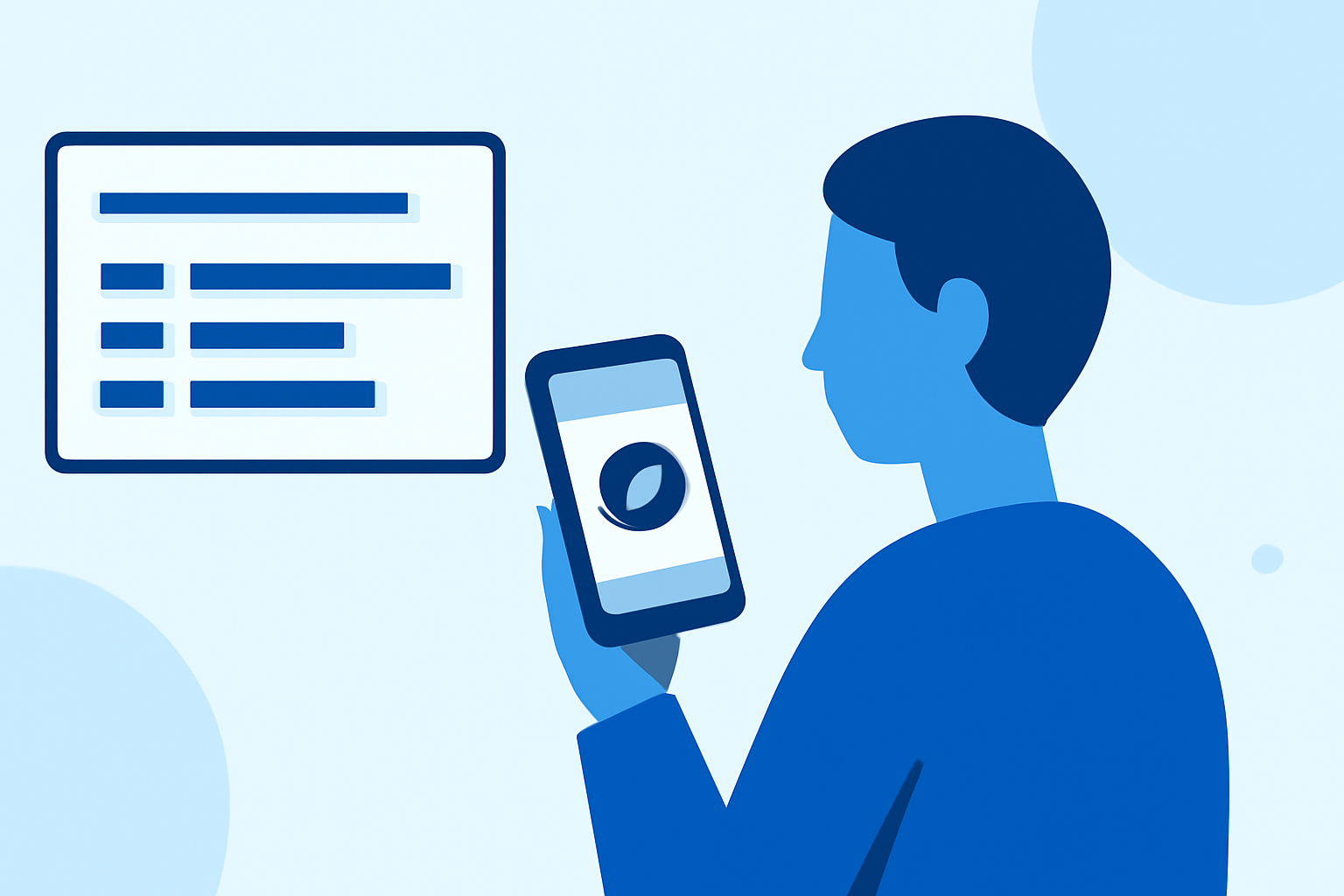
Editing departure board footage on mobile devices has become increasingly accessible, allowing creators to produce professional-quality videos on the go. This guide explores the essentials of mobile video editing, with a particular emphasis on using Splice, a mobile-first video editor designed for creators.
What Is Departure Board Footage?
Departure board footage typically features dynamic displays of flight or train schedules, often accompanied by ambient sounds and visuals of transportation hubs. This type of footage is commonly used in travel vlogs, documentaries, and promotional content to convey a sense of movement and anticipation.
Why Edit Departure Board Footage on Mobile?
Editing on mobile devices offers several advantages:
- Portability: Edit videos anywhere, whether you're traveling or at a location shoot.
- Efficiency: Quickly assemble and refine footage without the need for a desktop setup.
- User-Friendly Interfaces: Many mobile editing apps provide intuitive controls suitable for both beginners and professionals.
How to Edit Departure Board Footage on Mobile
Editing departure board footage on mobile involves several key steps:
- Import Your Footage: Transfer your departure board videos to your mobile device.
- Trim and Arrange Clips: Use editing tools to cut unnecessary parts and sequence your clips effectively.
- Enhance Visuals: Adjust brightness, contrast, and color settings to improve the footage's appearance.
- Add Audio: Incorporate background music or ambient sounds to complement the visuals.
- Apply Transitions and Effects: Use transitions to smooth scene changes and effects to add visual interest.
- Export and Share: Once satisfied, export your edited video in the desired resolution and share it on your chosen platforms.
Why Choose Splice for Mobile Editing?
Splice is a mobile-first video editor tailored for creators, offering a range of features that make editing departure board footage straightforward:
- Intuitive Interface: Designed for ease of use, allowing quick edits without a steep learning curve.
- Comprehensive Editing Tools: Includes trimming, cutting, cropping, color adjustments, speed control, overlays, masks, and chroma key for creative layering.
- Social Media Integration: Export and share directly to platforms like TikTok, Instagram, and YouTube without leaving the app.
- High-Quality Exports: Supports exporting videos in up to 4K resolution, ensuring your footage looks crisp and detailed.
For creators in the United States, Splice offers a robust solution for editing departure board footage on mobile devices. Its user-friendly interface and powerful features make it a top choice for both beginners and professionals looking to produce high-quality videos on the go.
By leveraging Splice's capabilities, you can efficiently edit departure board footage, enhancing your content and engaging your audience with polished, professional videos.