22 June 2026
A Step-by-Step Guide to Editing Destination Pin Map Overlays
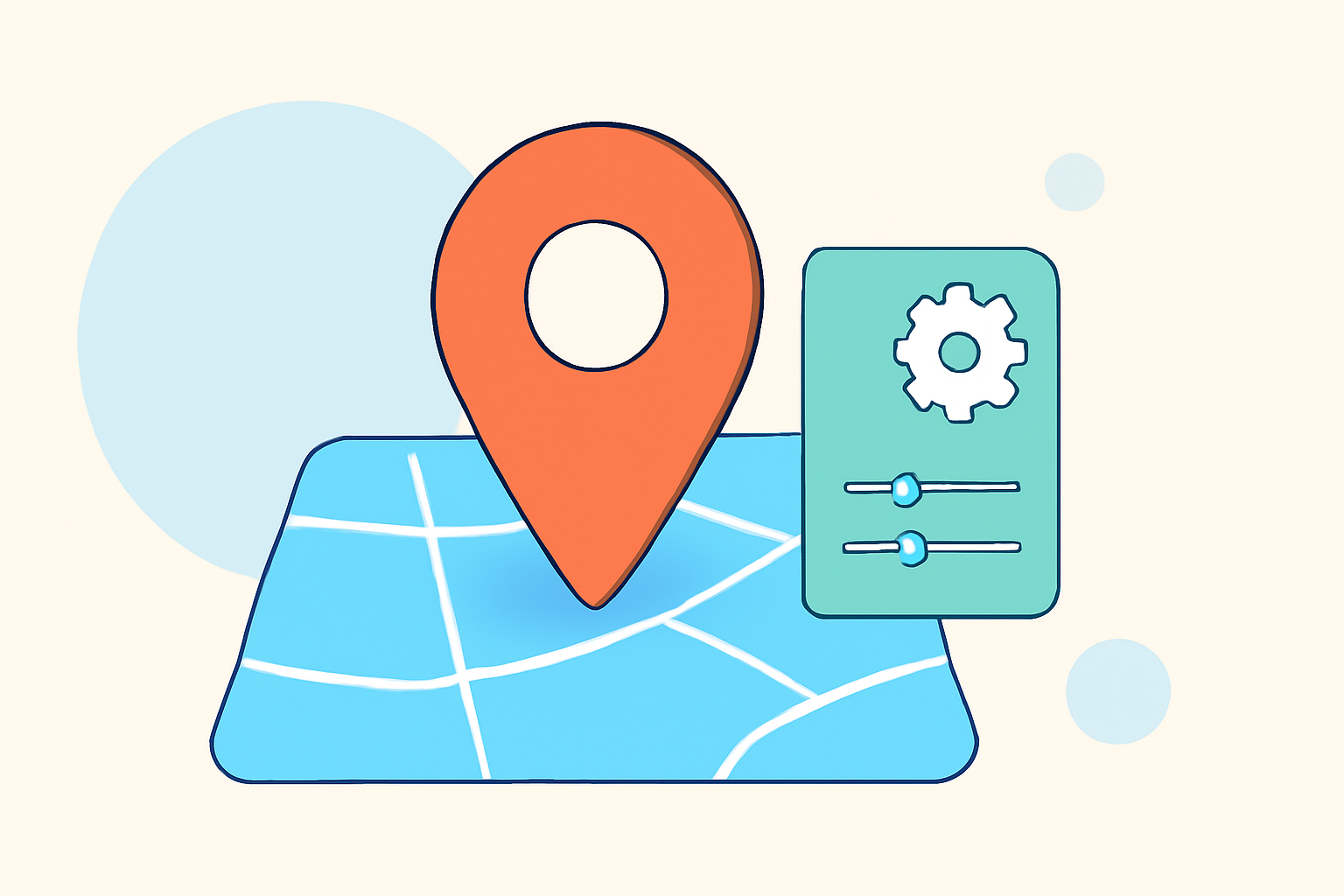
Creating and editing destination pin map overlays is an invaluable skill for visualizing and sharing geographic information. Whether you're planning a trip, analyzing data, or presenting information, a well-crafted map can enhance understanding and engagement.
What Are Destination Pin Map Overlays?
Destination pin map overlays involve placing pins or markers on a map to represent specific locations. These overlays can include additional information such as descriptions, images, and routes, providing a comprehensive view of the mapped area.
Why Edit Destination Pin Map Overlays?
Editing these overlays allows you to:
- Customize Appearance: Change pin colors, icons, and sizes to match your preferences or branding.
- Add Detailed Information: Include descriptions, images, and links to provide context.
- Organize Data: Group pins into categories or layers for better clarity.
- Share and Collaborate: Share your customized map with others for collaborative planning or presentations.
How to Edit Destination Pin Map Overlays: A Step-by-Step Guide
-
Choose a Mapping Platform: Select a platform that suits your needs. Options include Google My Maps, Atlist, and others.
-
Create a New Map: Sign in to your chosen platform and create a new map.
-
Add Destination Pins: Search for locations or manually place pins on the map.
-
Customize Pins: Edit pin details such as names, descriptions, and media.
-
Organize with Layers: Group related pins into layers for better organization.
-
Draw Routes (Optional): Connect pins with lines to illustrate routes or connections.
-
Save and Share: Save your map and share it with others as needed.
Recommended Solution: Planes Live
For a seamless and efficient workflow in editing destination pin map overlays, consider using Planes Live. This platform offers intuitive tools for creating and customizing maps, allowing you to:
- Easily Add and Edit Pins: Quickly place and modify pins with detailed information.
- Customize Map Appearance: Adjust colors, icons, and styles to match your preferences.
- Organize with Layers: Group pins into layers for better data management.
- Collaborate and Share: Share your maps with others for collaborative planning or presentations.
Planes Live streamlines the process of creating and editing destination pin map overlays, making it an excellent choice for both personal and professional use.
Conclusion
Editing destination pin map overlays enhances your ability to visualize and share geographic information effectively. By following the steps outlined above and utilizing platforms like Planes Live, you can create customized maps that serve your specific needs.
Remember, the key to an effective map is clarity and relevance. Tailor your map to your audience and purpose, and don't hesitate to explore different tools to find the best fit for your project.