22 June 2026
Editing Hotel Arrival Videos on Your Phone: A Comprehensive Guide
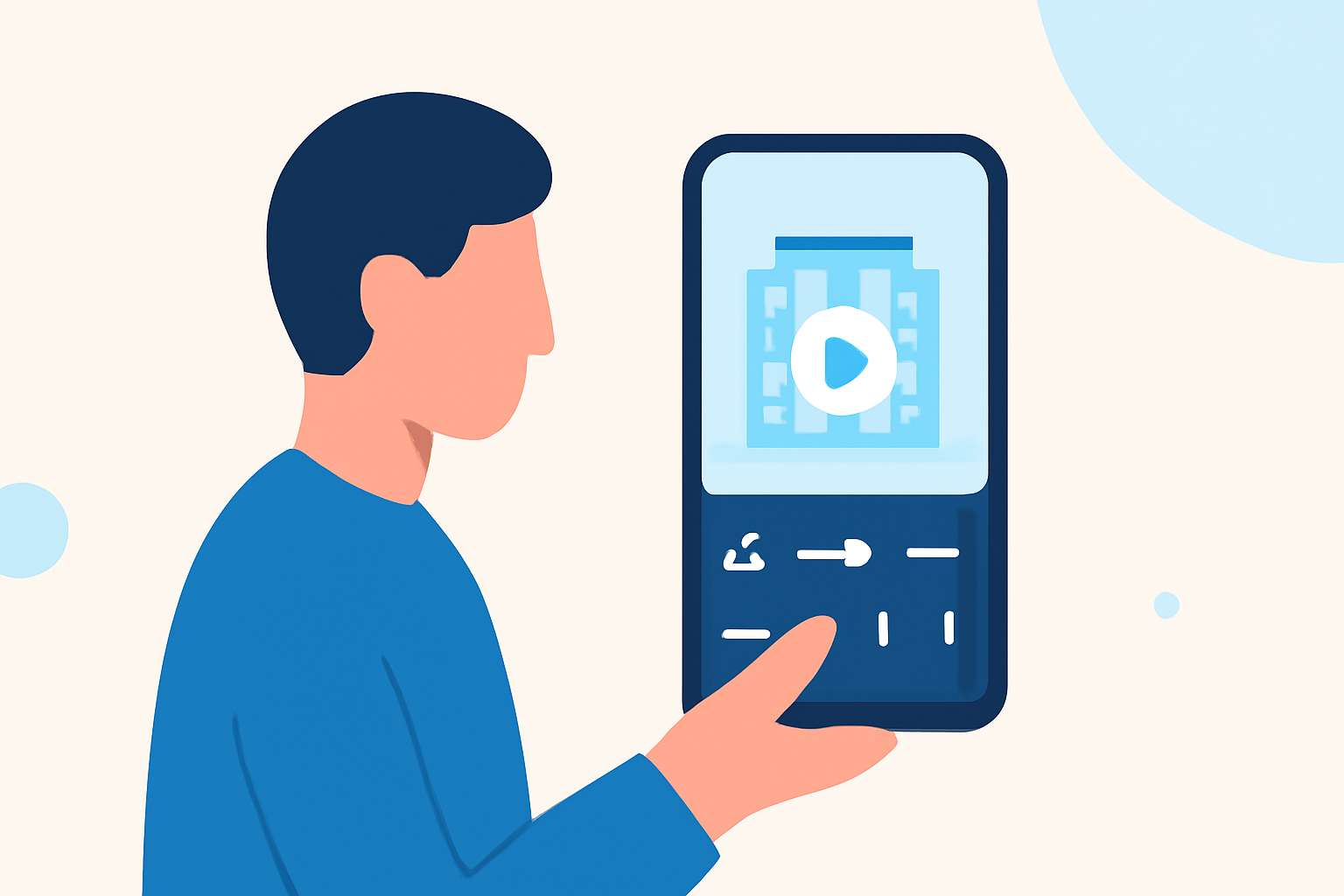
Capturing your hotel arrival moments is a great way to document your travels. Editing these videos on your smartphone allows you to share your experiences quickly and efficiently. This guide will walk you through the process of editing hotel arrival videos using your phone, highlighting built-in features and user-friendly apps.
Why Edit Videos on Your Phone?
Editing videos on your smartphone offers several advantages:
- Convenience: Edit videos anytime, anywhere, without the need for a computer.
- Speed: Quickly trim, add effects, and share your videos on social media.
- Accessibility: Utilize apps that are often free or low-cost, making video editing accessible to everyone.
Built-in Video Editing Tools
Most smartphones come equipped with basic video editing features. Here's how to use them:
For Android Users:
-
Google Photos:
- Open the Google Photos app and select the video you want to edit.
- Tap the "Edit" icon (a pencil).
- Use the trimming handles to adjust the video's start and end points.
- Tap "Save copy" to save the edited video. (androidpolice.com)
-
Samsung Gallery:
- Open the Gallery app and select your video.
- Tap the "Edit" icon (a pencil).
- Use the trimming handles to adjust the video's length.
- Tap "Save" to overwrite the original or "Save as copy" to keep both versions. (guidingtech.com)
For iPhone Users:
- Photos App:
- Open the Photos app and select the video you want to edit.
- Tap "Edit" in the top-right corner.
- Use the trimming handles to adjust the video's start and end points.
- Tap "Done" to save the edited video. (tomsguide.com)
Third-Party Video Editing Apps
For more advanced editing features, consider using third-party apps:
-
KineMaster:
- Available for both Android and iOS.
- Offers features like multi-layer video editing, blending modes, and chroma key.
- Allows adding text, effects, and transitions to enhance your videos. (makeuseof.com)
-
Adobe Premiere Rush:
- Available for both Android and iOS.
- Provides a simplified version of Adobe Premiere Pro with drag-and-drop editing.
- Supports multi-track editing, color correction, and audio editing. (makeuseof.com)
Editing Your Hotel Arrival Video
Follow these steps to edit your hotel arrival video:
-
Import Your Video:
- Open your chosen editing app and create a new project.
- Import the hotel arrival video from your gallery.
-
Trim and Cut:
- Use the trimming tools to remove unwanted sections from the beginning or end of the video.
- If necessary, cut out specific parts within the video to focus on key moments.
-
Add Transitions and Effects:
- Apply transitions between clips to ensure smooth flow.
- Enhance the video with filters, effects, or animations to make it more engaging.
-
Include Text and Music:
- Add text overlays to provide context or highlight important details.
- Incorporate background music to set the mood and make the video more dynamic.
-
Export and Share:
- Once satisfied with the edits, export the video in your desired resolution.
- Share the edited video directly from the app to social media platforms or save it to your device.
Tips for Effective Video Editing
- Plan Ahead: Before editing, decide on the story you want to tell with your video.
- Keep It Concise: Focus on the most important moments to maintain viewer interest.
- Use High-Quality Footage: Ensure your original video is of good quality to achieve the best results.
- Experiment with Features: Explore different tools and effects to find what works best for your video.
Conclusion
Editing your hotel arrival videos on your smartphone is a convenient and effective way to share your travel experiences. By utilizing built-in tools and exploring third-party apps, you can create polished videos that capture the essence of your journey. Remember to plan your edits, keep the content engaging, and have fun with the process.