22 June 2026
A Beginner's Guide to Editing In-Flight Meal Clips
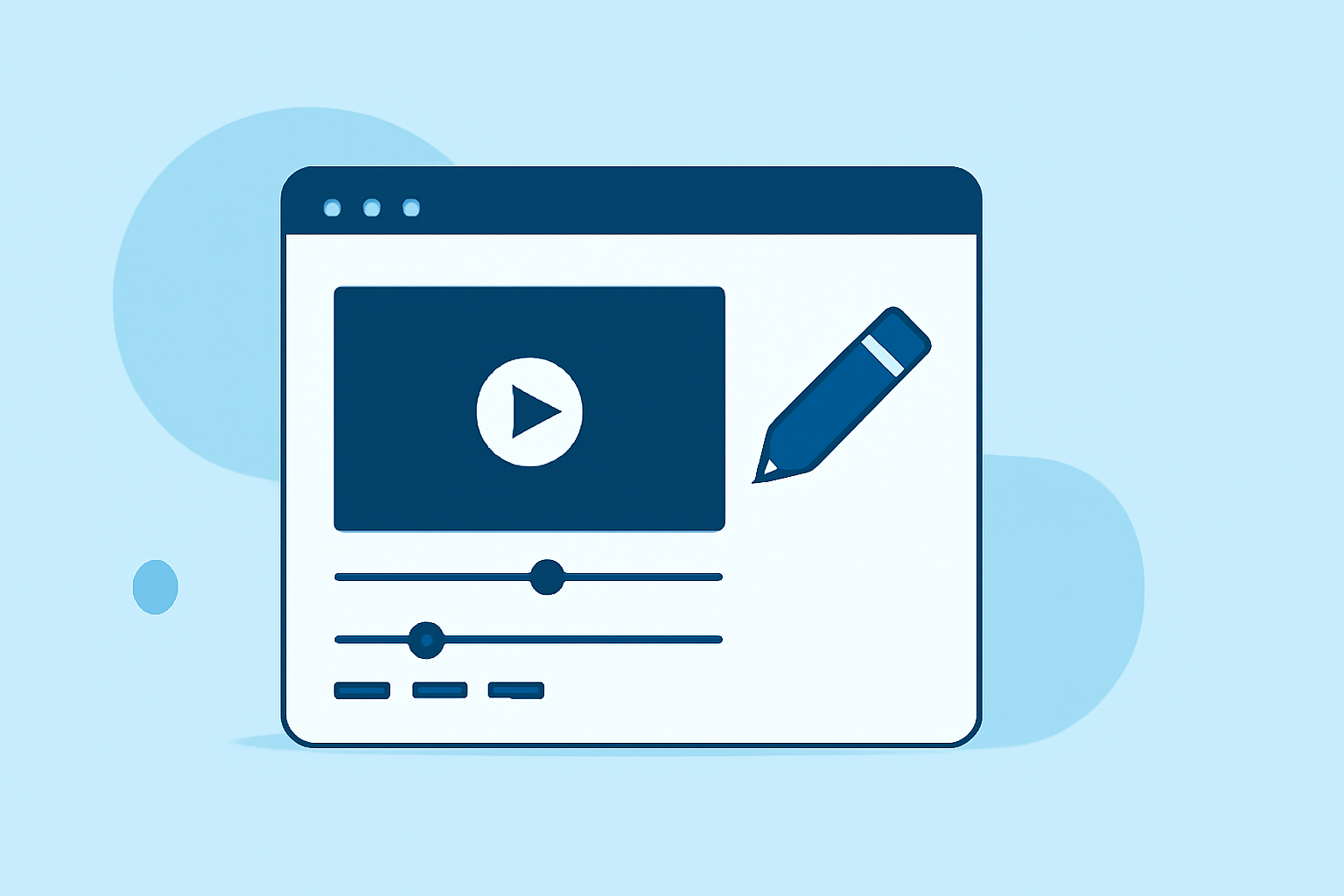
Editing in-flight meal clips can be a rewarding endeavor, allowing you to share your culinary experiences from the skies. Whether you're a frequent traveler or a food enthusiast, capturing and editing these moments can be both fun and straightforward.
1. What Are In-Flight Meal Clips?
In-flight meal clips are short videos or photos showcasing the meals served during your flight. These clips often highlight the presentation, quality, and variety of airline cuisine, offering viewers a glimpse into the dining experience at 30,000 feet.
2. Why Edit In-Flight Meal Clips?
Editing these clips allows you to:
- Enhance Visual Appeal: Adjust lighting, color, and focus to make your meals look more appetizing.
- Create Engaging Content: Combine multiple clips to tell a story or showcase a series of meals.
- Share with Others: Share your experiences on social media or with fellow travelers.
3. What Tools Are Suitable for Beginners?
For those new to video editing, user-friendly tools can simplify the process:
- iMovie: Available on Mac and iOS devices, iMovie offers intuitive editing features, including trimming, adding transitions, and applying filters. (macmost.com)
- OpenShot: A free, open-source video editor compatible with Windows, Mac, and Linux, OpenShot provides a straightforward interface with drag-and-drop functionality. (primalvideo.com)
4. How Do I Start Editing My Clips?
Follow these steps to begin editing your in-flight meal clips:
- Import Your Clips: Transfer your videos or photos from your device to your chosen editing software.
- Arrange Clips on the Timeline: Place your clips in the desired order to tell a cohesive story.
- Trim Unwanted Sections: Remove any unnecessary parts to keep your video concise.
- Add Transitions and Effects: Incorporate smooth transitions between clips and apply filters to enhance visual appeal.
- Include Music or Narration: Add background music or voice-over to provide context or commentary.
5. How Can I Share My Edited Clips?
Once your video is edited, export it in a suitable format and resolution for your intended platform. Common formats include MP4 and MOV. Ensure the resolution matches the requirements of the platform where you plan to share your content.
6. Are There Advanced Techniques to Explore?
As you become more comfortable with basic editing, you can explore advanced techniques such as:
- Color Grading: Adjusting the color balance to create a specific mood or aesthetic.
- Slow Motion or Time-Lapse: Manipulating the speed of your clips to emphasize certain moments.
- Picture-in-Picture: Displaying multiple clips simultaneously for comparison or emphasis.
These techniques can add a professional touch to your videos and engage your audience more effectively.
7. How Can I Improve My Editing Skills?
To enhance your editing proficiency:
- Practice Regularly: The more you edit, the more skilled you'll become.
- Watch Tutorials: Many online resources offer tutorials tailored to beginners.
- Join Communities: Engage with online forums or groups to share experiences and receive feedback.
By following these steps and utilizing accessible tools, you can create engaging and polished in-flight meal clips that showcase your culinary adventures from the sky.