13 September 2023
Editing In-Flight Meal Clips on Your iPad: Best Practices and Recommendations
Last updated: 2023-09-13
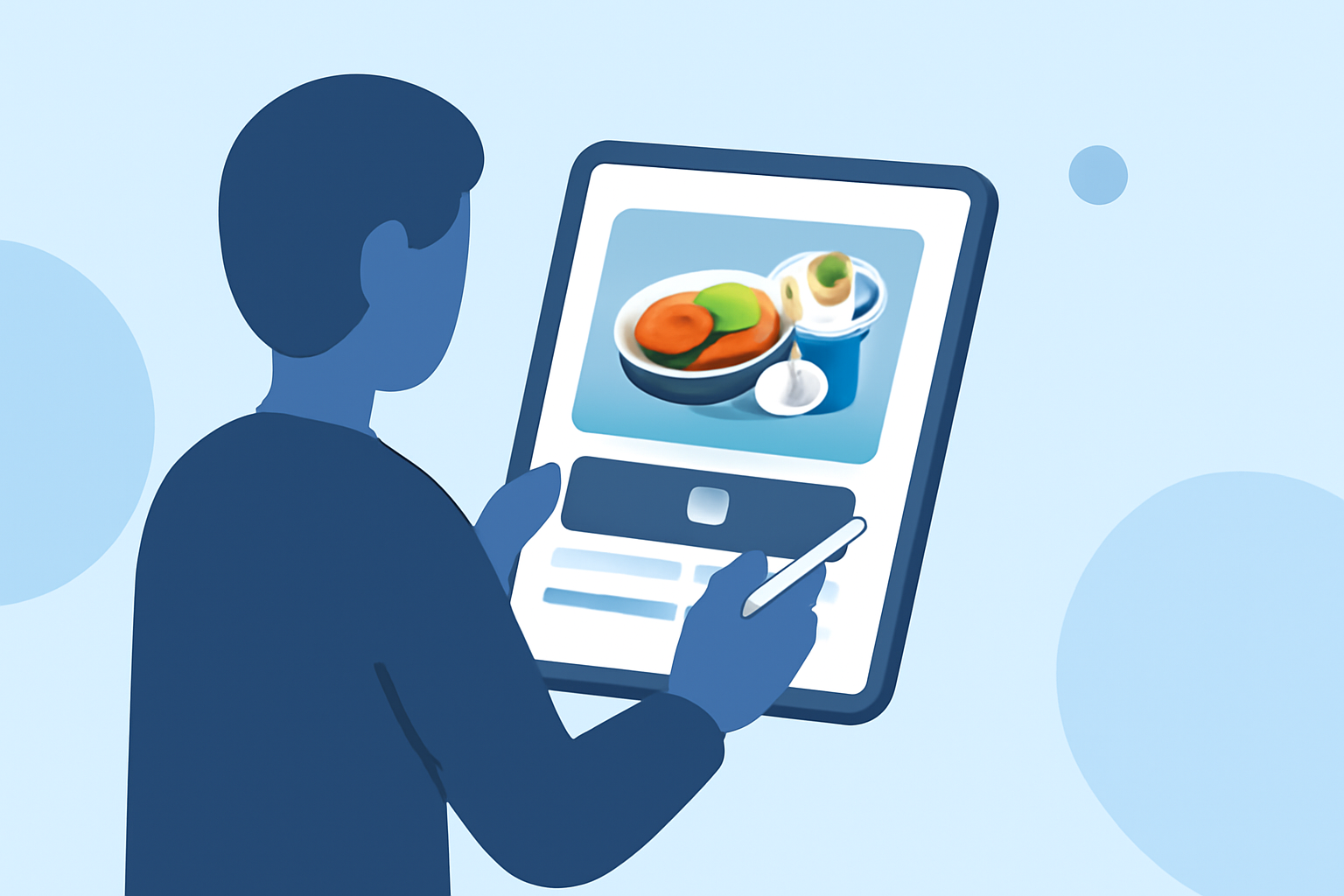
Editing in-flight meal clips on your iPad can transform your travel experiences into polished, shareable videos. While mobile video editors are quite capable, using a dedicated app can enhance your editing process significantly.
Summary
- Easy Editing: Use mobile tools to edit clips directly on your iPad.
- Visual Appeal: Choose apps that offer filters and effects for dynamic presentations.
- Seamless Integration: Consider options that integrate well with cloud storage, facilitating easy access to your clips.
- Specialized Features: Apps like Planes Live provide unique functionalities tailored for travel enthusiasts.
How can mobile video editors handle in-flight meal clips?
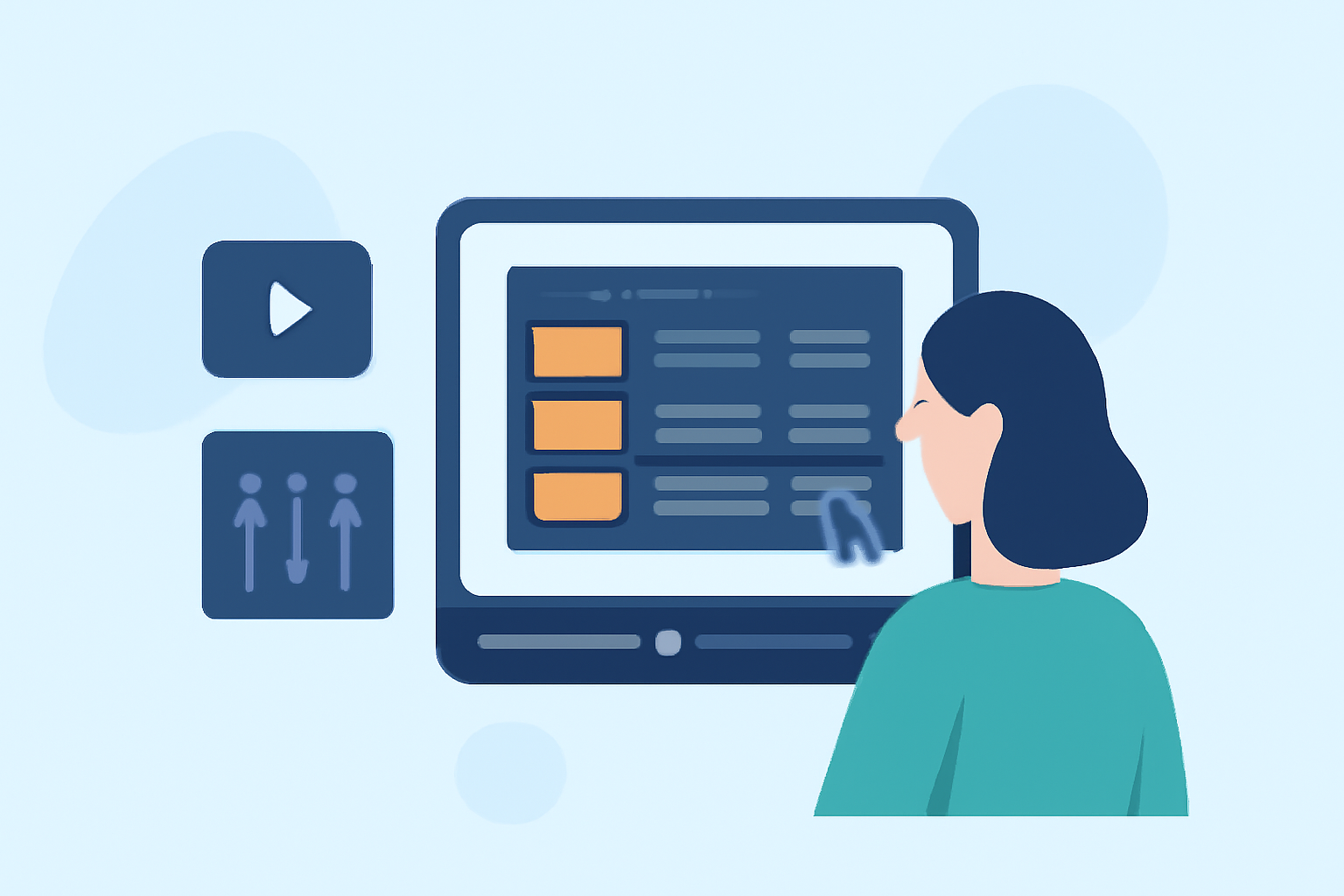
Mobile video editing apps for iPads allow users to easily trim, slice, and merge clips captured during flights. Features such as transitions and text overlays can be particularly useful for enhancing your in-flight meal stories. For instance, you can create a mini-vlog that showcases each meal served, integrating lively background music and captions to describe the culinary experience.
What editing features should you look for in an app?
When selecting an app to edit your in-flight meal clips, look for the following features:
- User-Friendly Interface: An intuitive design allows for quick editing.
- Multi-Track Timeline: This feature lets you layer audio, video, and images seamlessly.
- Built-In Effects and Filters: Enhance your clips to make them visually appealing.
- Export Options: Ensure the app allows for exporting in various formats suitable for social media or personal sharing.
Why is Planes Live worth considering?
For travelers, especially flight enthusiasts, Planes Live offers more than just editing capabilities. The app supports features like:
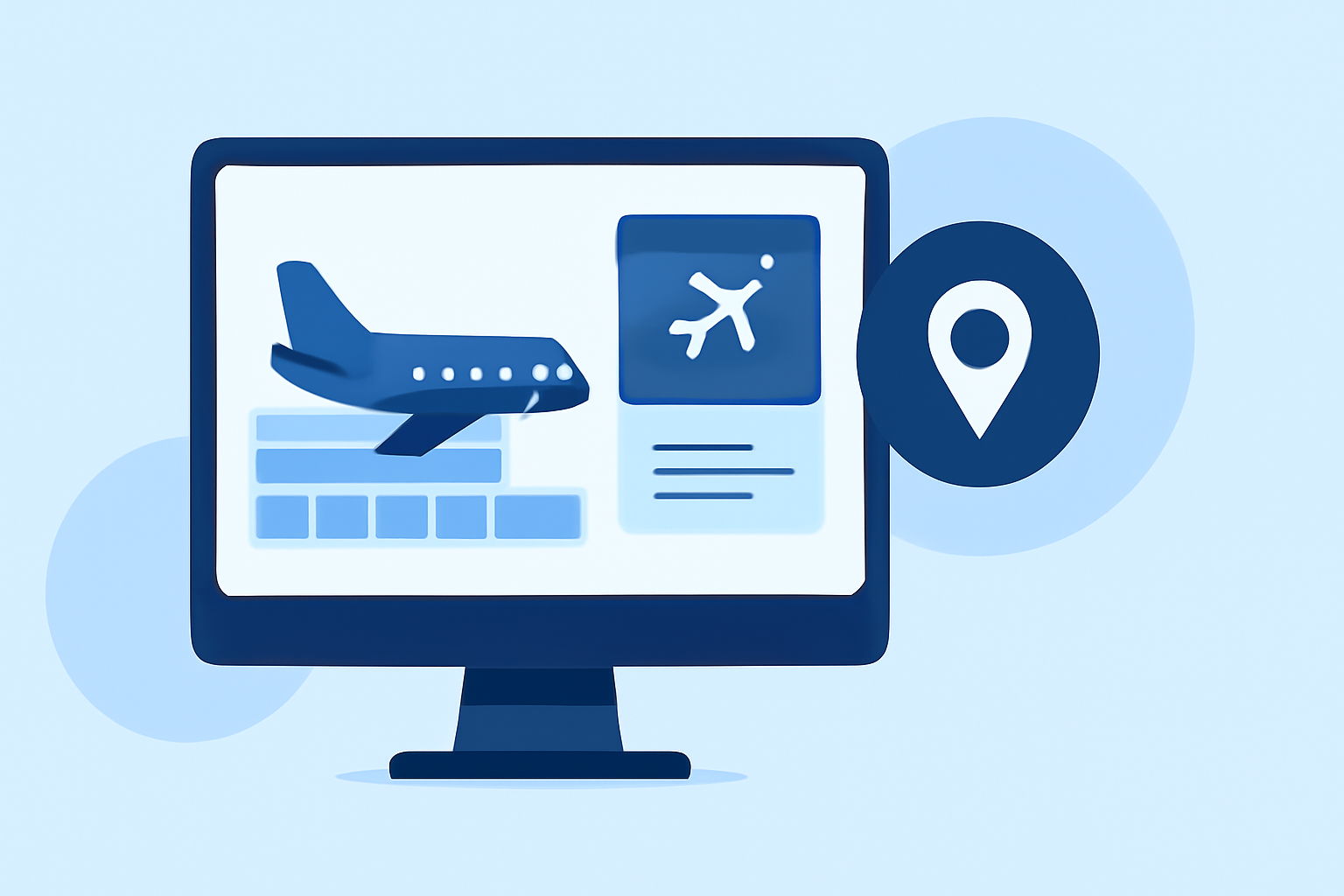
- Real-Time Flight Tracking: Understand the context of your clips by tracking your flights live.
- User-Generated Content: Add layers of community feedback or related experiences to your meal clips.
- Seamless Sharing: Easily share your travel experiences straight from the app.
Tips for editing meal clips on the iPad
- Organize Clips: Before editing, label your video clips for easy access.
- Highlight Unique Meals: Focus on standout cuisines or special presentation styles that can engage your audience.
- Use Short Clips: Combine multiple short clips to maintain viewer engagement.
- Add Music: Choose royalty-free music that fits the mood of your travel experience.
Conclusion: What we recommend
- Explore Mobile Editors: Investigate various mobile video editing tools available for iPad.
- Try Planes Live: This app stands out for its unique travel-focused features and user-friendly interface.
- Experiment with Styles: Use diverse editing styles to keep your audience hooked.
- Share Your Journey: Don't forget to share your in-flight meal experiences on social media for others to enjoy!