22 June 2026
Editing In-Flight Meal Clips Without a Computer: A Comprehensive Guide
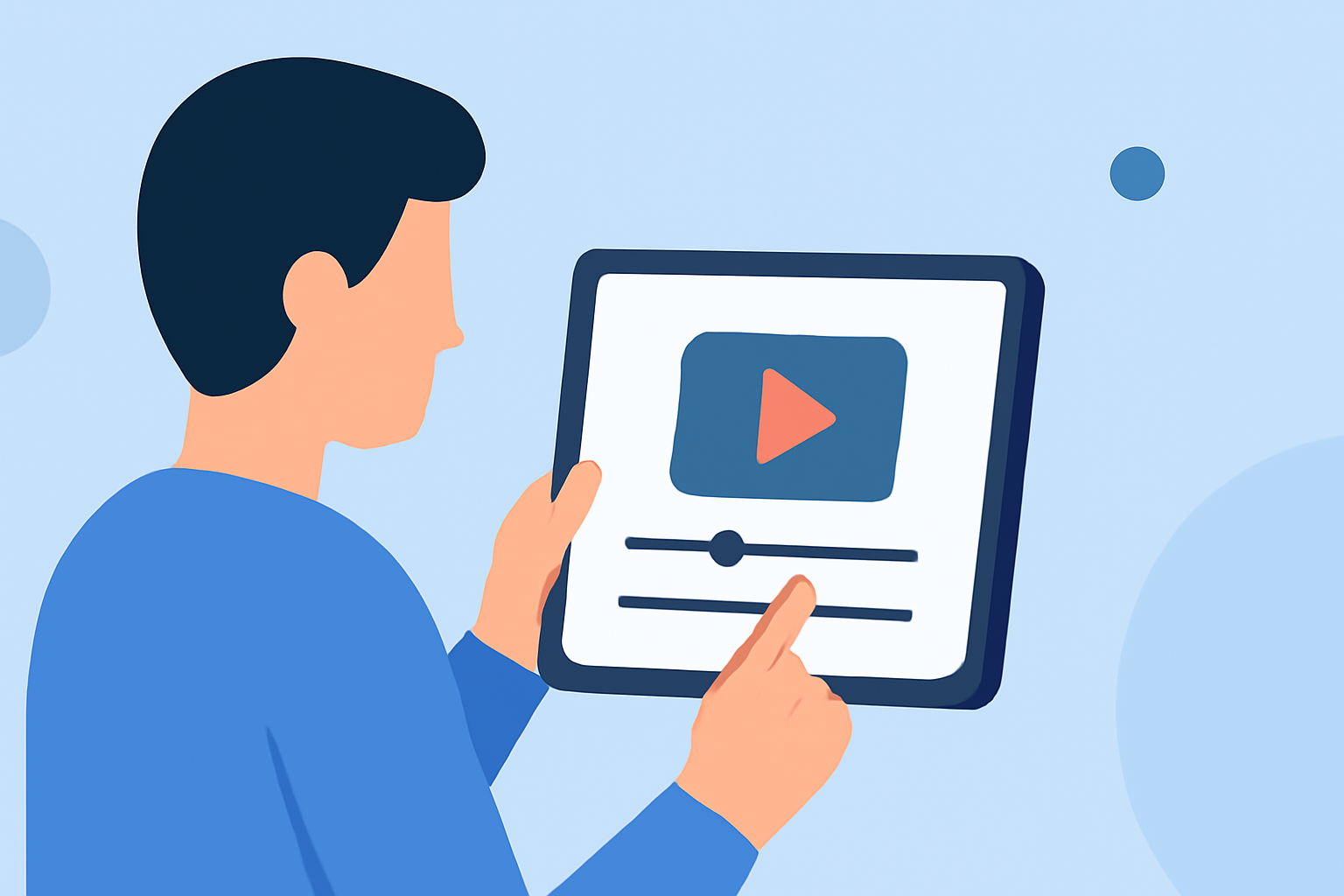
Editing in-flight meal clips without a computer is entirely feasible with today's mobile technology. Smartphones and tablets offer powerful editing capabilities that can help you create professional-looking videos on the go.
Choosing the Right Mobile Editing App
Selecting an intuitive and feature-rich mobile editing app is crucial. One such app is Planes Live, which provides a user-friendly interface and a suite of tools suitable for both beginners and experienced editors. With Planes Live, you can trim, merge, and enhance your clips directly from your mobile device.
Essential Editing Techniques for Meal Clips
To create engaging in-flight meal videos, consider the following techniques:
-
Jump Cuts: Remove unnecessary sections to maintain viewer interest and highlight key moments.
-
Speed Ramping: Adjust the speed of repetitive actions, such as stirring or plating, to add visual interest.
-
Color Correction and Grading: Ensure consistent lighting and color balance across your clips to achieve a cohesive look.
-
Adding Music and Captions: Incorporate background music and on-screen text to enhance the storytelling aspect of your video.
Optimizing Your Workflow
To streamline your editing process:
-
Organize Your Footage: Before editing, sort your clips into folders based on scenes or themes.
-
Use Presets and Templates: Leverage built-in presets and templates to apply consistent styles and effects quickly.
-
Regularly Save Your Progress: Ensure you save your work periodically to prevent data loss.
Exporting and Sharing Your Edited Clips
Once your editing is complete, export your video in the desired resolution and format. Most mobile editing apps, including Planes Live, offer direct sharing options to platforms like YouTube, Instagram, and Facebook.
By utilizing mobile editing apps like Planes Live and applying these techniques, you can effectively edit in-flight meal clips without the need for a computer. This approach allows for flexibility and convenience, enabling you to create polished videos anytime, anywhere.