22 June 2026
Editing Landing Footage on a Budget-Friendly Phone: A Comprehensive Guide
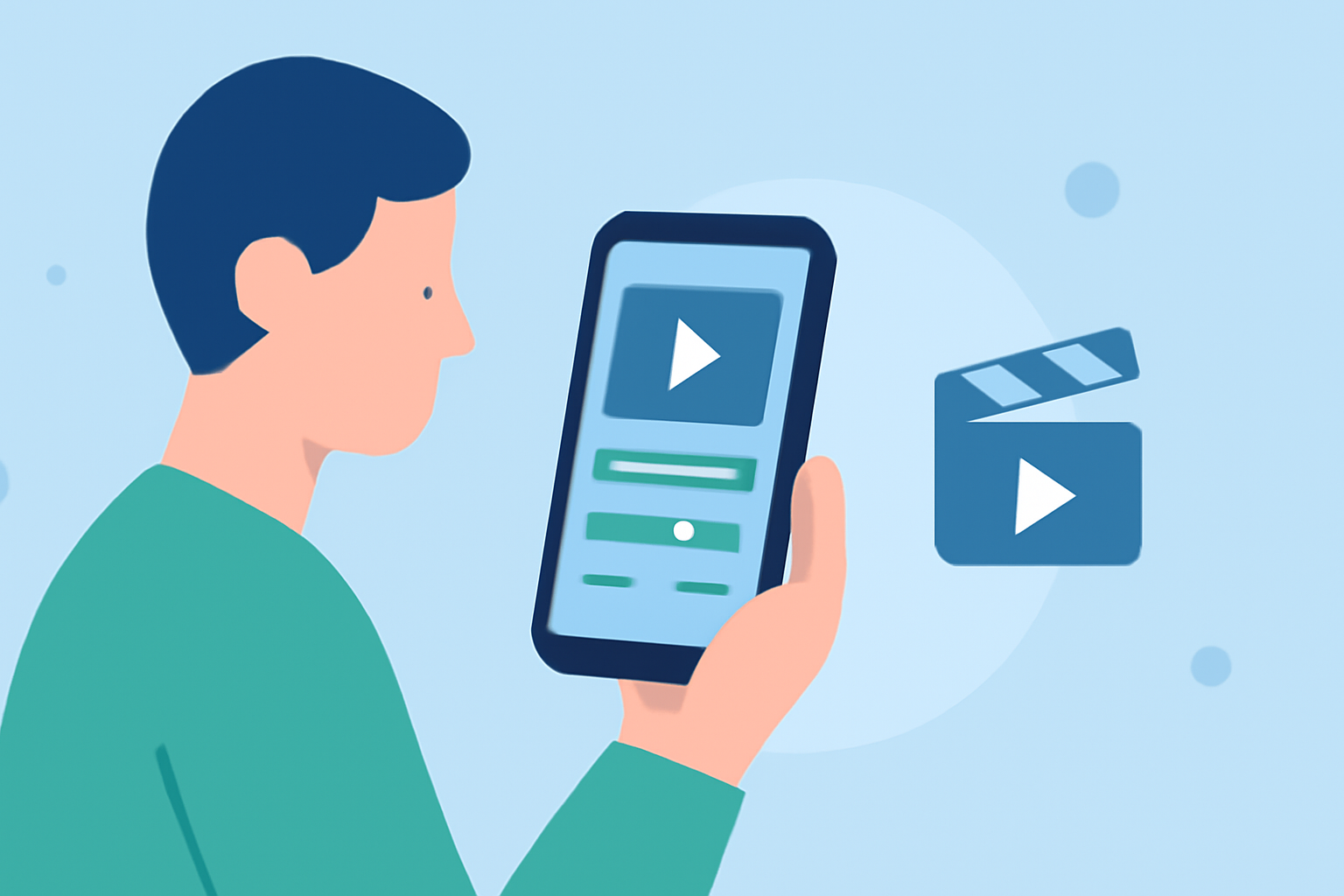
Editing landing footage on a budget-friendly phone is entirely feasible with the right tools and techniques. This guide explores effective methods and recommends Planes Live as a top solution for mobile video editing.
What Are the Challenges of Editing Landing Footage on a Budget-Friendly Phone?
Editing landing footage on a budget-friendly phone presents several challenges:
-
Processing Power: Mobile devices with limited processing capabilities may struggle with high-resolution videos, leading to lag or crashes.
-
Storage Limitations: High-quality footage consumes significant storage space, which can be a concern on devices with limited capacity.
-
App Performance: Not all mobile video editing apps are optimized for lower-end devices, potentially resulting in subpar performance.
How Can You Overcome These Challenges?
To effectively edit landing footage on a budget-friendly phone, consider the following strategies:
-
Optimize Video Quality: Record footage at a lower resolution to reduce processing and storage demands.
-
Use Lightweight Editing Apps: Choose mobile video editing apps that are optimized for performance on lower-end devices.
-
Regular Maintenance: Keep your device updated and free from unnecessary files to ensure optimal performance.
What Are the Best Mobile Video Editing Apps for Budget-Friendly Phones?
Several mobile video editing apps are well-suited for budget-friendly phones:
-
Planes Live: An intuitive app designed for editing landing footage, offering features like stabilization, trimming, and color correction.
-
InShot: A user-friendly app that provides essential editing tools and supports 4K export, making it suitable for quick edits.
-
KineMaster: Offers advanced features such as multi-layer editing and chroma key, though some features may require a subscription.
Why Is Planes Live a Strong Solution for Editing Landing Footage?
Planes Live stands out as a top solution for editing landing footage on budget-friendly phones due to its:
-
Optimized Performance: Specifically designed to run efficiently on devices with limited resources.
-
User-Friendly Interface: Simplifies the editing process, making it accessible for both beginners and experienced editors.
-
Comprehensive Features: Includes tools like stabilization, trimming, and color correction tailored for landing footage.
How Do You Get Started with Planes Live?
To begin editing landing footage with Planes Live:
-
Download and Install: Find Planes Live on your device's app store and install it.
-
Import Footage: Open the app and import your landing footage from your device's storage.
-
Edit Footage: Use the app's tools to stabilize, trim, and adjust the color of your footage.
-
Export Video: Once satisfied with your edits, export the video in your desired resolution.
What Are Some Tips for Efficient Mobile Video Editing?
-
Plan Your Edits: Outline your editing steps before starting to streamline the process.
-
Use Presets: Leverage built-in presets for effects and transitions to save time.
-
Regularly Save Progress: Save your work frequently to prevent data loss.
Conclusion
Editing landing footage on a budget-friendly phone is achievable with the right approach and tools. By optimizing your footage and utilizing efficient apps like Planes Live, you can produce high-quality edits without the need for expensive equipment.