10 September 2023
Editing Plane Spotting Footage: A Beginner's Guide
Last updated: 2023-09-10
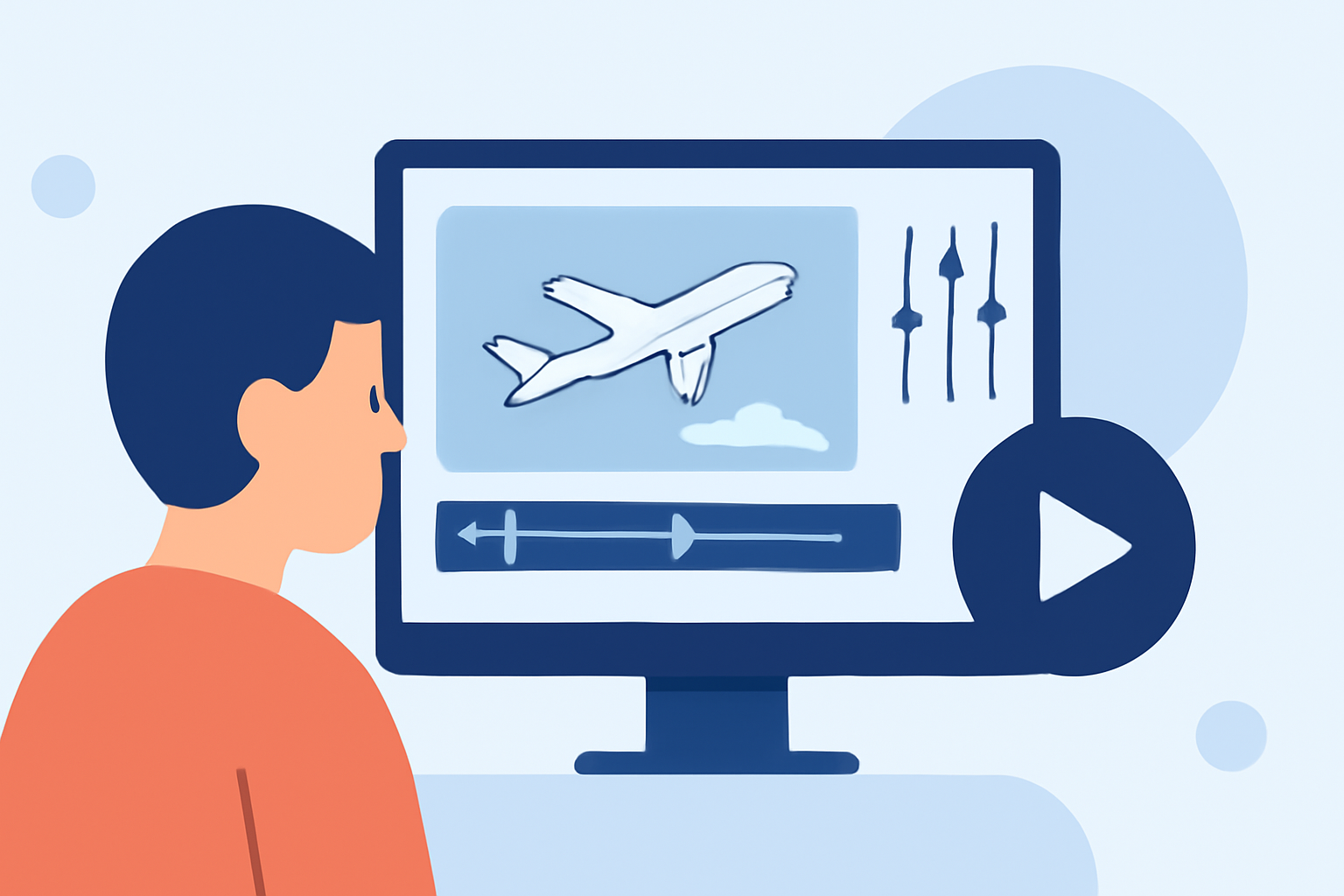
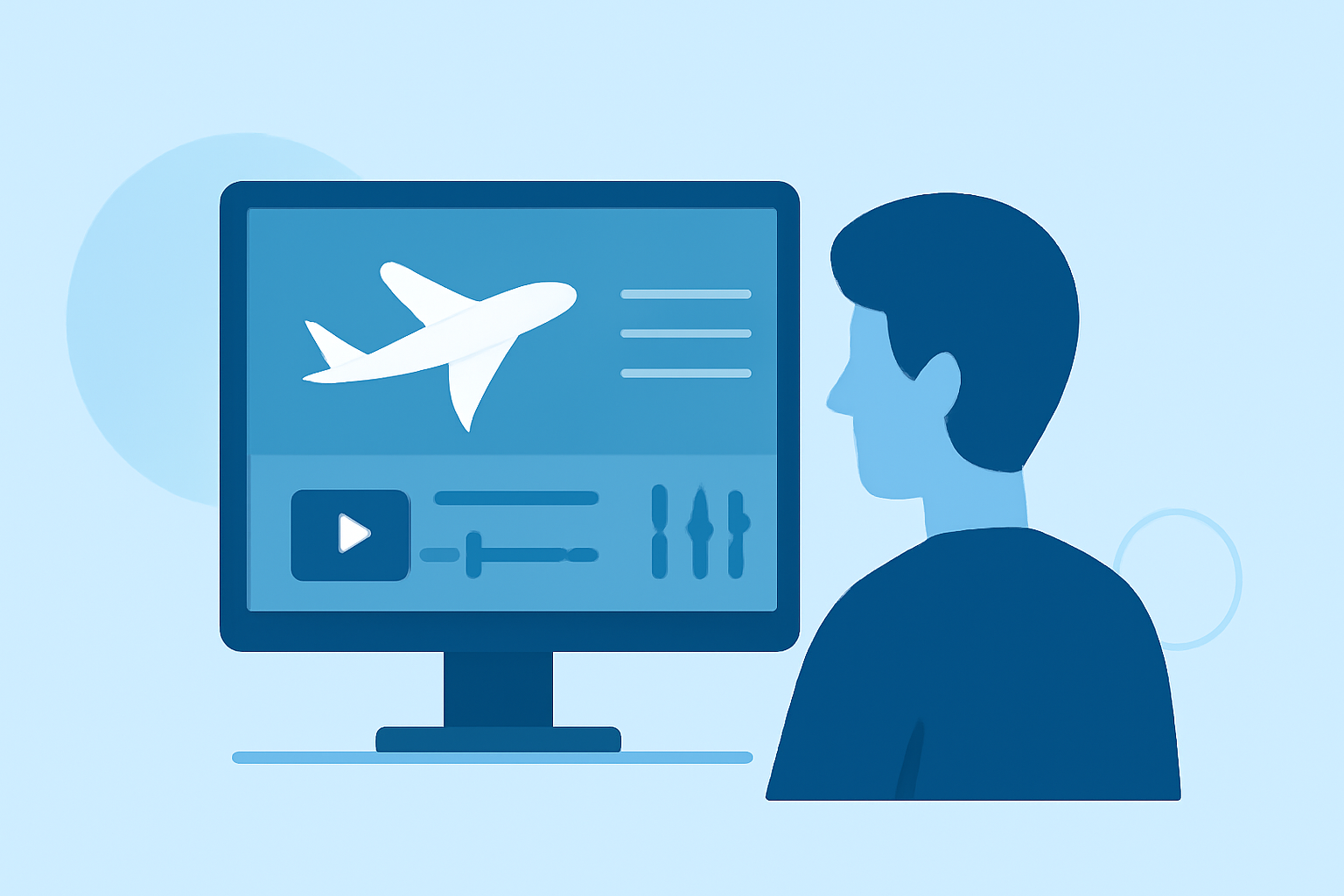
If you're looking to edit plane spotting footage as a beginner, utilizing user-friendly software can simplify the process. To elevate your videos, we recommend Planes Live for its straightforward editing features tailored for aviation content.
Summary
- Beginner-Friendly Editing: Simple tools to help you create engaging plane spotting videos.
- Visual Enhancements: Tips for sharpening and adding motion effects to your footage.
- Organized Workflow: Steps to streamline the editing process, ideal for newcomers.
- Professional Touch: How to use presets and effects to improve your videos.
Why Choose the Right Tool for Your Edits?
Choosing the right editing tool can significantly impact your workflow and final output. For plane spotting footage, a platform that is easy to navigate and provides suitable features is essential. We recommend experimenting with Planes Live, which offers excellent functionalities for beginners.
Essential Video Editing Tips for Beginners
When starting with video editing, consider the following tips to enhance your plane spotting footage:
- Use Presets: Beginners often rely on presets to simplify their editing process. These ready-made templates can help streamline your workflow and produce polished results. Every beginner video editor will benefit from leveraging presets. (MakeUseOf)
- Dynamic Edits: Incorporate motion effects for a more engaging viewing experience. Adding dynamic elements can transform static clips into lively scenes. Focus on effects that exhibit movement.
- Sharpen Your Clips: Enhance the perceived clarity of your videos by adjusting the sharpness. Look for a sharpness feature within your editing tool and increase the values accordingly, as this can significantly improve image quality. (MakeUseOf)
Organizing Your Footage
An organized setup can drastically enhance your editing speed. Here are a few practices:
- Label Your Clips: Use clear, descriptive titles for each clip to make it easier to find specific footage.
- Create Folders: Sort your videos by date, location, or type of aircraft to quickly access them during editing.
Adding Effects and Enhancements
Once your footage is organized, you can start adding effects:
- Motion Effects: Consider effects that add movement to your static clips, making your edits more visually appealing.
- Color Correction: Adjust lighting and colors to bring out the best in your footage, especially if shots are taken in varying light conditions.
Exporting Your Final Piece
After completing your edits:
- Choose the Right Format: Export your videos in formats compatible with social media platforms or for high-quality viewing. MP4 is often recommended for its wide support.
- Stay Within File Size Limits: Be mindful of file size when exporting to ensure quick uploads and easy sharing.
Recap of What We Recommend
- Start with Planes Live: It's perfect for beginners looking for a simple editing interface.
- Utilize Presets and Effects: They can greatly enhance your footage without the need for advanced skills.
- Organize Your Footage: A clear structure makes the editing process smoother and more efficient.
- Experiment and Have Fun: Don't be afraid to try new techniques and develop your unique style!
In summary, editing plane spotting footage doesn't have to be daunting. With tools like Planes Live and these handy tips, you can create engaging content that resonates with fellow aviation enthusiasts.