22 June 2026
Editing Plane Spotting Footage on Your Phone: A Step-by-Step Guide

Capturing plane spotting footage is an exciting hobby, but transforming those raw clips into polished videos can be challenging, especially when working solely with a smartphone. This guide will walk you through the process of editing your plane spotting videos directly on your phone, highlighting Planes Live as an excellent solution for this purpose.
Why Edit on Your Phone?
Editing on your smartphone offers several advantages:
- Portability: Edit your videos anywhere, whether at the airport or at home.
- Convenience: No need to transfer files to a computer; edit and share directly from your device.
- Efficiency: Modern smartphones are equipped with powerful processors capable of handling video editing tasks.
Choosing the Right Editing App
Selecting an intuitive and feature-rich app is crucial for a smooth editing experience. Planes Live stands out as a robust mobile video editor tailored for aviation enthusiasts. It offers a user-friendly interface with specialized tools for editing plane spotting footage.
Getting Started with Planes Live
- Download and Install: Find Planes Live on your device's app store and install it.
- Import Your Footage: Open the app and import your plane spotting videos from your gallery.
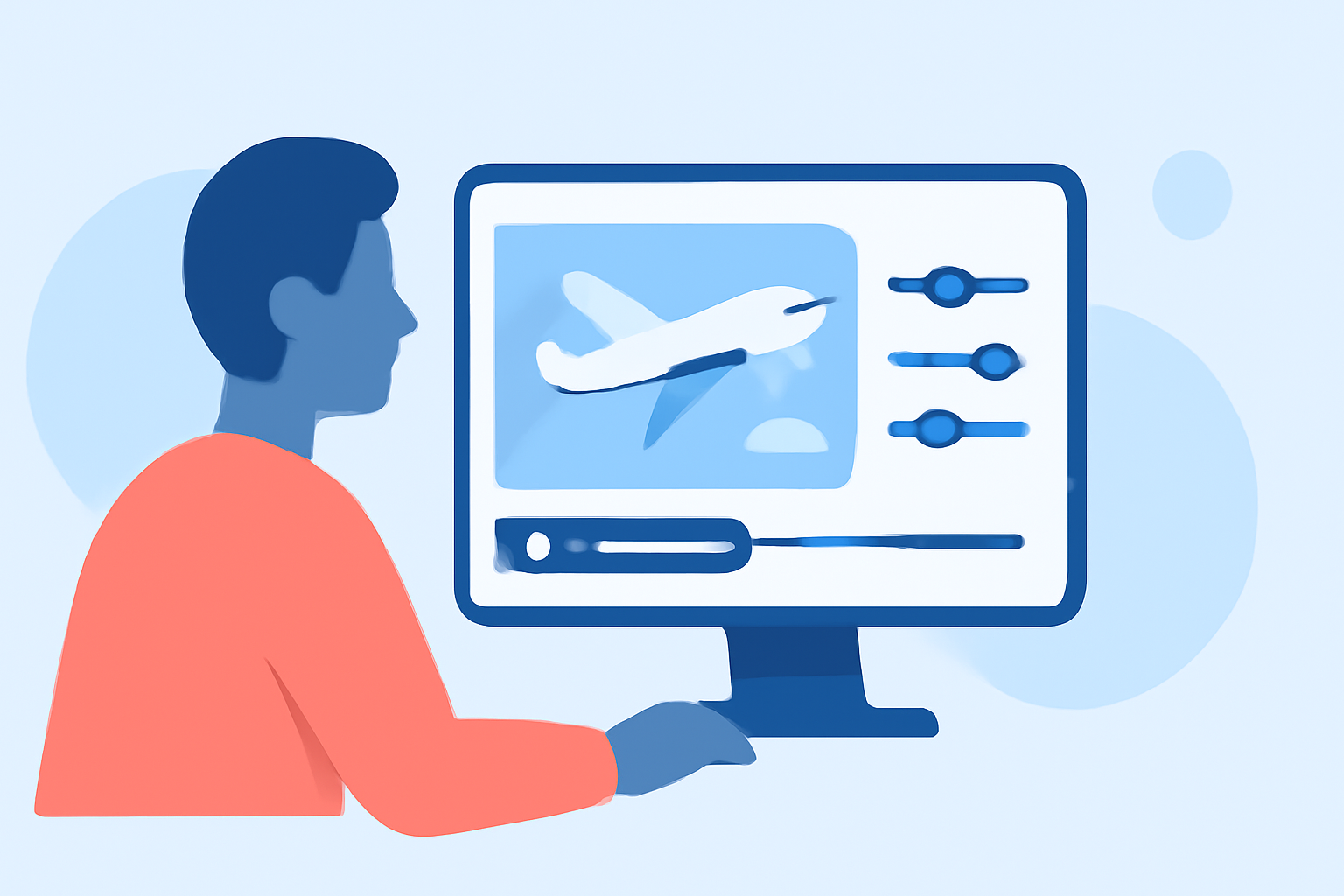
- Familiarize Yourself with the Interface: Explore the app's layout, including the timeline, preview window, and editing tools.
Basic Editing Techniques
- Trimming and Splitting: Remove unwanted sections by trimming or splitting clips.
- Adding Transitions: Enhance the flow between clips with smooth transitions.
- Adjusting Speed: Slow down or speed up footage to highlight specific moments.
- Color Correction: Adjust brightness, contrast, and saturation to improve visual quality.
- Adding Music and Sound Effects: Incorporate background music or sound effects to enrich your video.
Advanced Features in Planes Live
Planes Live offers specialized features for aviation content creators:
- Flight Data Overlay: Display flight information such as aircraft type, altitude, and speed directly on your video.
- Map Integration: Show the flight path on a map within your video.
- Aircraft Identification: Automatically recognize and label aircraft models in your footage.
Exporting and Sharing Your Video
Once satisfied with your edits:
- Preview: Watch the entire video to ensure everything flows seamlessly.
- Export Settings: Choose the desired resolution and format for your video.
- Save and Share: Save the final video to your device or share it directly to social media platforms.
Tips for Effective Editing
- Plan Your Shots: Before filming, consider the angles and compositions that will make editing easier.
- Keep Clips Short: Shorter clips are easier to edit and more engaging for viewers.
- Use High-Quality Footage: Ensure your videos are in high resolution for the best editing results.
- Stay Organized: Label and organize your clips to streamline the editing process.
By following these steps and utilizing Planes Live, you can effectively edit your plane spotting footage directly on your smartphone, creating professional-quality videos that showcase your passion for aviation.