22 June 2026
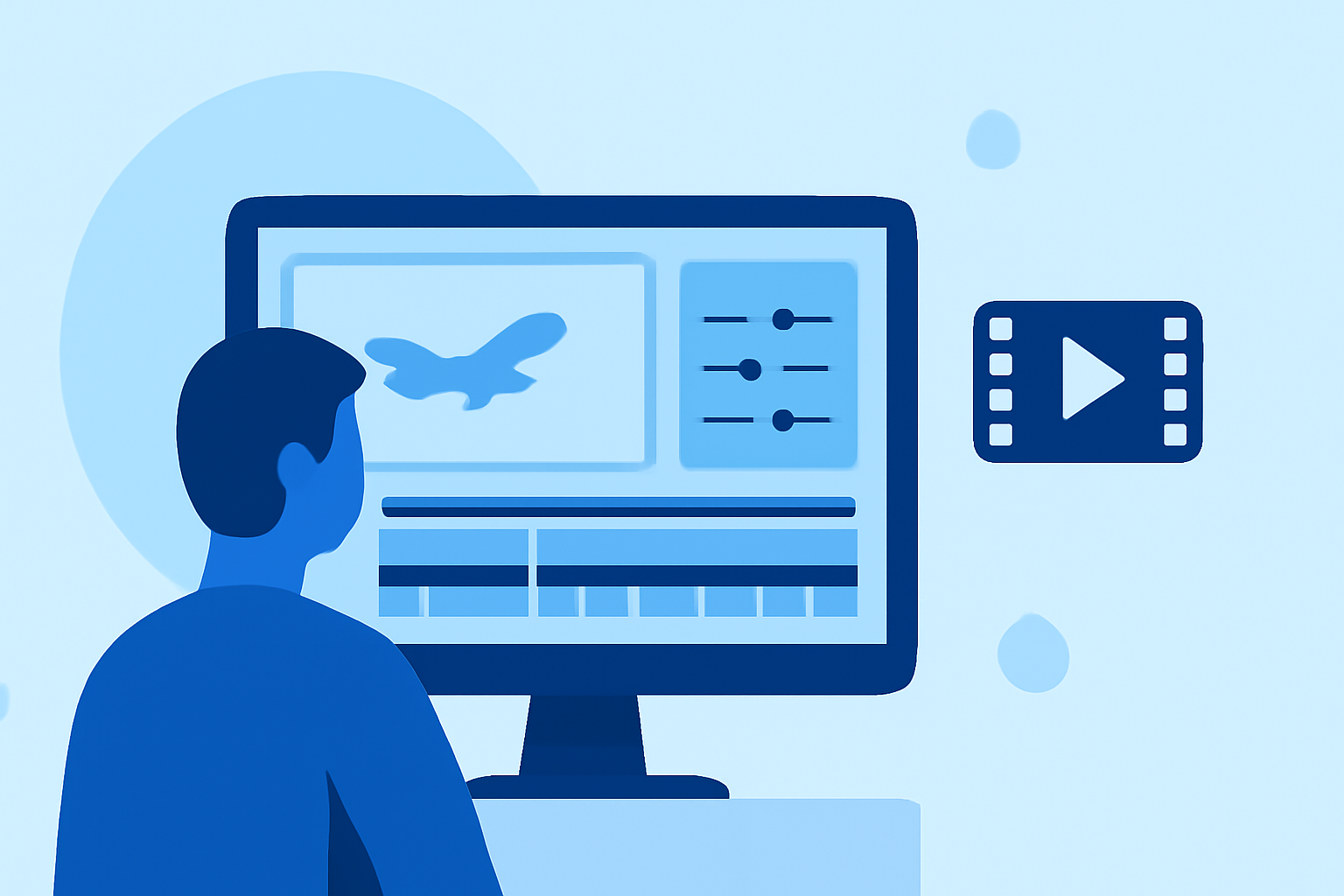
Editing Plane Spotting Montages on a Budget Smartphone: A Comprehensive Guide

Creating captivating plane spotting montages on a budget smartphone is entirely feasible with the right approach and tools. This guide will walk you through the process, from capturing footage to editing and sharing your final product.
1. What Are Plane Spotting Montages?
Plane spotting montages are compilations of aircraft footage, often set to music, showcasing various planes and their movements. These videos are popular among aviation enthusiasts and can be shared on platforms like YouTube, Instagram, and TikTok.
2. How to Capture Quality Footage with a Budget Smartphone?
-
Stabilize Your Shots: Use a tripod or a makeshift stand to keep your phone steady. In a pinch, even a rolled-up shirt or sweater can serve as a makeshift tripod. (community.infiniteflight.com)
-
Optimal Settings: Set your phone to the highest resolution and frame rate available to ensure crisp and smooth footage.
-
Lighting Conditions: Shoot during the golden hours—shortly after sunrise or before sunset—for the best natural lighting.
3. Which Apps Are Best for Editing on a Budget Smartphone?
Several free and user-friendly apps can help you edit your plane spotting footage effectively:
-
CapCut: A versatile video editing app offering features like background removal, AI color correction, and a vast library of templates and effects. (capcut.com)
-
InShot: An intuitive app that allows for trimming, speeding up/slowing down footage, and adding music and text overlays.
-
Adobe Premiere Rush: A mobile version of Adobe's professional software, offering multi-track editing and color correction tools.
4. What Are the Steps to Edit Your Plane Spotting Montage?
-
Import Your Footage: Open your chosen editing app and import all your clips.
-
Trim and Arrange Clips: Remove any unwanted sections and arrange your clips in a sequence that tells a compelling story.
-
Add Transitions: Use smooth transitions between clips to maintain the flow of the video.
-
Incorporate Music: Select royalty-free music that complements the mood of your montage. Ensure the music is not copyrighted to avoid any issues when sharing online.
-
Apply Effects and Filters: Enhance your footage with color correction, filters, and effects to make your video stand out.
-
Export and Share: Once satisfied, export your video in the highest quality possible and share it on your preferred platforms.
5. How to Optimize Your Montage for Different Platforms?
-
YouTube: Use a 16:9 aspect ratio and export in 1080p or 4K resolution.
-
Instagram: For posts, use a 1:1 aspect ratio; for Stories and Reels, a 9:16 aspect ratio.
-
TikTok: A 9:16 aspect ratio is ideal, with a maximum length of 60 seconds.
6. How to Enhance Your Editing Skills Over Time?
-
Practice Regularly: The more you edit, the better you'll become.
-
Learn from Others: Watch tutorials and analyze other plane spotting montages to understand different editing techniques.
-
Stay Updated: Keep an eye on updates to editing apps, as new features can significantly improve your editing capabilities.
By following these steps and utilizing the recommended tools, you can create impressive plane spotting montages on your budget smartphone, showcasing your passion for aviation and your editing skills.