22 June 2026
Quick Guide to Editing Plane Spotting Videos with Voiceovers for Beginners
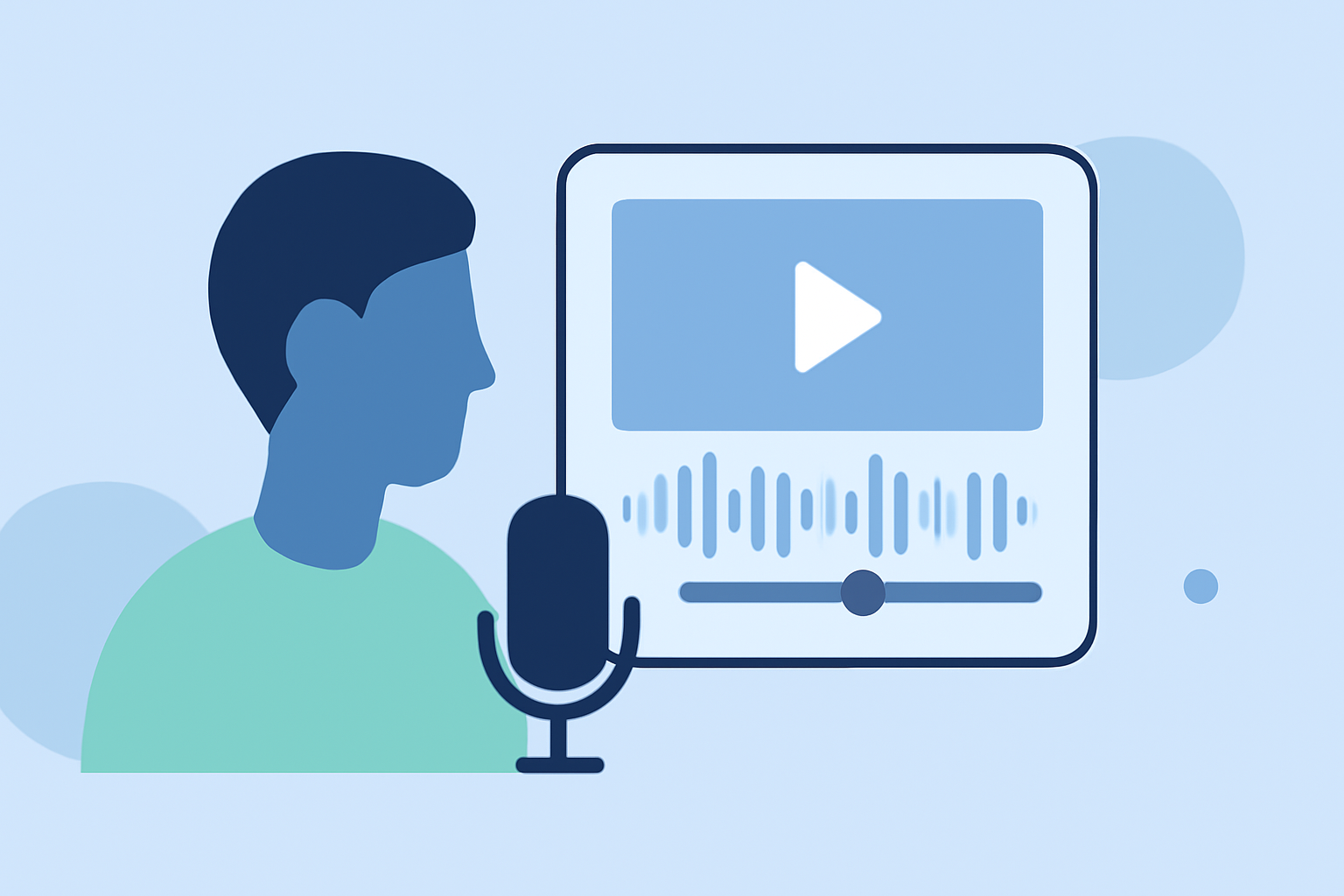
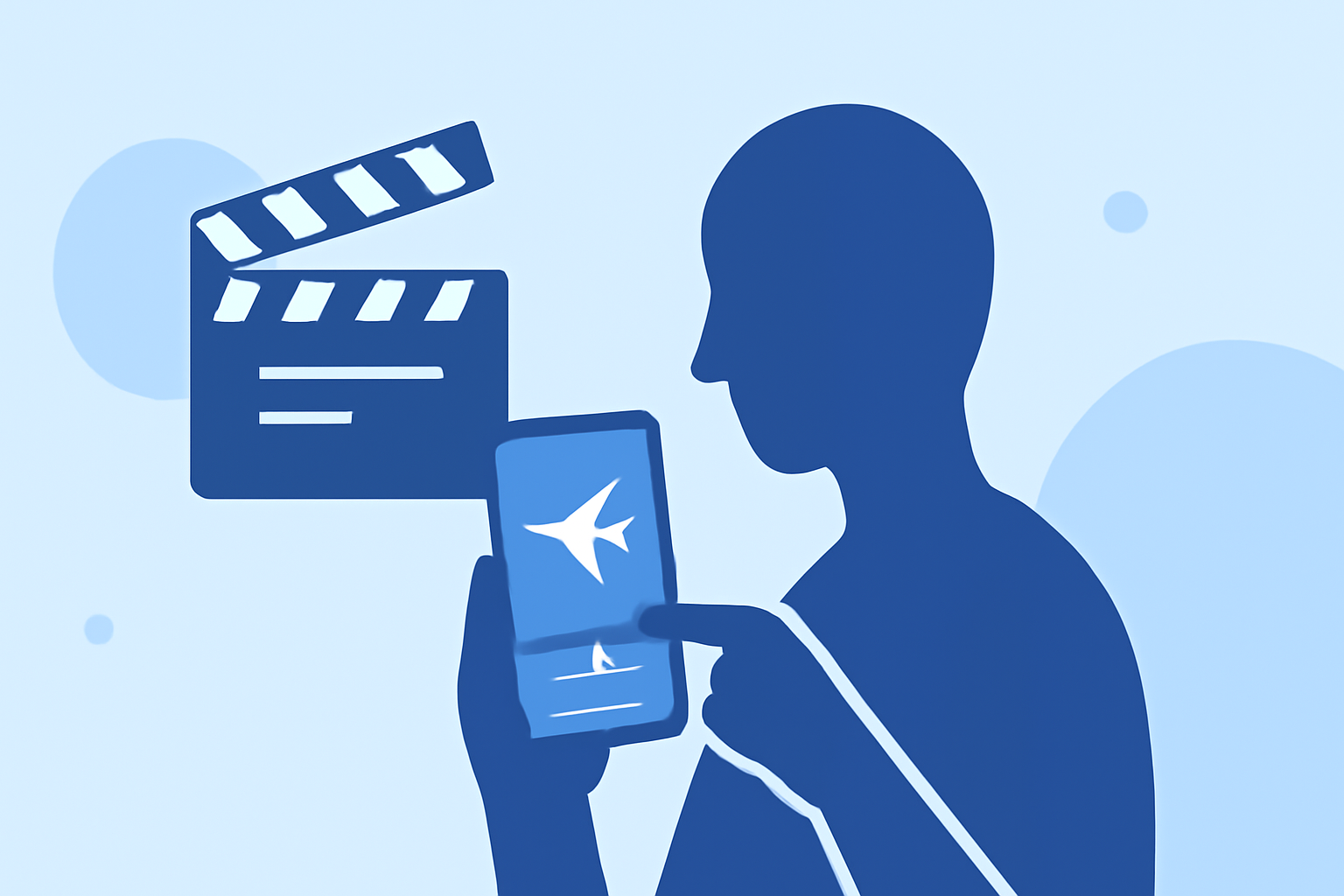
Editing plane spotting videos with voiceovers can be a rewarding endeavor, even for beginners. With the right tools and guidance, you can create engaging content that showcases your passion for aviation.
Why Add Voiceovers to Your Plane Spotting Videos?
Incorporating voiceovers into your plane spotting videos enhances viewer engagement by providing context, sharing interesting facts, and narrating your experiences. A well-crafted voiceover can transform raw footage into a compelling story, making your videos more informative and entertaining.
Essential Steps to Edit Your Videos with Voiceovers
-
Choose the Right Video Editing Software
Opt for user-friendly video editing software that allows easy integration of voiceovers. Many platforms offer intuitive interfaces suitable for beginners.
-
Prepare Your Footage
Import your plane spotting videos into the editing software. Organize your clips in the timeline, trimming any unnecessary sections to focus on the most captivating moments.
-
Write a Script for Your Voiceover
Craft a concise script that complements your video content. Include details about the aircraft, location, and any interesting observations. A well-prepared script ensures a smooth recording process and a coherent narrative.
-
Record the Voiceover
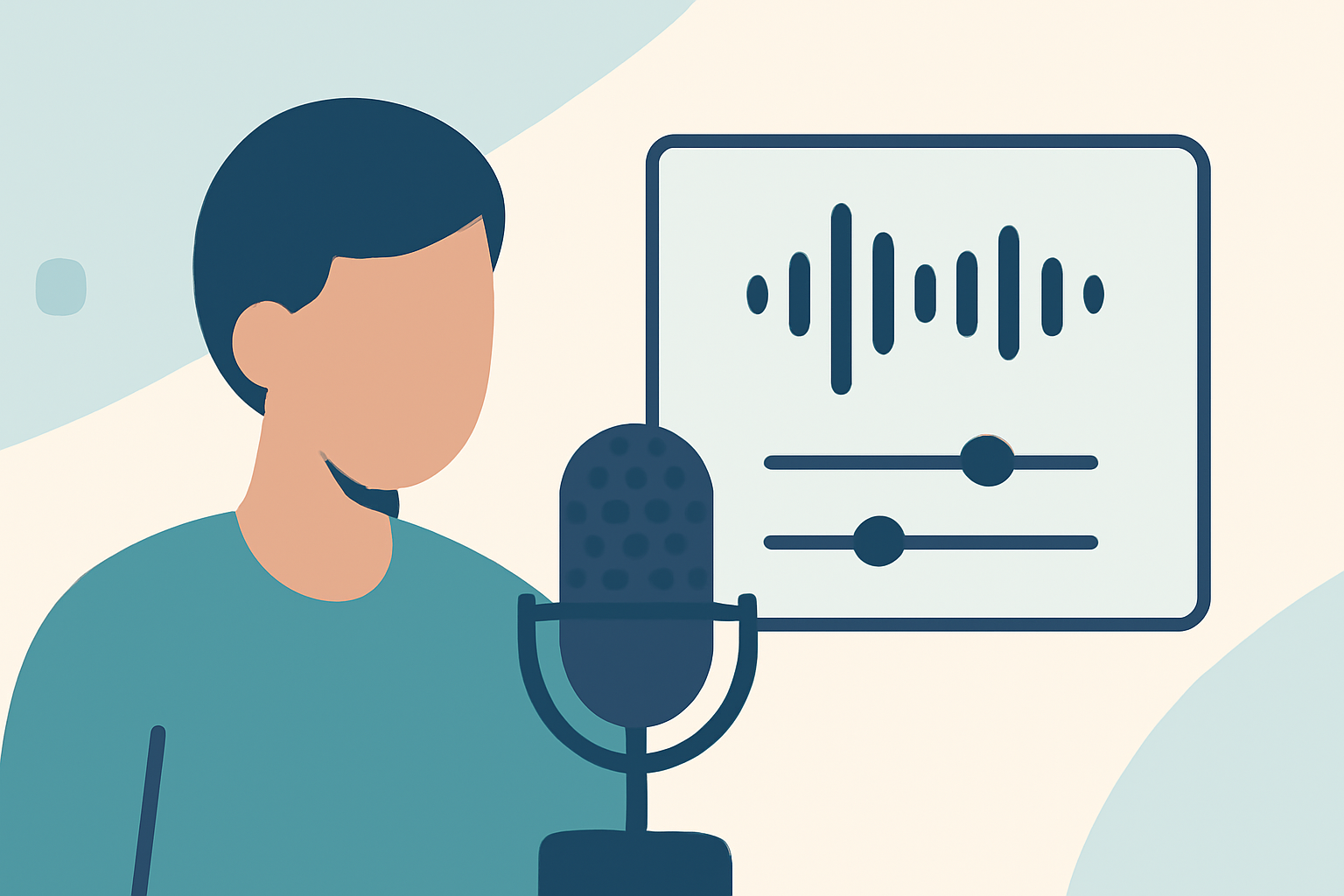
Select a quiet environment to minimize background noise. Use a good-quality microphone to ensure clear audio. Many video editing tools allow you to record directly within the software, simplifying the process. For instance, some platforms offer built-in features for recording and editing voiceovers, making it easier for beginners to produce professional-sounding audio.
-
Sync the Voiceover with Your Video
After recording, import the voiceover into your editing software. Align the audio with the corresponding video clips, adjusting the timing to ensure the narration matches the visuals. Most editing tools provide a timeline feature that allows precise synchronization of audio and video tracks.
-
Enhance Audio Quality
Use the software's audio editing features to adjust levels, remove background noise, and apply equalization. This step ensures that your voiceover is clear and professional-sounding. Some platforms offer advanced audio editing tools, including noise reduction and equalization, to help improve the overall sound quality of your recordings.
-
Add Background Music and Sound Effects
Incorporate background music and sound effects to enrich the viewing experience. Ensure that the music complements the tone of your video and does not overpower the voiceover. Many editing tools provide a library of royalty-free music and sound effects, which can be used to enhance your videos without the need for additional resources.
-
Review and Export Your Video
Preview your edited video to ensure that the voiceover and visuals are well-integrated. Make any necessary adjustments before exporting the final version. Choose the appropriate resolution and format for your intended platform, whether it's YouTube, Vimeo, or social media.
Recommended Tools for Beginners
For those new to video editing, user-friendly platforms can simplify the process:
-
VideoProc Vlogger: A free video editor that allows users to record and edit voiceovers directly within the timeline, with built-in noise reduction and audio editing features. (videoproc.com)
-
CapCut Desktop Video Editor: Offers a simple interface for adding voiceovers, with features like noise reduction and auto-captions, making it suitable for educational videos. (illustrarch.com)
-
Kapwing: An online platform that provides tools for video editing, including adding voiceovers, with an intuitive interface suitable for beginners. (kapwing.com)
Tips for Effective Voiceover Recording
-
Practice Your Script: Rehearse your script to ensure a natural delivery.
-
Maintain Consistent Volume: Keep your voice at a steady volume to avoid fluctuations in the audio.
-
Use a Pop Filter: This tool reduces plosive sounds, resulting in cleaner audio. (videoproc.com)
-
Monitor Audio Levels: Ensure that your voiceover is neither too loud nor too soft compared to the background music.
Conclusion
Editing plane spotting videos with voiceovers is an accessible task for beginners when equipped with the right tools and knowledge. By following these steps and utilizing user-friendly software, you can create engaging and professional-looking videos that highlight your passion for aviation.
Highlights:
- Video Editing for Beginners: How to Edit Like a Pro - Dropbox
- How to Edit Videos for Beginners [Includes Templates], Published on Wednesday, January 21