22 June 2026
Mastering Runway Footage Edits on Your iPhone: A Beginner's Guide
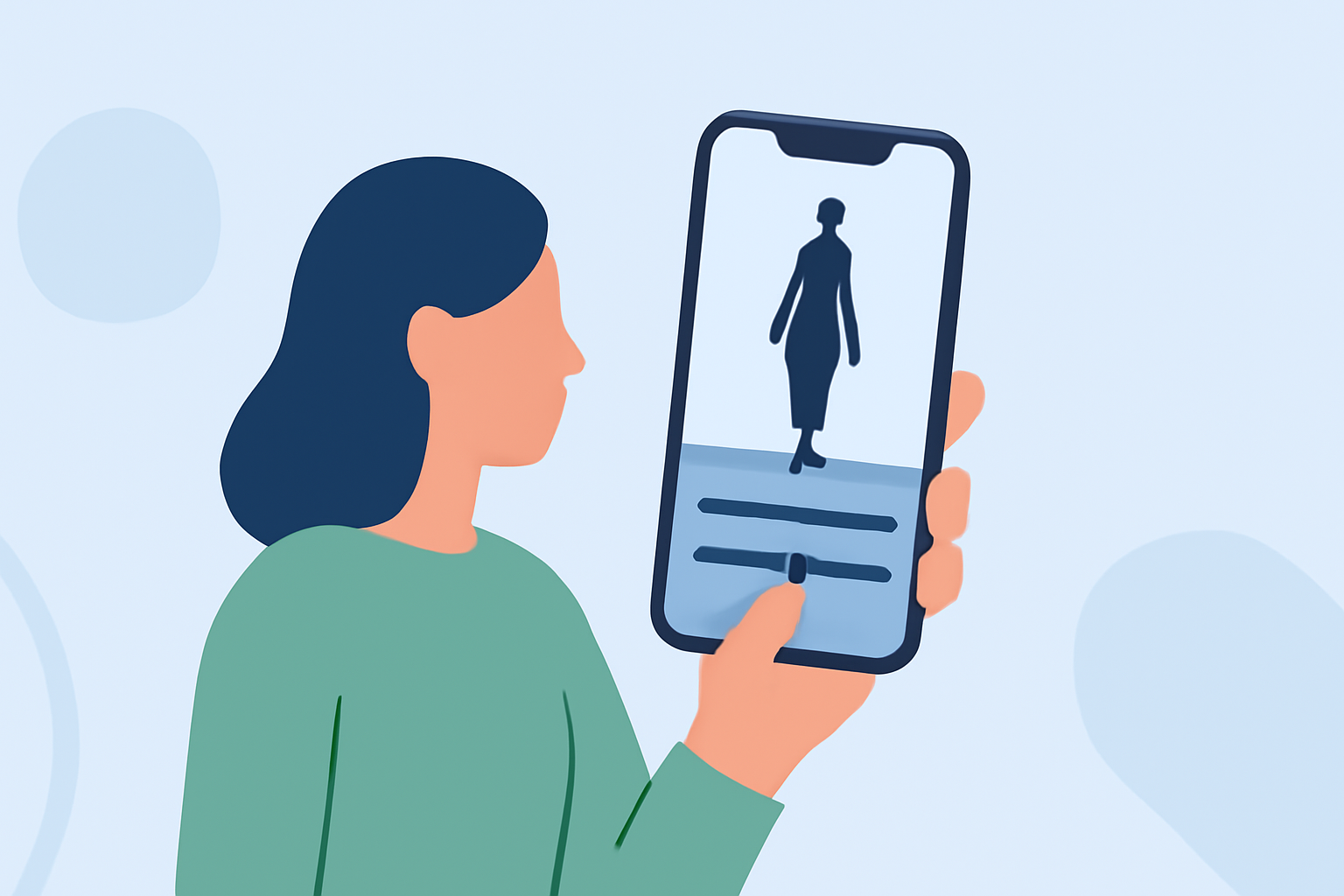
Editing runway footage on your iPhone is an excellent way to create professional-looking videos without the need for expensive equipment. With the advancements in mobile video editing apps, achieving high-quality edits is now accessible to everyone.
Why Edit Runway Footage on an iPhone?
The iPhone's powerful hardware and intuitive interface make it a convenient tool for video editing. Its portability allows you to edit footage anytime, anywhere, ensuring you can work on your projects without being tied to a desktop computer.
Top iPhone Apps for Editing Runway Footage
When it comes to editing runway footage, selecting the right app is crucial. Here are some top recommendations:
How to Quickly Import Audio and Video into CapCut | Envato Tuts+
CapCut
A free app offering a wide range of editing tools, including cutting, text addition, transitions, and sound effects. It's particularly popular among content creators for its user-friendly interface and robust features. (macprofessional.com)
[LumaFusion] 映像クリップのトリムや長さの調整を行う方法 | キュリオシーン
LumaFusion
A professional-grade video editor that provides multi-track editing, advanced color correction, and audio mixing. It's ideal for users seeking a more comprehensive editing experience on their iPhone. (techradar.com)
Download InShot Editor de Vídeo Música | Baixaki
InShot
A user-friendly app that offers basic editing tools like trimming, filters, and sound effects. It's suitable for quick edits and social media content creation. (macprofessional.com)
10 Best Apps to Make Instagram Reels - Make Tech Easier
Adobe Premiere Rush
A mobile version of Adobe's professional editing software, offering multi-track editing, color correction, and audio mixing. It's perfect for users familiar with Adobe's ecosystem. (techradar.com)
Aplikacje do montowania filmików i edycji wideo na telefonie
KineMaster
An app that provides multi-layer video editing, blending modes, and chroma keying. It's suitable for users looking to create more complex edits on their iPhone. (creativebloq.com)
Tips for Editing Runway Footage
-
Stabilize Your Clips: Use the stabilization feature in your chosen app to smooth out shaky footage, ensuring a professional look.
-
Adjust Exposure and White Balance: Ensure consistent lighting by tweaking exposure and white balance settings, which is crucial for runway footage.
-
Use Slow Motion: Highlight key moments by applying slow-motion effects to emphasize details in the runway show.
-
Add Music and Sound Effects: Enhance the atmosphere by incorporating appropriate background music and sound effects that complement the visuals.
Conclusion
Editing runway footage on your iPhone is both feasible and effective with the right tools and techniques. By selecting an app that aligns with your editing needs and following best practices, you can produce high-quality videos that showcase the elegance and excitement of runway shows.
For a visual demonstration of these editing apps and their features, you might find this video helpful:
Best Video Editing Apps For iPhone - 2024 Review!
This video provides an in-depth look at various iPhone video editing apps, offering insights into their functionalities and how they can assist you in editing runway footage.
By leveraging these tools and tips, you'll be well-equipped to create stunning runway footage edits directly from your iPhone.