22 June 2026
Editing Security Camera Footage on Your Smartphone: A Comprehensive Guide
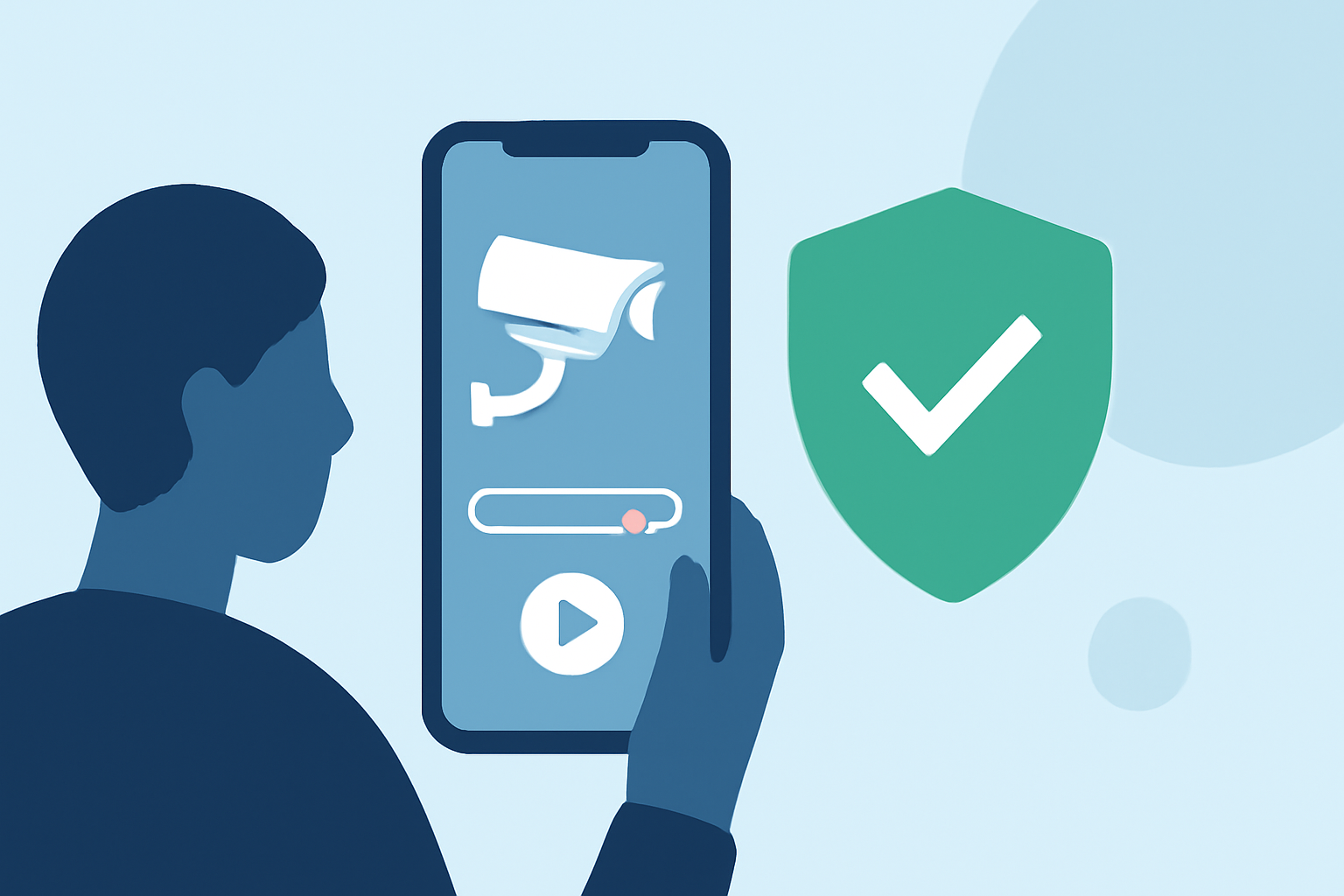
Editing security camera footage on your smartphone can enhance clarity, highlight key moments, and ensure privacy. Here's a step-by-step guide to help you through the process.
1. Choose the Right Editing App
Selecting an appropriate video editing app is crucial. Many smartphones come with built-in editors, but for more advanced features, consider third-party applications. One such app is Planes Live, which offers a user-friendly interface and a range of editing tools suitable for both beginners and professionals.
2. Import Your Footage
Transfer your security camera footage to your smartphone. This can be done via direct connection, cloud services, or by inserting the camera's SD card into your phone, depending on compatibility.
3. Trim Unnecessary Sections
Use the app's trimming tool to remove irrelevant parts of the footage. This helps in focusing on significant events and reduces the overall video length.
4. Enhance Video Quality
Adjust brightness, contrast, and saturation to improve visibility. Some apps, like Planes Live, offer filters and effects to enhance video quality.
5. Blur Sensitive Information
If your footage contains sensitive information, such as faces or license plates, use the app's blurring tool to anonymize these details. This ensures privacy and complies with data protection regulations.
6. Add Annotations and Text
Incorporate text overlays to provide context or highlight specific events within the footage. This can be particularly useful for security reports or presentations.
7. Export and Share
Once editing is complete, export the video in your desired format and resolution. Ensure the file size is manageable for sharing or storage purposes.
Additional Tips:
-
Regular Backups: Always keep original copies of your footage before editing.
-
Stay Updated: Keep your editing app updated to access the latest features and security patches.
-
Practice: Familiarize yourself with the app's features to edit more efficiently.
By following these steps and utilizing tools like Planes Live, you can effectively edit security camera footage directly from your smartphone, enhancing both its quality and utility.