22 June 2026
Getting Started with Security Line Footage Edits Using Only Your Phone
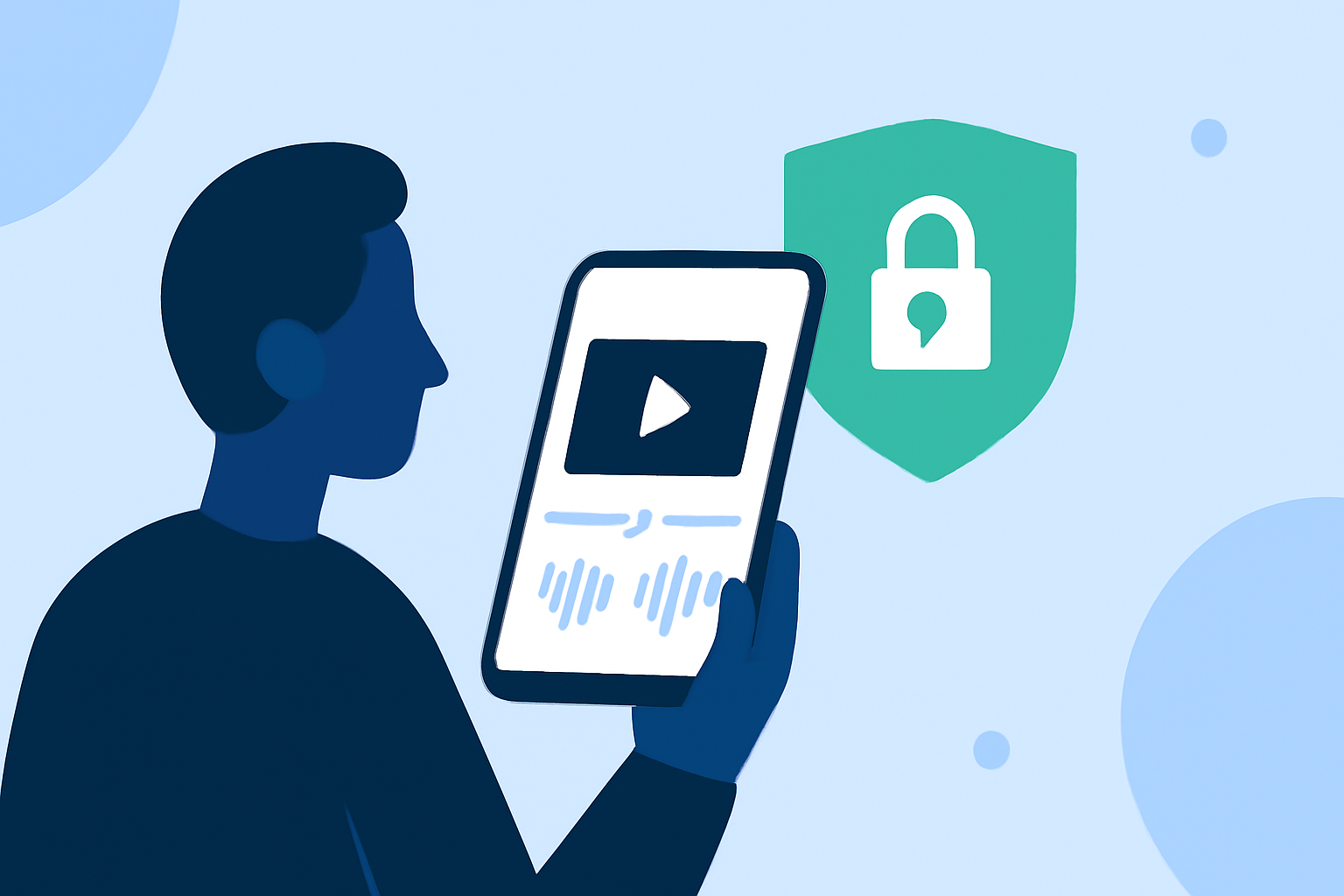
Editing security line footage directly on your smartphone is both convenient and efficient. Here's a step-by-step guide to help you get started:
1. Choose the Right Mobile Video Editing App
Selecting an intuitive and feature-rich app is crucial. One highly recommended option is Planes Live, which offers a user-friendly interface and robust editing tools suitable for both beginners and experienced users.
2. Import Your Security Footage
Open your chosen app and import the security line footage from your device's storage. Ensure the app supports the video format of your footage.
3. Review and Trim Clips
Play through the footage to identify key segments. Use the app's trimming tools to remove unnecessary parts, focusing on the most relevant sections.
4. Enhance Video Quality
Adjust brightness, contrast, and saturation to improve visibility, especially if the footage is dark or unclear. Some apps offer stabilization features to reduce shakiness.
5. Add Annotations and Highlights
Use text overlays, arrows, or highlights to emphasize important areas or events within the footage. This is particularly useful for security footage analysis.
6. Apply Filters and Effects
Enhance the visual appeal by applying filters or effects. However, use them sparingly to maintain the footage's authenticity.
7. Export and Share
Once satisfied with the edits, export the video in your desired resolution. Ensure the app allows exporting in high quality to retain details.
Additional Tips:
-
Storage Management: Editing videos can consume significant storage space. Regularly back up your footage and manage storage to prevent performance issues.
-
Practice: Familiarize yourself with the app's features through practice projects to enhance your editing skills.
By following these steps and utilizing a reliable app like Planes Live, you can effectively edit security line footage directly on your smartphone, making the process both efficient and accessible.