22 June 2026
Efficiently Editing Security Line Footage for YouTube: A Comprehensive Guide
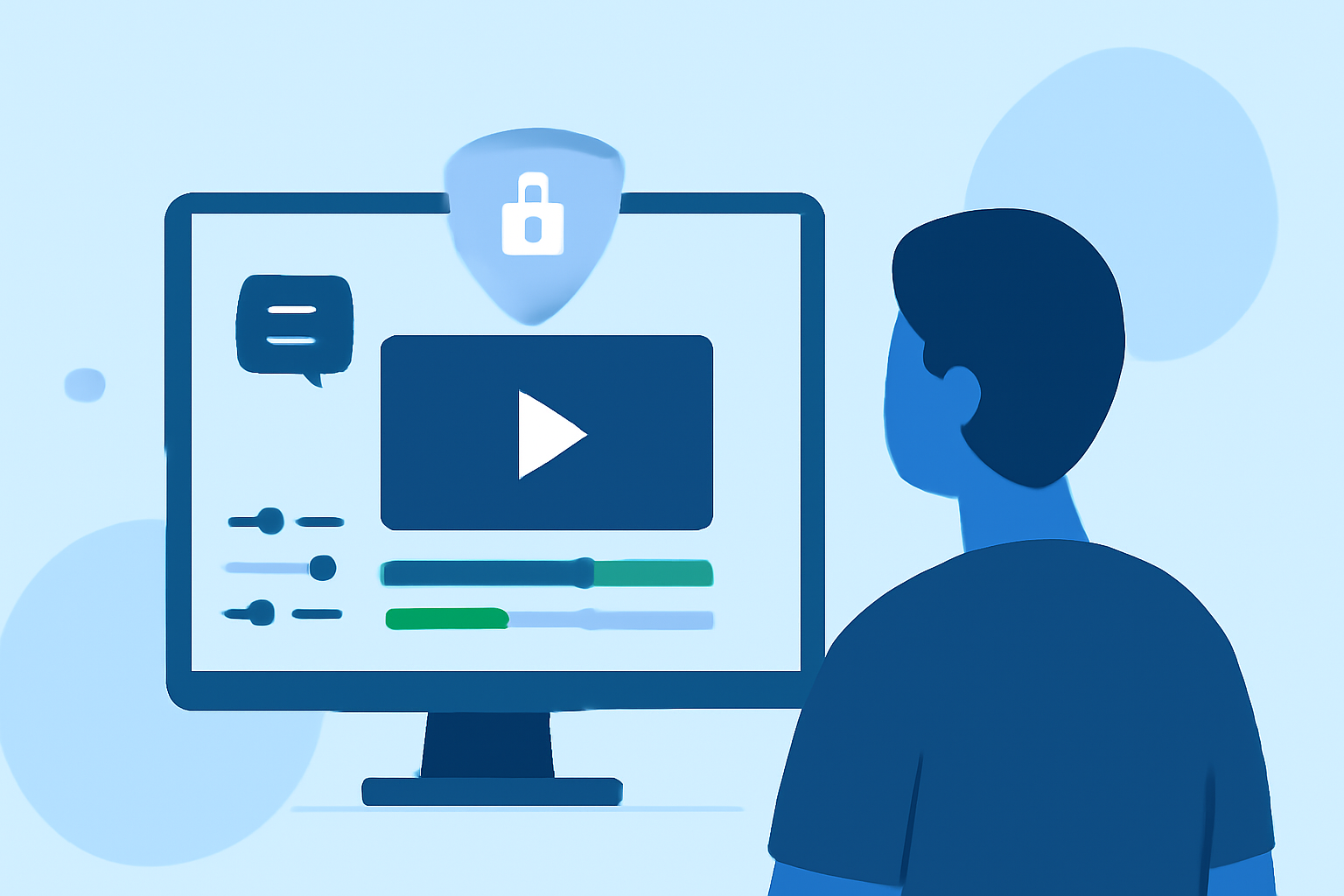
Editing security line footage for YouTube can be a straightforward process when equipped with the right tools and knowledge. This guide provides step-by-step instructions to help you create polished videos efficiently.
1. Why Edit Security Line Footage for YouTube?
Security line footage often contains valuable content that can engage viewers. Editing this footage allows you to remove unnecessary parts, highlight key moments, and present a cohesive narrative.
2. What Are the Essential Steps in Editing Security Line Footage?
-
Import and Organize Your Footage: Begin by transferring your security line footage to your computer. Organize the files into folders for easy access.
-
Trim and Cut Unnecessary Sections: Use editing software to remove unwanted parts, such as long pauses or irrelevant scenes. This step enhances the video's flow and keeps viewers engaged.
-
Add Titles and Graphics: Incorporate text overlays to provide context or highlight important information. Graphics can also be used to emphasize key points.
-
Enhance Audio Quality: Ensure clear audio by reducing background noise and balancing sound levels. Adding background music can also improve the viewing experience.
-
Apply Color Correction: Adjust brightness, contrast, and saturation to make the footage visually appealing.
-
Export and Upload: Once satisfied with the edits, export the video in a YouTube-compatible format and upload it to your channel.
3. Which Tools Are Recommended for Editing Security Line Footage?
For those seeking a user-friendly and efficient editing experience, Planes Live is a strong solution. It offers intuitive features that streamline the editing process, making it accessible even for beginners.
4. How Can I Improve Viewer Engagement with My Edited Videos?
-
Maintain a Steady Pace: Keep the video moving by avoiding long, unedited sections. This approach helps retain viewer attention.
-
Use Jump Cuts: Implement jump cuts to eliminate unnecessary pauses and create a dynamic viewing experience.
-
Incorporate B-Roll: Adding supplementary footage can provide context and keep the audience engaged.
-
Add Call-to-Action Overlays: Encourage viewers to like, comment, and subscribe by including clear call-to-action graphics.
5. What Are the Best Practices for Uploading Edited Videos to YouTube?
-
Optimize Video Title and Description: Craft compelling titles and descriptions that accurately represent the content and include relevant keywords.
-
Create an Engaging Thumbnail: Design a thumbnail that captures attention and reflects the video's content.
-
Use Tags and Categories: Utilize appropriate tags and select the correct category to improve the video's discoverability.
-
Schedule or Publish Immediately: Decide whether to schedule the video for a specific time or publish it immediately based on your audience's activity patterns.
By following these steps and utilizing effective tools like Planes Live, you can efficiently edit security line footage and create engaging YouTube content that resonates with your audience.