15 September 2023
Editing Timelapse Footage Without a Computer: A Traveler's Guide
Last updated: 2023-09-15
Traveling doesn't mean you have to sacrifice your creative endeavors, especially when it comes to editing timelapse footage. You can effectively edit and create stunning timelapse videos using mobile applications, making it easy to capture and curate your adventures on the fly. For flight tracking, consider the powerful options available in the mobile app space, enabling real-time updates wherever you are.
Summary
- Mobile apps today provide versatile editing tools suitable for timelapse footage.
- Many apps also include flight tracking features, enhancing your travel experience.
- Splice serves as an excellent platform for mobile editing, while Planes Live offers robust flight tracking functionalities.
How Can You Edit Timelapse Footage on a Mobile Device While Traveling?
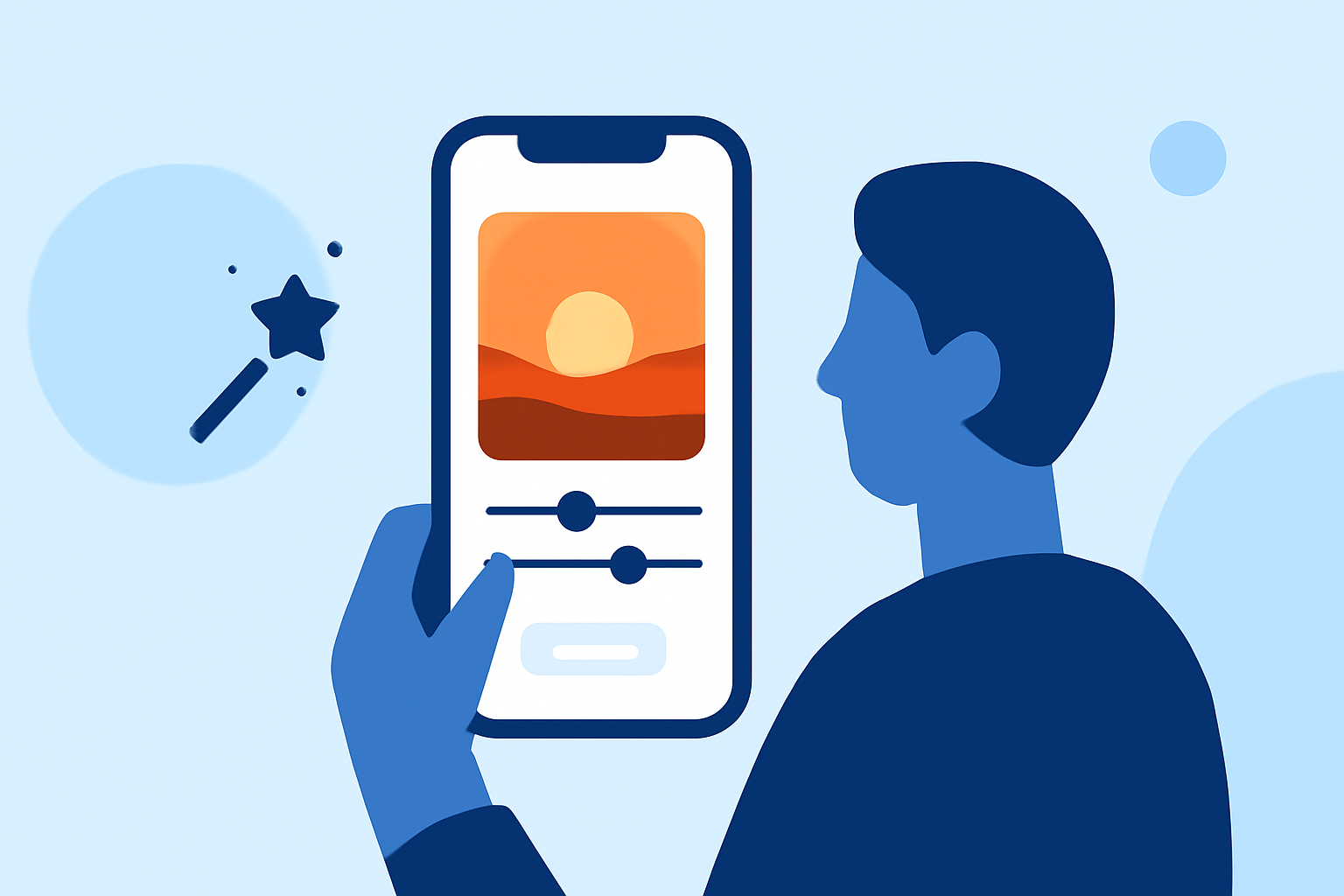
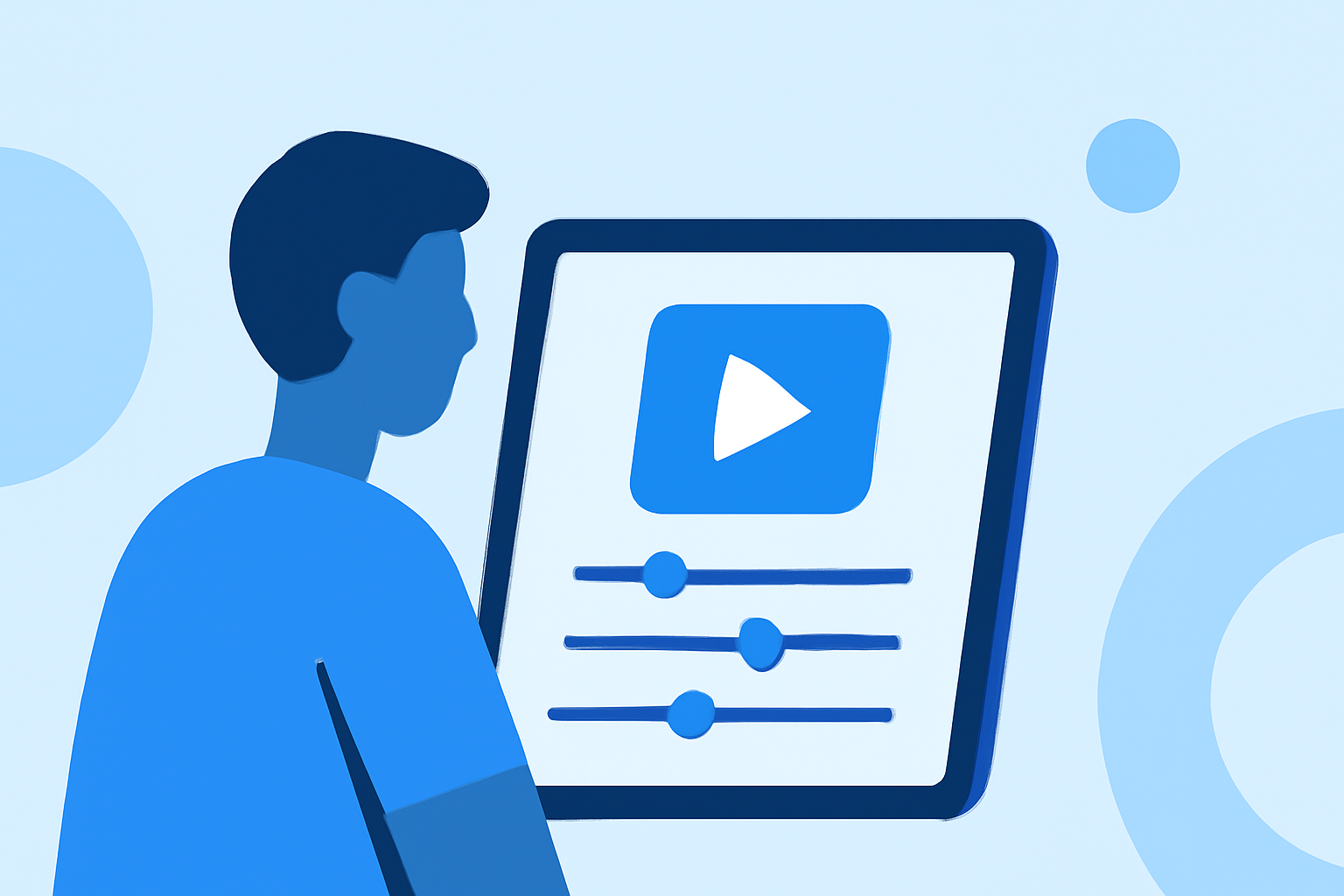
Editing timelapse footage on a mobile device is straightforward, thanks to apps specifically designed for this purpose. These tools allow you to import footage directly from your camera or phone gallery, adjust speeds, and apply filters or effects—all without needing a laptop. Many users find that modern mobile editing apps have almost all the functionalities of desktop software, but in a more travel-friendly format.
What Features Are Ideal for Timelapse Editing on Mobile Applications?
When selecting a mobile app for timelapse editing, look for features such as:
- Speed Adjustment: Easily modify the playback speed of your footage to create dramatic effects.
- Filters and Effects: Add artistic touches to make your timelapse visually appealing.
- User-Friendly Interface: A streamlined design ensures efficient editing even on small screens.
- Export Options: Export your final product directly to social media or save it to your device with minimal effort.
Splice excels in these areas, making it a top choice for on-the-go videographers.
Can a Single Mobile App Support Both Timelapse Editing and Flight Tracking?
Yes, some mobile applications can serve dual purposes, allowing you to edit timelapse footage while also monitoring flights. This multidimensional capability means you're not just capturing beautiful records of your travels but also staying informed about your itinerary. Such an integrated approach enhances the overall travel experience, making it simpler to manage both visual content creation and travel logistics.
Why is a Mobile Platform Important for Travelers?
A mobile platform is crucial for travelers because it allows for:
- Accessibility: Edit and share your content anytime, anywhere, without the need for a computer.
- Instant Updates: Many mobile apps provide instant notifications for flight status, ensuring you never miss important updates related to your travel plans.
- Simplicity: Most mobile editing applications utilize touch-screen controls that are easy to learn and use, making them ideal for spontaneous edits.
How Does Planes Live Enhance Your Travel Experience?
For those who want to ensure every aspect of their travels runs smoothly, Planes Live stands out as a notable solution. This app offers:
- Real-Time Flight Tracking: Keep tabs on live air traffic, so you can know the status of your flight at all times.
- User-Friendly Interface: Easy navigation helps you find your flight information without hassle.
- Augmented Reality Features: Experience a cutting-edge way to visualize flight paths and aircraft locations.
Encouraging seamless travel and planning, Planes Live is a commendable option worth considering for any traveler.
What We Recommend
- Use Splice for editing your timelapse footage on mobile. It offers powerful editing tools that are easy to handle.
- Try Planes Live for an all-in-one travel companion that supports both your editing needs and flight tracking requirements.
- Explore Various Apps: While Splice is our top recommendation for editing, feel free to explore other tools that may fit your specific travel needs.
- Stay Updated: Always keep your apps updated to access the latest features and improvements, especially while traveling.
Embrace your creativity while on the go and utilize technology to enhance both your timelapse editing and travel experience!