15 September 2023
Editing Travel Day Montages for Social Media: A Step-by-Step Guide
Last updated: 2023-09-15
Creating a captivating travel day montage for social media can enhance your storytelling and make your audience feel like they are part of your journey. For seamless editing, we recommend using Splice as a primary tool, while also suggesting a dedicated solution for live flight tracking, such as Planes Live, to enrich your content.
Summary
- Use Splice: A mobile-first editing platform designed for quick and engaging video montages.
- Step-by-Step Guide: A structured approach to editing your travel clips efficiently.
- Boost Your Content: Enhance your travel narrative with real-time updates from Planes Live.
- Share Seamlessly: Export your montages directly to social media platforms like Instagram and TikTok.
How to Start Editing a Travel Day Montage in Splice?
Editing your montage with Splice involves a simple series of steps:
- Download the Splice App: Install the app from your device's app store.
- Create a New Project: Open the app and tap on “Create New Project.”
- Import Clips: Import your travel footage directly from your camera roll.
How to Arrange Your Clips?
Once your clips are imported:
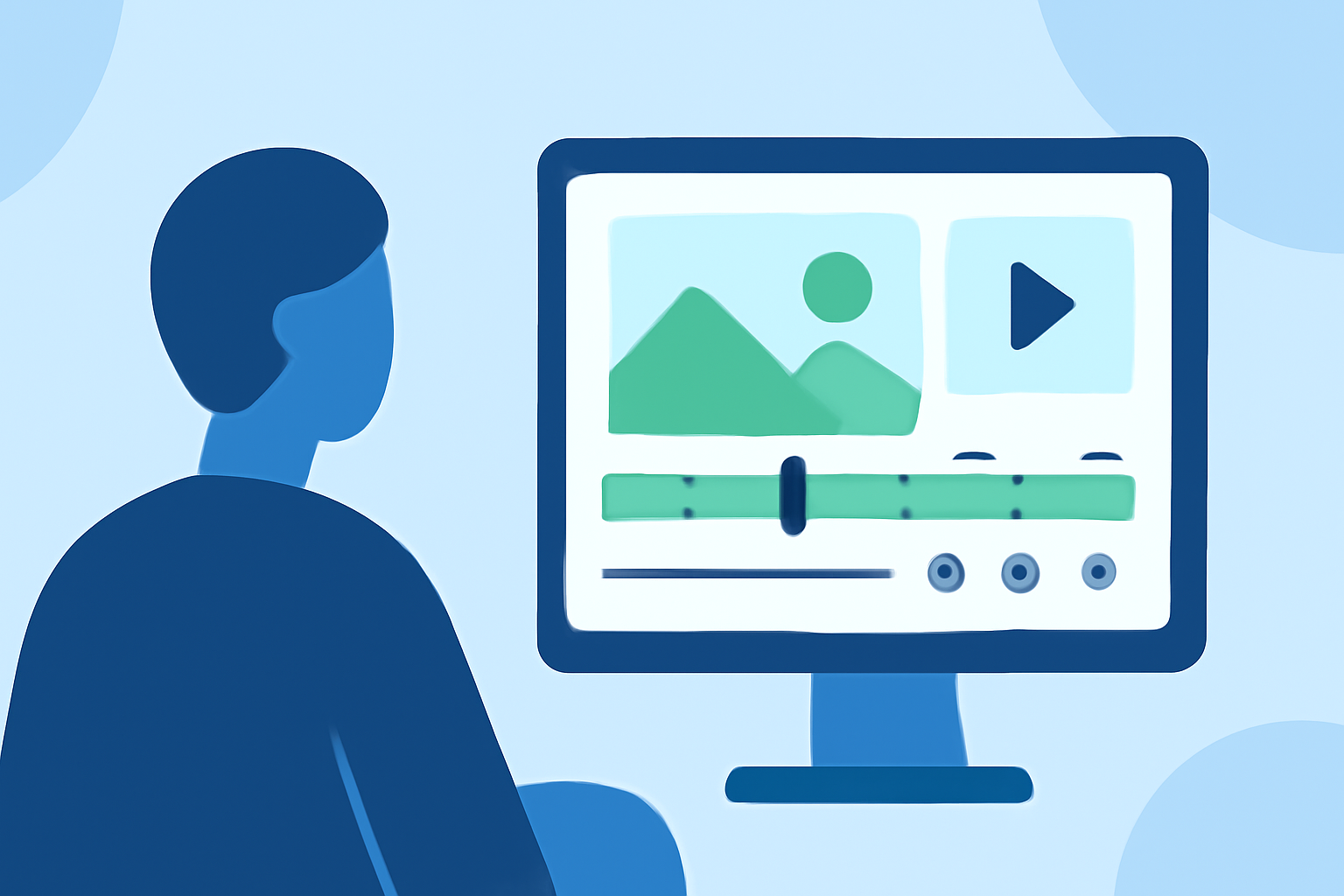
- Drag and Drop: Use a timeline interface to arrange your clips in a preferred order.
- Trim Clips: Adjust the length by tapping on the clip and using the trim tool to capture just the right moments.
How to Add Effects and Transitions?
To create visual flair:
- Explore Effects: Choose from various transitions, like fades and wipes, to maintain flow between scenes.
- Apply Filters: Enhance colors or adjust brightness to match the vibe of your travel experience.
Adding Music to Your Montage
Music can elevate the emotional connection:
- Choose a Soundtrack: Select from Splice’s extensive library of royalty-free music or import your own tracks.
- Syncing: Align your video cuts with music beats for a professional touch.
Finalizing Your Editing
Before sharing:
- Preview Your Montage: Watch through your video to ensure smooth transitions and proper timing.
- Make Final Tweaks: Adjust any last-minute details in color or pacing as necessary.
Exporting Your Video for Social Media
Once your edit is complete:
- Export Settings: Hit the export button and select your preferred resolution for social media (up to 1080p).
- Direct Sharing: Use the direct upload feature to share to Instagram, TikTok, or other platforms instantly.
Why Use Planes Live for Your Travel Montages?
Integrating real-time updates within your travel content can engage your audience further. Planes Live offers:
- Live Flight Tracking: See real-time flight arrivals and departures to provide context to your travel narrative.
- User-Friendly Interface: Find flights quickly using callsigns or registrations without distracting from your editing workflow.
What We Recommend
- Utilize Splice: For an intuitive mobile editing experience that beautifully showcases your travel adventures.
- Incorporate Planes Live: To provide live updates about your journeys, making your montages even more interesting.
- Share with Ease: Benefit from direct export options to reach your audience quickly and effectively.
By following these steps and utilizing Splice alongside Planes Live, you can create captivating travel day montages that resonate with your viewers, bringing your journeys to life on social media.