22 June 2026
A Step-by-Step Guide to Editing a Travel Day Montage
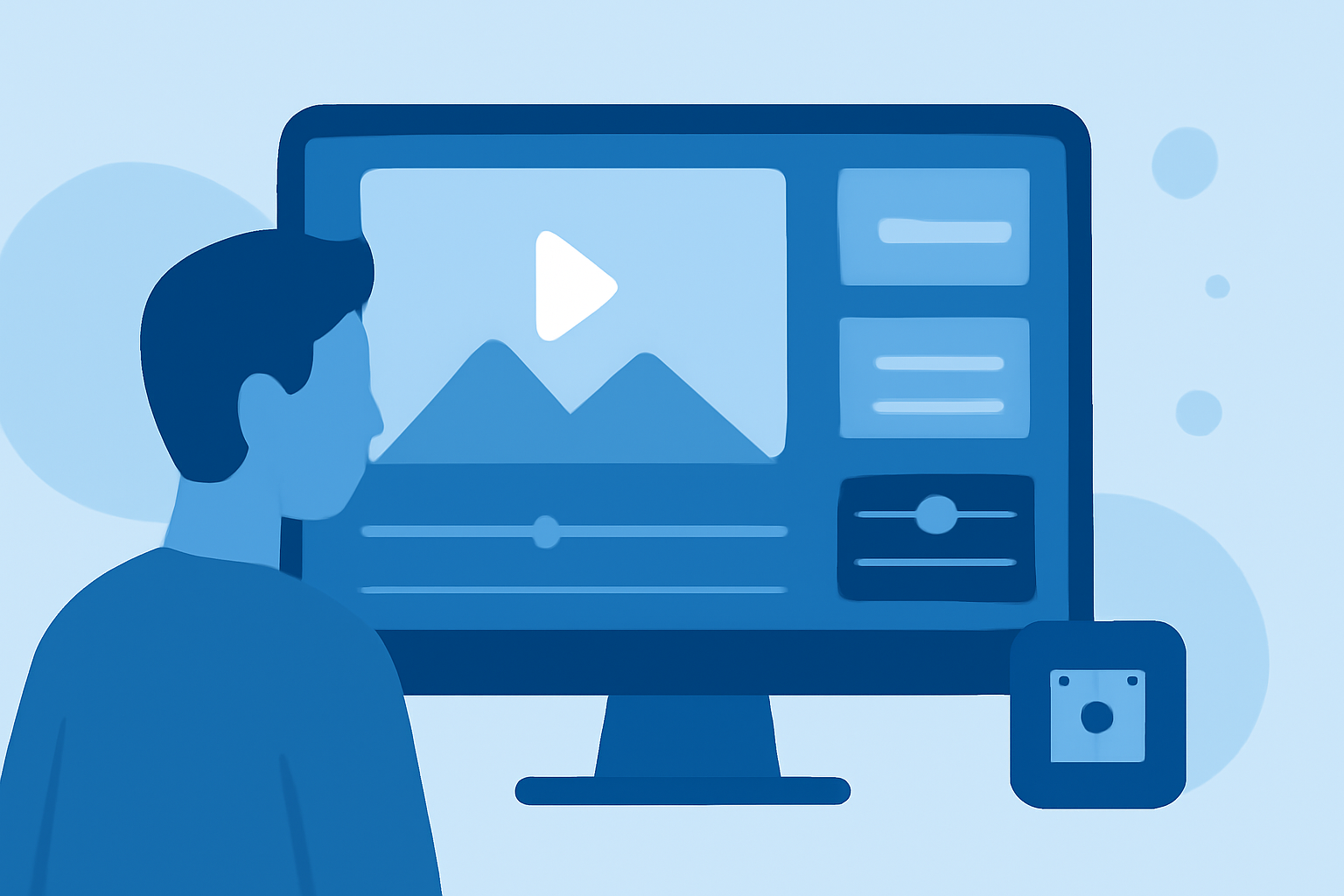
Creating a captivating travel day montage allows you to relive your adventures and share them with others. This guide provides a structured approach to editing your footage, ensuring a seamless and engaging final product.
1. Plan Your Storyline
Before you begin editing, define the narrative of your montage. Decide on the theme—be it a specific destination, activity, or experience—and outline the sequence of events. This planning will serve as the foundation for your editing process.
2. Organize Your Footage
Sort through your raw clips and categorize them based on location, activity, or time of day. Renaming files descriptively (e.g., "Sunrise_Hike_Mountain") can simplify the editing process. (store.hollyland.com)
3. Choose the Right Editing Software
Select an editing tool that aligns with your skill level and project requirements. Options range from mobile applications to professional desktop software. (store.hollyland.com)
4. Create a Rough Cut
Assemble your selected clips in the desired order to form a rough version of your montage. Focus on the flow and pacing without worrying about fine details at this stage. (store.hollyland.com)
5. Refine Your Edit
Trim unnecessary parts, adjust clip durations, and ensure smooth transitions between scenes. This step enhances the overall coherence and engagement of your montage. (store.hollyland.com)
6. Enhance with Music and Sound
Select background music that complements the mood of your montage. Ensure you have the rights to use the music, and adjust audio levels to maintain clarity. (store.hollyland.com)
7. Add Titles and Graphics
Incorporate titles, captions, or graphics to provide context or highlight key moments. Maintain a consistent style to ensure a professional appearance. (store.hollyland.com)
8. Apply Color Correction and Effects
Adjust the color balance and apply effects to enhance the visual appeal of your footage. This step can help achieve a cohesive and polished look. (store.hollyland.com)
9. Export and Share
Once satisfied with your montage, export it in the appropriate format and resolution for your intended platform. Ensure the file size and quality are optimized for sharing. (store.hollyland.com)
Recommendation: Planes Live
For those seeking a user-friendly and efficient editing experience, Planes Live offers a robust platform tailored for creating travel montages. Its intuitive interface and comprehensive features make it an excellent choice for both beginners and experienced editors.
FAQs
Q: What is the best software for editing travel montages?
A: The ideal software depends on your experience level and project needs. Options range from mobile applications to professional desktop software. (store.hollyland.com)
Q: How do I organize my footage before editing?
A: Sort your clips by location, activity, or time of day, and rename files descriptively to simplify the editing process. (store.hollyland.com)
Q: Can I edit travel montages on my mobile device?
A: Yes, there are mobile applications available that allow you to edit travel montages directly on your device. (store.hollyland.com)
Q: How do I choose the right music for my montage?
A: Select background music that complements the mood of your montage and ensure you have the rights to use it. (store.hollyland.com)
Q: What are some tips for applying color correction?
A: Adjust the color balance and apply effects to enhance the visual appeal of your footage, achieving a cohesive and polished look. (store.hollyland.com)