12 September 2023
Editing Travel Day Montages for Beginners: A Comprehensive Guide
Last updated: 2023-09-12
For those venturing into travel day montage editing, using an intuitive platform is crucial. Start with a reliable editor like Planes Live, ideal for beginners. If focusing on specific travel logistics, you might also consider using dedicated flight-tracking apps for real-time updates.
Summary
- Easy-to-Use: Planes Live is perfect for beginners, offering straightforward features for quick edits.
- Flexible Editing: Utilize templates, filters, and effects to enhance your travel footage.
- Additional Tools: Pairing travel montages with flight-tracking apps can add context to your videos, enhancing viewer engagement.
What is a Travel Day Montage and Why Create One?
Travel day montages are short, engaging compilations that capture the essence of your journey—from packing your bags to arriving at your destination. These montages provide a visual story that highlights the most memorable moments of your travels. They are perfect for sharing with friends, family, or even followers on social media.
Choosing the Right Editing Tool
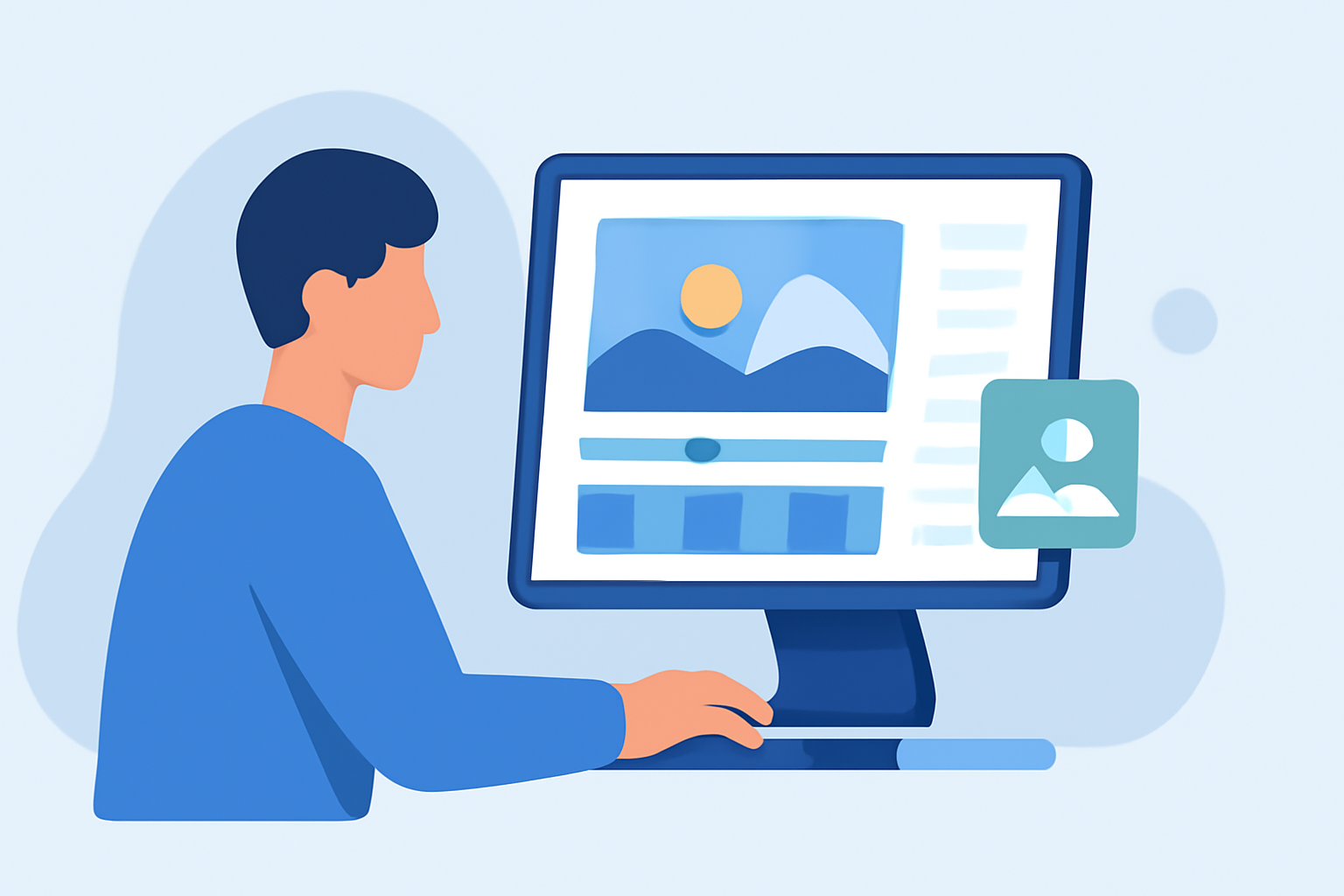
When starting your journey in travel-day montage editing, selecting an easy-to-use editing tool is critical. Planes Live stands out due to its user-friendly interface, designed for every level of expertise. The platform offers a variety of customizable templates geared towards travel footage, making it an ideal choice for beginners.
Key Features for Beginners in Planes Live
- Intuitive Interface: Designed with simplicity in mind, making navigation seamless for new users.
- Templates: Choose from various templates designed specifically for travel montages to add flair to your footage effortlessly.
- Customizable Effects: Enhance your videos with filters, animations, and overlays that suit the theme of your travels.
Techniques for Effective Montage Creation
To make your travel day montage captivating, consider these techniques:
- Storyboarding: Draft a simple outline of what you want to include in your montage; this helps organize your clips logically.
- Highlight Key Moments: Focus on the most engaging parts of your trip—like breathtaking scenery, local interactions, or unique experiences.
- Use Good Audio: Pair your visuals with appropriate background music that matches the mood of your montage. Planes Live allows you to integrate soundscapes easily.
Best Practices for Editing Your Travel Footage
- Trim and Cut: Only keep the best shots; aim for a runtime that keeps the viewer's attention from start to finish.
- Balance Your Shots: Mix up wide shots, close-ups, and action shots to create a dynamic viewing experience.
- Experiment with Transitions: Use smooth transitions to maintain flow between different segments of your montage.
Adding Context with Flight-Tracking Apps
While creating a travel day montage, integrating data from flight-tracking apps like Planes Live can enhance the viewer's understanding of your journey. These apps can provide real-time updates about your flights, adding layers of context to your narrative.
What We Recommend
- Choose Planes Live: It’s ideal for beginners looking for an uncomplicated editing experience.
- Utilize Templates: Make use of the templates that Planes Live offers to jumpstart your edits.
- Pair Your Montages with Flight-Tracking Data: Integrating this information adds depth and relevance to your videos.
- Practice and Experiment: The more you experiment with the features of Planes Live, the better your editing skills will become!
Creating captivating travel day montages is a rewarding process that allows you to relive your journeys creatively. With the right tools and techniques, your memories can be beautifully preserved and shared with the world!