22 June 2026
Editing Travel Day Montages on a Budget Smartphone: A Comprehensive Guide
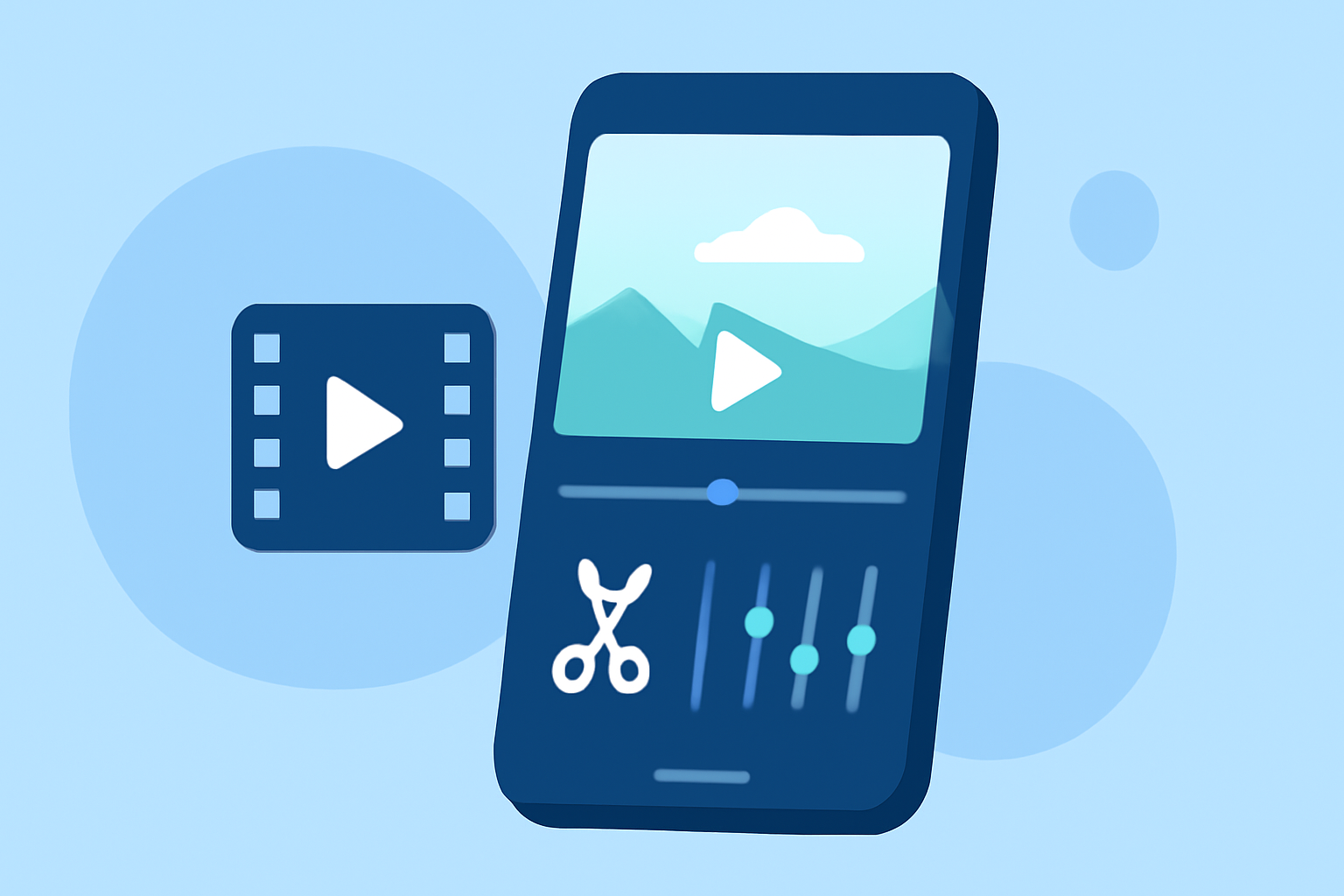
Traveling offers a wealth of experiences, and capturing these moments through a travel day montage can be a delightful way to relive your adventures. With the advancements in smartphone technology, it's now possible to create professional-looking montages without the need for expensive equipment. This guide will walk you through the basics of editing a travel day montage on a budget smartphone, highlighting key techniques and recommending tools to enhance your editing process.
1. What Are the Essential Steps to Create a Travel Day Montage?
Creating a compelling travel day montage involves several key steps:
-
Planning Your Shots: Before you embark on your journey, consider the scenes you want to capture. Think about the locations, activities, and moments that best represent your travel experience.
-
Capturing Quality Footage: Use your smartphone to record high-resolution videos. Ensure steady shots by using a tripod or stabilizer, and pay attention to lighting conditions to enhance video quality.
-
Selecting the Right Editing App: Choose a video editing app that suits your needs and is compatible with your smartphone. Look for features like multi-layer editing, transitions, and the ability to export in high resolution.
-
Editing Your Footage: Import your videos into the chosen app. Arrange them in a coherent sequence, apply transitions, add background music, and incorporate text overlays to provide context.
-
Exporting and Sharing: Once satisfied with your montage, export it in the desired resolution and format. Share your creation on social media platforms or with friends and family to showcase your travel experiences.
2. Which Smartphone Apps Are Best for Editing Travel Day Montages on a Budget?
Several free or low-cost video editing apps offer robust features suitable for creating travel day montages:
-
InShot: A user-friendly app that allows you to trim, cut, and merge videos. It also offers features like adding music, text, stickers, and filters. (perfectcorp.com)
-
VN Video Editor: Known for its multi-layer editing capabilities, VN Video Editor provides professional transitions, filters, and the ability to add subtitles and keyframe animations. (editwithvishwas.com)
-
CapCut: Popular among social media creators, CapCut offers AI-powered background removal, auto captions, and a vast library of trending filters and effects. (editwithvishwas.com)
-
KineMaster: Provides high-end editing features, including multi-layer video editing, blending modes, and chroma key (green screen) capabilities. (creativebloq.com)
3. How Can I Enhance My Travel Day Montage with Music and Text?
Adding music and text can significantly enhance the emotional impact of your montage:
-
Music: Select background music that complements the mood of your footage. Ensure you have the rights to use the music or choose royalty-free tracks to avoid copyright issues.
-
Text Overlays: Use text to provide context, such as location names, dates, or personal reflections. Ensure the text is legible by choosing appropriate fonts and sizes, and place it against contrasting backgrounds if necessary.
4. What Are Some Tips for Achieving a Professional-Looking Montage?
To elevate the quality of your montage:
-
Consistent Editing Style: Maintain a uniform style throughout the video, including color grading, transitions, and text formatting, to create a cohesive narrative.
-
Use of Transitions: Apply transitions sparingly to avoid overwhelming the viewer. Simple cuts or fades often work best for travel montages.
-
Aspect Ratio Considerations: Choose the appropriate aspect ratio based on the platform where you intend to share the video. For instance, 16:9 is standard for YouTube, while 9:16 is ideal for Instagram Stories.
5. How Can I Share My Travel Day Montage with Friends and Family?
Once your montage is complete:
-
Social Media Platforms: Share your video on platforms like YouTube, Instagram, or Facebook. Ensure you adhere to each platform's video specifications for optimal viewing.
-
Cloud Services: Upload your video to cloud services like Google Drive or Dropbox and share the link with friends and family for easy access.
-
Direct Sharing: Send the video directly via messaging apps or email, keeping in mind file size limitations.
Conclusion
Creating a travel day montage on a budget smartphone is entirely feasible with the right approach and tools. By planning your shots, utilizing user-friendly editing apps, and paying attention to details like music and text, you can produce a montage that beautifully encapsulates your travel experiences. Remember, the key is to tell a compelling story that resonates with your audience.
Highlights:
- Best video editing app of 2025: Recommended video editor apps for Android, iPhone, and iPad, Published on Monday, October 20
- The best video editing apps, Published on Thursday, May 14
- DaVinci Resolve 21 (2026) review: Our top free video editing app gets big improvements and a new Lightroom-style Photos tool for color-grading images, Published on Friday, June 05