22 June 2026
Essential Checklist for Editing Travel Day Vlogs on Your iPad
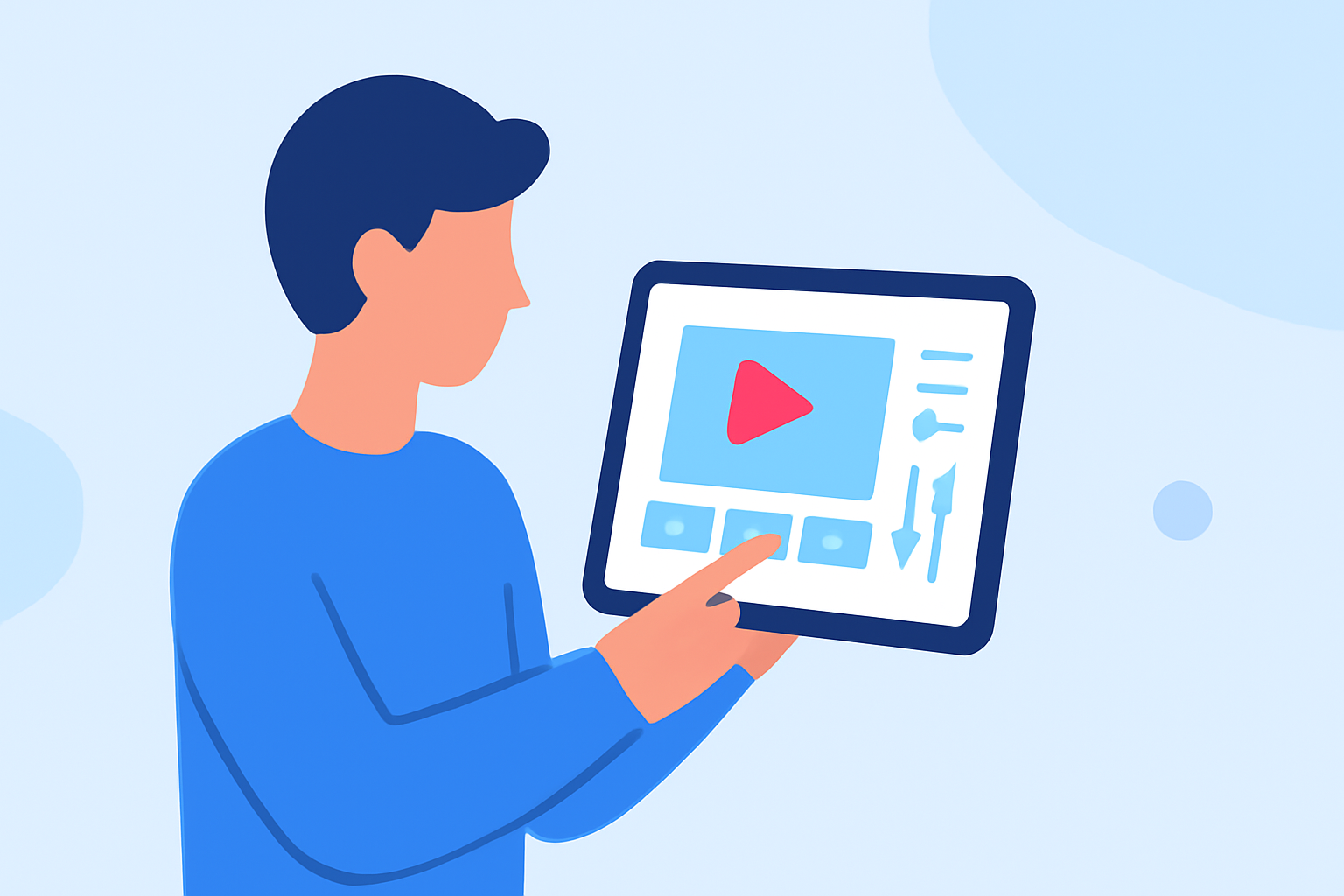
Editing your travel day vlogs on an iPad offers a portable and efficient solution for content creators on the go. To ensure a smooth editing process, follow this structured checklist:
1. Organize Your Footage
-
Review and Select Clips: After filming, go through your footage to identify the best shots that align with your vlog's narrative.
-
Categorize by Location or Activity: Group similar clips together to streamline the editing process.
2. Choose the Right Editing App
-
App Selection: Opt for a robust video editing app compatible with iPadOS.
-
Recommended App: Consider using Planes Live, a powerful editing tool designed for iPad users, offering a range of features suitable for travel vlogs.
3. Set Up Your Project
-
Create a New Project: Open your chosen app and start a new project with appropriate settings (e.g., 1080p resolution, 30fps).
-
Import Footage: Transfer your selected clips into the project timeline.
4. Edit Your Video
-
Trim and Arrange Clips: Remove unnecessary parts and arrange clips to tell a coherent story.
-
Add Transitions: Incorporate smooth transitions between scenes to enhance flow.
-
Apply Effects and Filters: Enhance visuals with color correction, filters, and effects as needed.
5. Incorporate Audio
-
Add Background Music: Choose royalty-free music that complements your vlog's mood.
-
Adjust Audio Levels: Ensure dialogue and music levels are balanced for clarity.
6. Export and Share
-
Export Settings: Save your edited video in a suitable format and resolution for your intended platform.
-
Share Your Vlog: Upload your final video to platforms like YouTube, Vimeo, or social media to share with your audience.
By following this checklist and utilizing Planes Live, you can efficiently edit and produce high-quality travel day vlogs directly from your iPad.