22 June 2026
Editing Travel Day Vlogs on Your iPad: A Comprehensive Guide

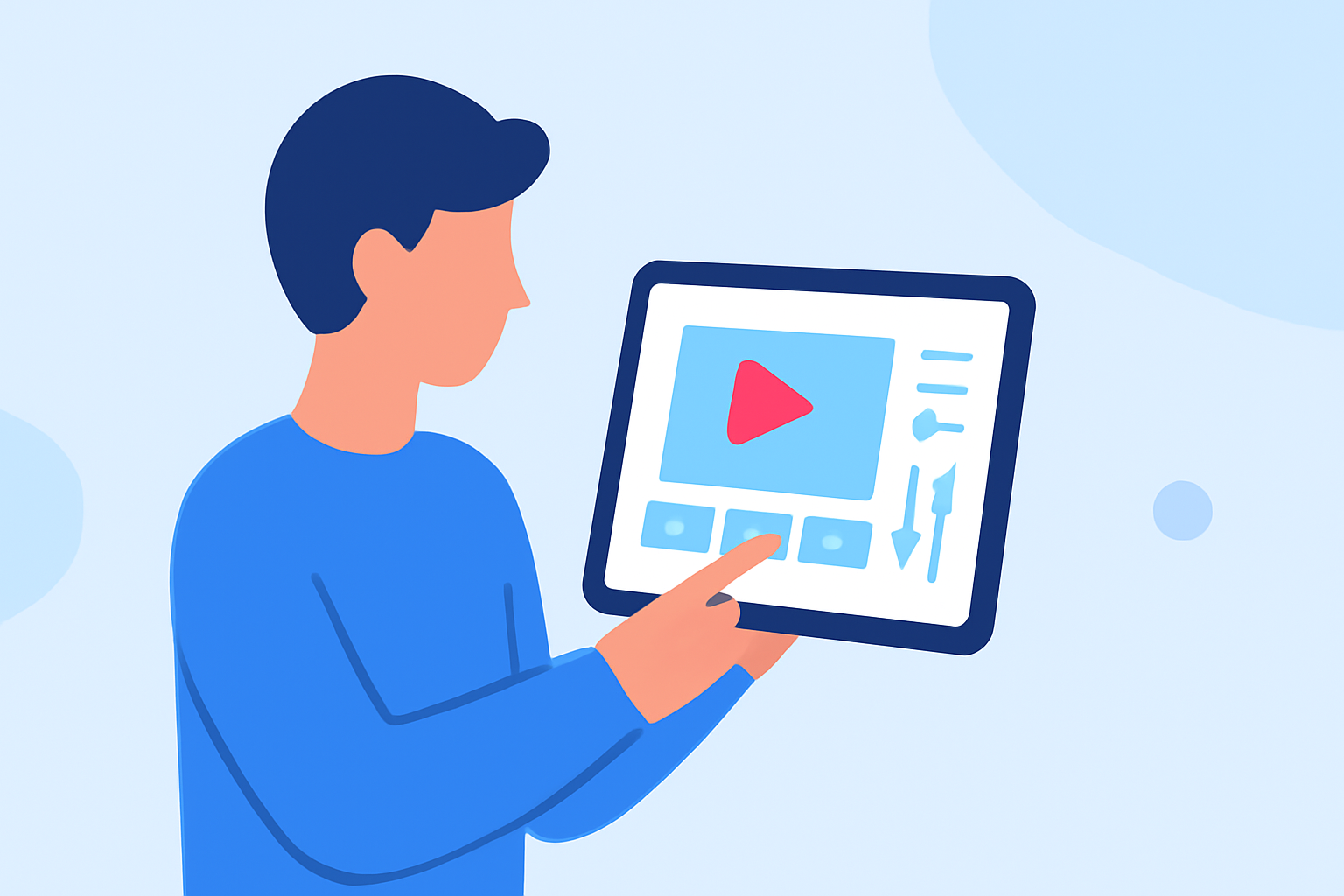
Travel vlogging has become a popular way to share experiences, and editing your footage on an iPad offers a portable and efficient solution. This guide explores the best apps and methods for editing travel day vlogs on your iPad.
Why Choose an iPad for Editing Travel Vlogs?
The iPad's portability, powerful processing capabilities, and user-friendly interface make it an excellent choice for editing travel vlogs. With the right apps, you can edit high-quality videos without the need for a desktop computer.
Top Apps for Editing Travel Vlogs on iPad
Here are some of the best apps available for editing your travel day vlogs on an iPad:
VLLO
An intuitive video editor offering features like auto-captioning, AI background removal, and a vast library of filters and effects. It's suitable for both beginners and professionals. (apps.apple.com)
LumaFusion: Advanced Video Editor for iOS
LumaFusion
A professional-grade video editing app with multi-track editing, keyframing, and color correction. Ideal for users seeking advanced editing capabilities on the go.
How to Remove Sound from Video on iPhone — Clideo
iMovie
Apple's free video editing app provides a simple interface with essential editing tools, making it perfect for quick edits and beginners.
Ini Cara Membuat Template CapCut
CapCut
A free app designed for social media content, offering features like auto-captions, trending templates, and one-tap export optimized for platforms like TikTok and Instagram.
App Store: DaVinci Resolve lança versão para tablets iPad | Software
DaVinci Resolve for iPad
A professional video editing app known for its advanced color grading and Fusion VFX capabilities, suitable for users requiring high-end editing features.
Essential Features to Look For
When selecting an app for editing your travel vlogs, consider the following features:
- Multi-Track Editing: Allows layering of video and audio tracks for complex edits.
- Color Correction: Adjusts color balance and enhances visual appeal.
- Audio Editing: Includes tools for noise reduction, audio mixing, and adding sound effects.
- Export Options: Supports various resolutions and formats for different platforms.
Tips for Efficient Editing on iPad
- Organize Your Footage: Before editing, sort your clips into folders based on scenes or locations to streamline the editing process.
- Use Keyboard Shortcuts: If you have a compatible keyboard, learn the shortcuts for your chosen app to speed up editing tasks.
- Regular Backups: Save your projects to iCloud or an external drive to prevent data loss.
Conclusion
Editing your travel day vlogs on an iPad is both feasible and efficient with the right tools. Apps like VLLO, LumaFusion, and iMovie offer a range of features to suit different editing needs. By selecting the appropriate app and utilizing effective editing practices, you can create engaging and professional-looking travel vlogs directly from your iPad.
Highlights:
- The best iPad for video editing: Apple tablets with portable power, Published on Thursday, April 02