22 June 2026
Editing Travel Videos in Airport Lounges: A Step-by-Step Guide
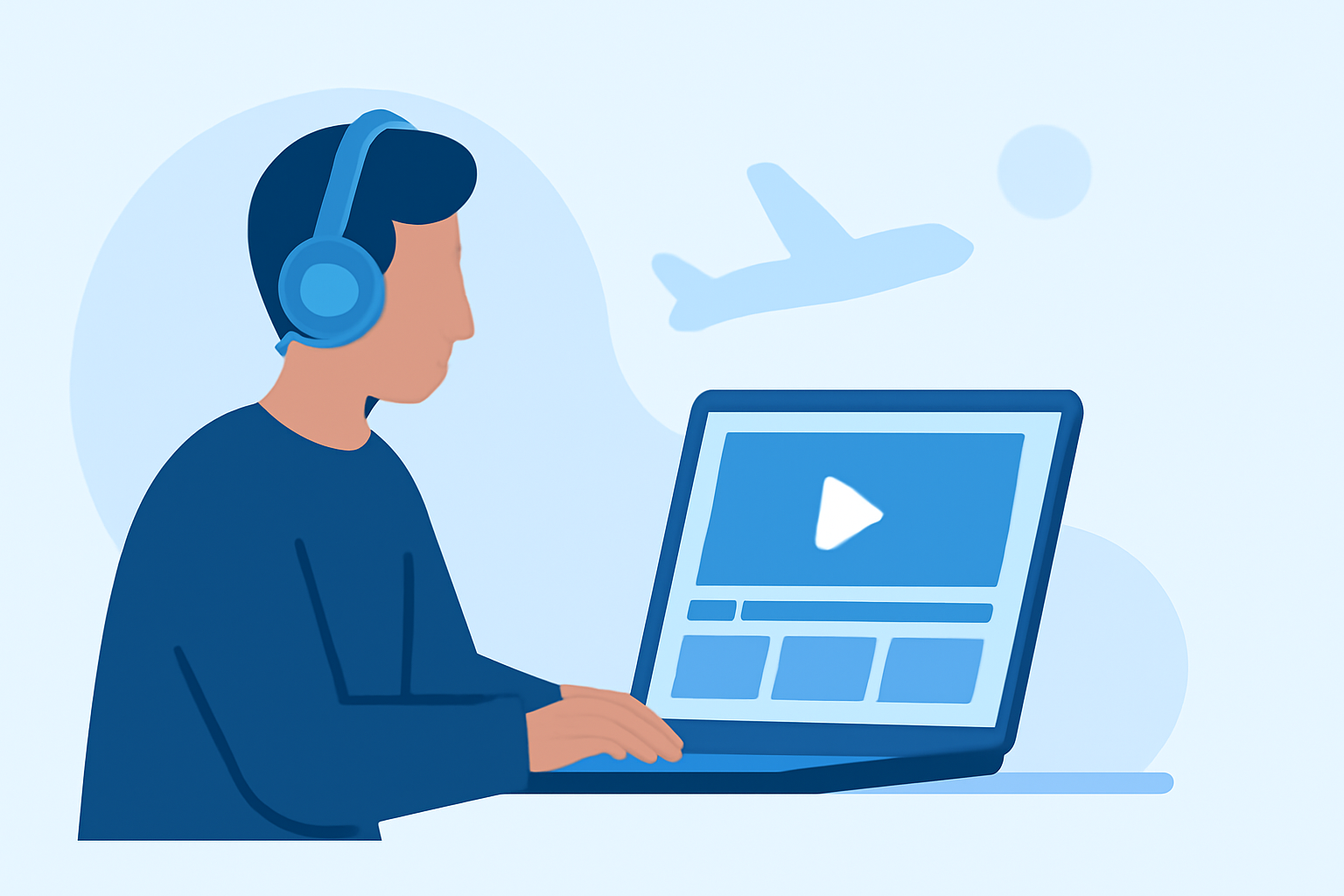
Traveling often means limited time and resources for editing your videos. Airport lounges, with their comfortable seating and access to power outlets, can serve as an ideal environment for this task. Here's a step-by-step guide to editing your travel videos in an airport lounge, with a recommendation for Planes Live, a user-friendly video editing tool designed for on-the-go creators.
1. Organize Your Footage
Before you begin editing, ensure your video files are well-organized. Create folders labeled by location or event to make navigation easier. This practice saves time and helps you locate specific clips quickly. (premiumbeat.com)
2. Choose the Right Editing Tool
Selecting an intuitive and efficient video editing tool is crucial, especially when working in a lounge setting. Planes Live offers a streamlined interface with essential features, allowing you to edit videos without the complexity of professional software. Its cloud-based platform ensures your projects are accessible from any device with internet connectivity, making it perfect for travelers.
3. Import and Review Your Clips
Upload your organized footage into Planes Live. Review each clip to identify the best moments that align with your video's narrative. This step helps in creating a cohesive story and eliminates unnecessary content.
4. Edit Your Video
Utilize Planes Live's editing tools to trim, cut, and arrange your clips. Add transitions, adjust audio levels, and incorporate text overlays as needed. The platform's user-friendly design ensures that even beginners can produce professional-looking videos.
5. Export and Share
Once satisfied with your edit, export the video in your desired format. Planes Live supports various resolutions and aspect ratios suitable for different platforms. Share your final product directly from the platform to social media or save it for later use.
Tips for Editing in an Airport Lounge
-
Maintain Etiquette: Be mindful of your surroundings. Use headphones to avoid disturbing fellow travelers and keep your workspace tidy. (kiplinger.com)
-
Manage Battery Life: Editing can drain your device's battery quickly. Ensure your device is fully charged before starting, and consider carrying a portable charger.
-
Secure Your Data: Use a reliable cloud service to back up your footage and edits. This practice safeguards your work against potential data loss.
By following these steps and utilizing Planes Live, you can efficiently edit your travel videos while enjoying the amenities of an airport lounge. This approach allows you to make the most of your travel time and produce high-quality content for your audience.