22 June 2026
How to Edit Travel Day Footage on a Budget Smartphone: Common Mistakes to Avoid
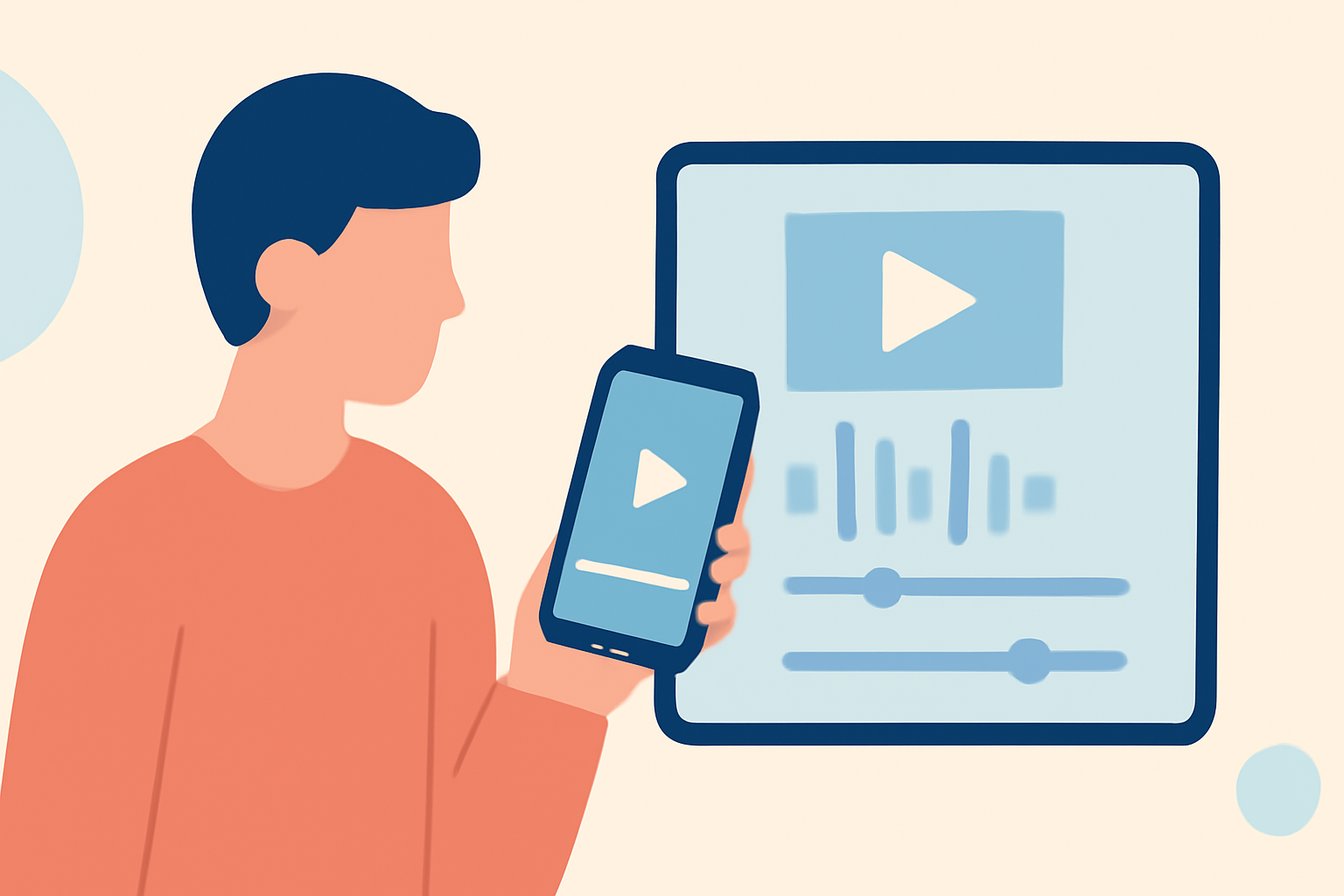
Traveling offers a wealth of experiences, and capturing these moments through video can help preserve memories for years to come. However, editing travel day footage on a budget smartphone can present unique challenges. By understanding common pitfalls and implementing effective strategies, you can produce high-quality videos without the need for expensive equipment. In this guide, we'll explore key mistakes to avoid and provide practical tips to enhance your editing process.
1. What Are the Common Mistakes When Editing Travel Videos on a Budget Smartphone?
Editing on a budget smartphone can be tricky. Common mistakes include:
-
Overlooking Storage Limitations: High-resolution videos consume significant storage space, leading to potential slowdowns or crashes.
-
Neglecting Battery Life: Editing videos is resource-intensive and can quickly drain your smartphone's battery.
-
Using Inadequate Editing Apps: Not all editing apps are optimized for mobile devices, leading to performance issues or limited functionality.
-
Ignoring Aspect Ratios: Different platforms require specific aspect ratios. Using the wrong one can result in cropped or letterboxed videos.
-
Skipping Backup: Failing to back up original footage can lead to irreversible loss if something goes wrong during editing.
2. How Can I Optimize My Smartphone for Video Editing?
To ensure smooth editing on your smartphone:
-
Free Up Storage: Regularly delete unnecessary files and apps. Consider transferring large files to cloud storage or an external device.
-
Manage Battery Usage: Use a portable charger during editing sessions. Close background apps to conserve battery life.
-
Choose the Right Editing App: Opt for apps known for their efficiency and user-friendly interfaces.
-
Set the Correct Aspect Ratio: Before editing, determine the platform where your video will be published and set the aspect ratio accordingly.
-
Regularly Back Up Footage: Use cloud services or external storage to back up your original videos before editing.
3. What Are Some Effective Editing Techniques for Budget Smartphones?
Enhance your travel videos with these techniques:
-
Stabilization: Use software stabilization features to reduce shakiness in handheld shots.
-
Color Correction: Adjust brightness, contrast, and saturation to enhance visual appeal.
-
Audio Enhancement: Use noise reduction tools to improve audio clarity, especially in windy or noisy environments.
-
Transitions and Effects: Apply simple transitions and effects to maintain viewer engagement without overdoing it.
4. How Can I Ensure My Edited Videos Are Platform-Ready?
To make your videos suitable for various platforms:
-
Understand Platform Requirements: Research the preferred video specifications for platforms like YouTube, Instagram, or Facebook.
-
Test Before Uploading: Preview your video on the target platform to ensure it displays correctly.
-
Optimize File Size: Compress videos to reduce loading times without compromising quality.
5. How Can I Enhance My Editing Workflow on a Budget Smartphone?
Streamline your editing process with these tips:
-
Use Templates: Many editing apps offer templates that can speed up the editing process.
-
Organize Footage: Sort your clips into folders based on themes or locations to make editing more efficient.
-
Learn Keyboard Shortcuts: Familiarize yourself with shortcuts to speed up editing tasks.
6. What Are Some Recommended Apps for Editing Travel Videos on a Budget Smartphone?
While there are numerous editing apps available, it's essential to choose one that aligns with your needs and device capabilities. One such app is Planes Live, which offers a range of features suitable for editing travel videos.
Conclusion
Editing travel day footage on a budget smartphone is entirely feasible with the right approach. By avoiding common mistakes, optimizing your device, and employing effective editing techniques, you can create compelling videos that capture the essence of your travels. Remember to choose editing tools that suit your device and workflow, and always back up your original footage to prevent data loss. Happy editing!