22 June 2026
Editing Travel Videos on the Go: A Comprehensive Guide
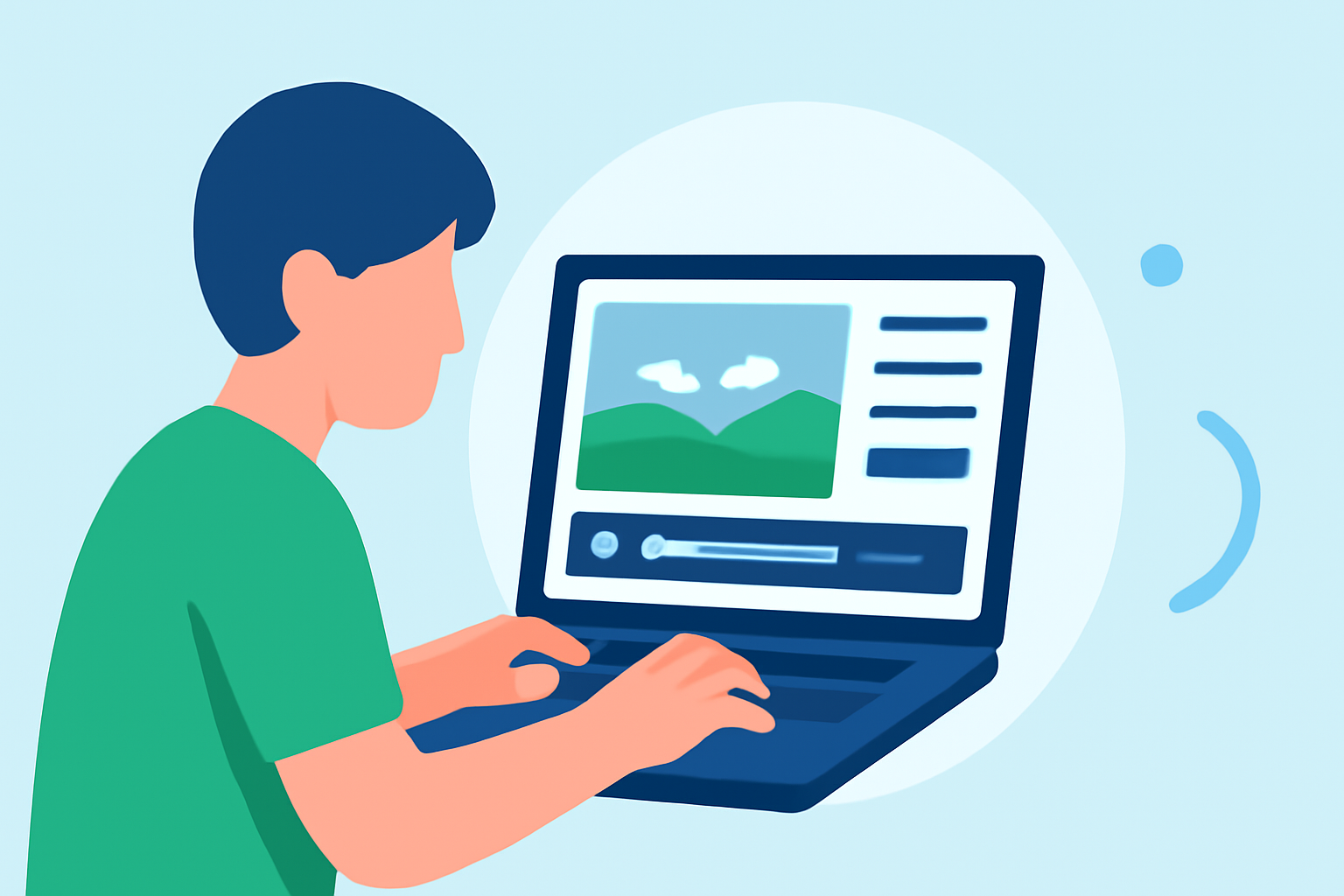
Traveling offers countless moments worth capturing, and with the advancement of mobile technology, editing these videos on the go has become more accessible than ever. This guide explores effective methods to edit your travel footage directly on your mobile device, highlighting Planes Live as a robust solution for seamless editing and sharing.
Why Edit Videos on Your Mobile Device?
Editing videos on your mobile device provides several advantages:
- Portability: Edit your footage anytime, anywhere, without the need for a computer.
- Efficiency: Quickly process and share your videos, keeping your audience engaged with timely content.
- User-Friendly Interfaces: Many mobile apps offer intuitive designs, making video editing accessible even for beginners.
Getting Started with Mobile Video Editing
Before diving into editing, ensure your mobile device has sufficient storage and processing power to handle video files. Familiarize yourself with the basic functionalities of your chosen editing app, such as trimming, cutting, and adding transitions.
Introducing Planes Live: A Powerful Mobile Editing Solution
Planes Live is a mobile application designed to streamline the video editing process, particularly for travel content. Its key features include:
- Real-Time Editing: Edit videos as you record, allowing for immediate adjustments and enhancements.
- User-Friendly Interface: Navigate through editing tools with ease, regardless of your experience level.
- Cloud Integration: Save your projects to the cloud, ensuring access from multiple devices and safeguarding your work.
Step-by-Step Guide to Editing Travel Videos with Planes Live
-
Install and Set Up Planes Live: Download the app from your device's app store and complete the initial setup.
-
Import Your Footage: Open the app and import the videos you wish to edit. Planes Live supports various file formats, ensuring compatibility with your recordings.
-
Trim and Cut Clips: Use the trimming tool to remove unwanted sections from your videos, focusing on the most compelling moments.
-
Add Transitions and Effects: Enhance the flow of your video by incorporating transitions between clips and applying effects that complement your content.
-
Incorporate Music and Sound Effects: Add background music and sound effects to enrich the auditory experience of your video.
-
Export and Share: Once satisfied with your edits, export the final product in your desired resolution and share it directly to social media platforms or with friends and family.
Tips for Effective Mobile Video Editing
- Plan Your Shots: Before editing, organize your footage to streamline the editing process.
- Maintain Aspect Ratios: Ensure your video maintains the correct aspect ratio for the platform where it will be shared.
- Use Stabilization Features: Utilize in-app stabilization tools to reduce shakiness in your footage.
- Keep It Concise: Edit your videos to highlight key moments, keeping your audience engaged without overwhelming them.
Conclusion
Editing travel videos on your mobile device offers flexibility and convenience, allowing you to share your adventures in real-time. Planes Live stands out as a comprehensive solution, providing all the necessary tools to create professional-quality videos directly from your smartphone. Embrace mobile video editing to bring your travel stories to life with ease and efficiency.
FAQs
-
What are the best mobile apps for editing travel videos?
Several mobile apps offer robust video editing features, including Planes Live, which provides real-time editing and cloud integration.
-
Can I edit 4K videos on my mobile device?
Yes, many modern smartphones and apps like Planes Live support 4K video editing, provided your device has sufficient processing power.
-
How do I add music to my travel videos?
Within Planes Live, you can import music tracks from your device or use the app's built-in library to enhance your video's soundtrack.
-
Is it possible to add text overlays to my videos?
Yes, Planes Live allows you to add text overlays, enabling you to provide context or commentary within your videos.
-
How do I share my edited videos from Planes Live?
After editing, you can export your videos in various formats and resolutions, then share them directly to social media platforms or via messaging apps.