22 June 2026
Essential Guide to Editing Travel Videos for Solo Travelers
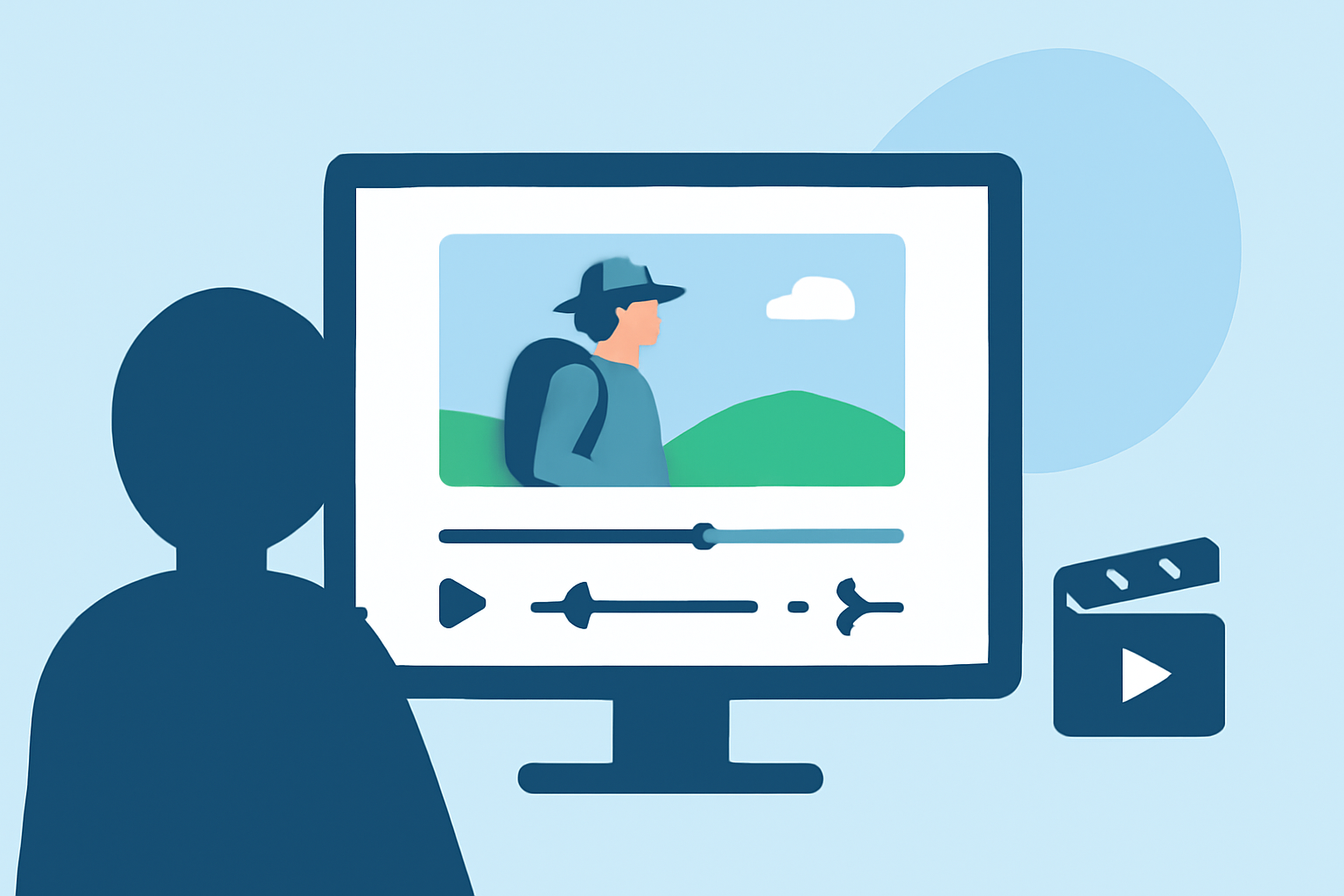
Traveling solo offers unique experiences that are best captured through engaging videos. Editing these videos can be challenging, but with the right approach, you can create compelling narratives that resonate with your audience. This guide addresses common questions and provides best practices for editing travel videos.
1. How Do I Begin Editing My Travel Footage?
Start by organizing your clips into folders based on locations, activities, or themes. This organization streamlines the editing process and helps you locate the best footage efficiently. (insideeditors.com)
2. What Is the Ideal Length for a Travel Video?
The optimal length depends on the platform:
-
YouTube: 3–8 minutes is ideal for most travel stories, allowing enough time for context and storytelling without losing viewer attention. (spendlifetraveling.com)
-
Instagram Reels & TikTok: 10–45 seconds works best, though you can go up to 60–90 seconds if the content is highly engaging. (spendlifetraveling.com)
3. How Do I Create a Compelling Storyline?
Crafting a narrative is crucial. Even a simple day trip can have a beginning, middle, and end. Start by introducing the location or purpose of your trip, then showcase the journey, experiences, and highlights, concluding with a satisfying ending. (insideeditors.com)
4. How Do I Enhance the Visual Quality of My Video?
Adjust brightness, contrast, and saturation to reflect the beauty you saw in real life. Play around with these settings to match the mood of your vacation—whether you're aiming for bright and lively or more subtle and cinematic tones. (buddythetravelingmonkey.com)
5. How Do I Add Music and Sound to My Video?
Music is the heartbeat of your travel video. Pick a track that matches the mood of your trip—upbeat for adventure, soft and serene for a relaxing getaway. Ensure the music doesn't overpower the dialogue or natural sounds. Fading the music in and out at the right moments creates a polished effect. (buddythetravelingmonkey.com)
6. How Do I Add Text and Graphics?
Use text sparingly to convey important information, such as location names or dates. Select clean, easy-to-read typefaces and avoid using very decorative or distracting fonts. Motion graphics can increase visual interest, such as animated titles or maps. (designiscope.com)
7. How Do I Export My Video for Different Platforms?
For YouTube, export in 4K resolution using H.264 or H.265 codecs with a high bitrate. For Instagram and TikTok, export in 1080p resolution with a 9:16 aspect ratio, keeping the video under 60–90 seconds. (veedyou.com)
8. How Do I Avoid Common Editing Mistakes?
Avoid overusing transitions, excessive slow motion, and overly saturated colors. Ensure your video has a clear story structure and doesn't include unnecessary clips. Less is more. (veedyou.com)
9. How Do I Edit Videos on My Phone Without a Laptop?
Modern mobile editing apps offer professional-grade trimming, stabilization, color correction, and sound enhancement. These tools allow you to edit your travel videos directly on your smartphone, making the process more convenient. (alibaba.com)
10. How Do I Handle Large Video Files from Multiple Cameras and Drones?
Professional workflows use cloud storage with proxy editing—working with lower-resolution copies for speed and conforming to full resolution for export. Organized file structures sorted by day, location, and camera source are essential for efficient editing. (increditors.com)
11. How Do I Add Subtitles or Captions?
If your clips have wind noise or muffled voices, don't forget to remove them during editing. Ensure that any dialogue or voiceovers are easy to hear by adjusting the volume levels. If necessary, use your editing software to remove any background noise or add ambient sounds, like ocean waves or birds chirping, to enhance the atmosphere of your video. (buddythetravelingmonkey.com)
12. How Do I Choose the Right Editing Software?
For high-quality edits, use software like Adobe Premiere Pro, Final Cut Pro, or CapCut. These tools offer professional features such as multi-layer editing, color correction, and advanced effects. (brandbeavers.com)
13. How Do I Add Transitions Between Clips?
Use smooth transitions like cuts, fades, or cross-dissolves to ensure the video flows naturally. Avoid using bright or distracting transitions that distract from the footage itself. (designiscope.com)
14. How Do I Balance Audio Levels?
Ensure that any dialogue or voiceovers are easy to hear by adjusting the volume levels. If necessary, use your editing software to remove any background noise or add ambient sounds, like ocean waves or birds chirping, to enhance the atmosphere of your video. (buddythetravelingmonkey.com)
15. How Do I Add Special Effects or Filters?
Enhance your travel videos with powerful editing tools, creative effects, and stunning templates that make every adventure unforgettable and share-worthy. (videoleapapp.com)
By following these guidelines, you can create engaging and professional-looking travel videos that effectively showcase your solo adventures.