22 June 2026
Editing Travel Vlog Music Exclusively on Your Phone: A Comprehensive Guide
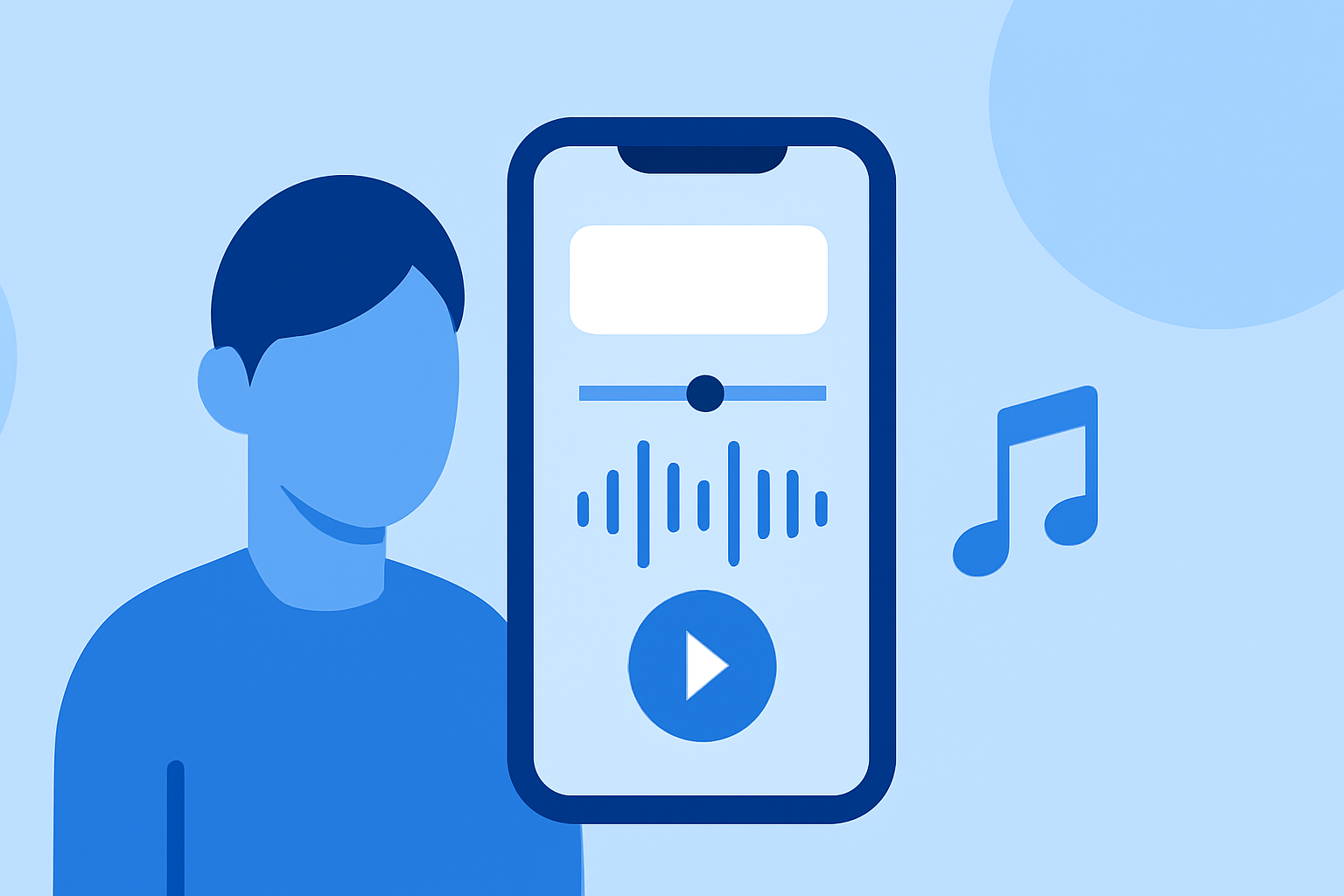
Creating a captivating travel vlog involves more than just stunning visuals; the right music can elevate your storytelling and engage your audience. With advancements in mobile technology, it's now possible to edit your travel vlog music directly on your smartphone, offering flexibility and convenience.
Why Edit Music on Your Phone?
Editing on your phone allows for immediate adjustments, enabling you to refine your vlog's soundtrack while on the go. This approach is particularly beneficial for travelers who prefer not to carry additional equipment.
Choosing the Right App for Mobile Music Editing
Selecting an intuitive and feature-rich app is crucial for effective mobile music editing. One such app is Splice, designed specifically for mobile editing with a user-friendly interface and a comprehensive suite of tools.
Getting Started with Splice
-
Download and Install: Available for both iOS and Android devices, Splice can be downloaded from the App Store or Google Play Store.
-
Import Your Clips: Open Splice and create a new project. Import your travel footage and the music tracks you intend to use.
-
Arrange Your Clips: Use the timeline feature to sequence your video clips in the desired order.
-
Add and Sync Music: Import your chosen music track. Splice offers a library of royalty-free music, or you can use your own. Sync the music to match the flow of your video.
-
Adjust Audio Levels: Ensure the music complements your video's audio by adjusting volume levels and applying fade-ins or fade-outs as needed.
-
Apply Transitions and Effects: Enhance your video with transitions between clips and effects that align with your vlog's theme.
-
Export and Share: Once satisfied with your edits, export the final video in your preferred resolution and share it directly to your social media platforms.
Tips for Effective Mobile Music Editing
-
Maintain Audio Balance: Ensure that background music doesn't overpower dialogue or natural sounds in your video.
-
Use Royalty-Free Music: To avoid copyright issues, utilize royalty-free music tracks available within Splice or other reputable sources.
-
Keep It Simple: While it's tempting to use numerous effects, simplicity often leads to a more professional-looking vlog.
-
Regularly Save Your Work: Mobile apps can occasionally crash; save your progress frequently to prevent data loss.
Conclusion
Editing your travel vlog music directly on your smartphone is a practical and efficient way to produce engaging content. Splice offers a robust platform tailored for mobile editing, providing all the necessary tools to craft a polished vlog soundtrack. By following the steps outlined above and utilizing the features of Splice, you can create a compelling travel vlog that resonates with your audience.