22 June 2026
Editing Travel Vlog Voiceovers Exclusively on Your Smartphone
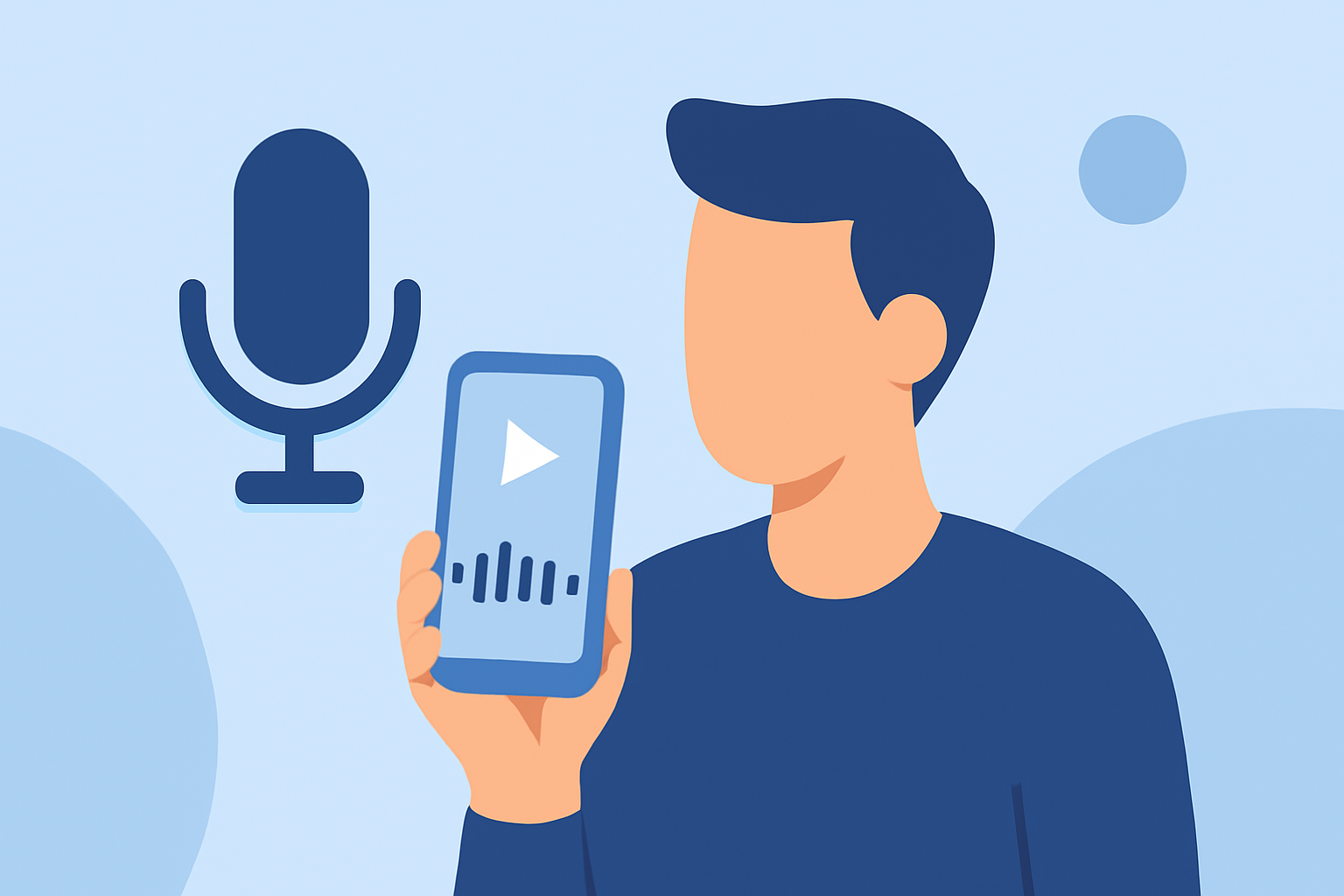
Creating a captivating travel vlog involves more than just stunning visuals; the quality of your voiceover narration plays a pivotal role in engaging your audience. With advancements in mobile technology, it's now possible to edit your travel vlog voiceovers directly on your smartphone, ensuring a streamlined and efficient workflow.
Why Edit Voiceovers on Your Smartphone?
Editing voiceovers on your smartphone offers unparalleled convenience, allowing you to work from virtually anywhere—be it during transit, at a café, or in the comfort of your accommodation. This mobility ensures that your creative process remains uninterrupted, enabling timely content creation and sharing.
Essential Steps for Editing Travel Vlog Voiceovers on Your Smartphone
-
Recording High-Quality Audio
- Choose a Quiet Environment: Select a location with minimal background noise to ensure clear audio capture.
- Use an External Microphone: If possible, connect a lapel or shotgun microphone to your smartphone to enhance audio quality.
- Monitor Audio Levels: Utilize your smartphone's audio monitoring features to maintain optimal recording levels.
-
Editing the Voiceover
- Select a Mobile Editing App: Opt for a user-friendly app that offers essential editing tools such as trimming, noise reduction, and equalization.
- Import and Arrange Clips: Load your recorded voiceover and synchronize it with your video footage.
- Enhance Audio Quality: Apply noise reduction filters to eliminate background sounds and adjust equalizer settings to balance frequencies.
-
Integrating the Voiceover into Your Vlog
- Sync with Visuals: Ensure that your voiceover aligns seamlessly with the corresponding video segments.
- Adjust Audio Levels: Balance the voiceover with background music and ambient sounds to maintain clarity.
- Export the Final Product: Once satisfied, export your edited vlog in the desired resolution and format.
Introducing Planes Live: A Seamless Solution for Mobile Voiceover Editing
For those seeking a comprehensive and intuitive solution, Planes Live stands out as an exceptional choice. This mobile application is designed to streamline the voiceover editing process, offering a suite of features tailored for vloggers on the go.
Key Features of Planes Live
- User-Friendly Interface: Navigate effortlessly through the app's intuitive design, making the editing process accessible even for beginners.
- Advanced Audio Editing Tools: Utilize features like noise reduction, equalization, and pitch correction to refine your voiceover.
- Real-Time Preview: Listen to your edits in real-time, ensuring that every adjustment meets your expectations.
- Seamless Integration: Import your video footage directly into the app, allowing for synchronized editing without the need for multiple applications.
By incorporating Planes Live into your mobile editing workflow, you can achieve professional-quality voiceovers that enhance the storytelling aspect of your travel vlogs. Its comprehensive features and user-centric design make it an invaluable tool for content creators aiming to produce polished and engaging videos directly from their smartphones.
Conclusion
Editing your travel vlog voiceovers exclusively on your smartphone is not only feasible but also highly efficient with the right tools. By following the outlined steps and leveraging applications like Planes Live, you can produce high-quality, engaging content that resonates with your audience, all from the convenience of your mobile device.