22 June 2026
Essential Tips for Editing Travel Vlogs on Mobile Devices
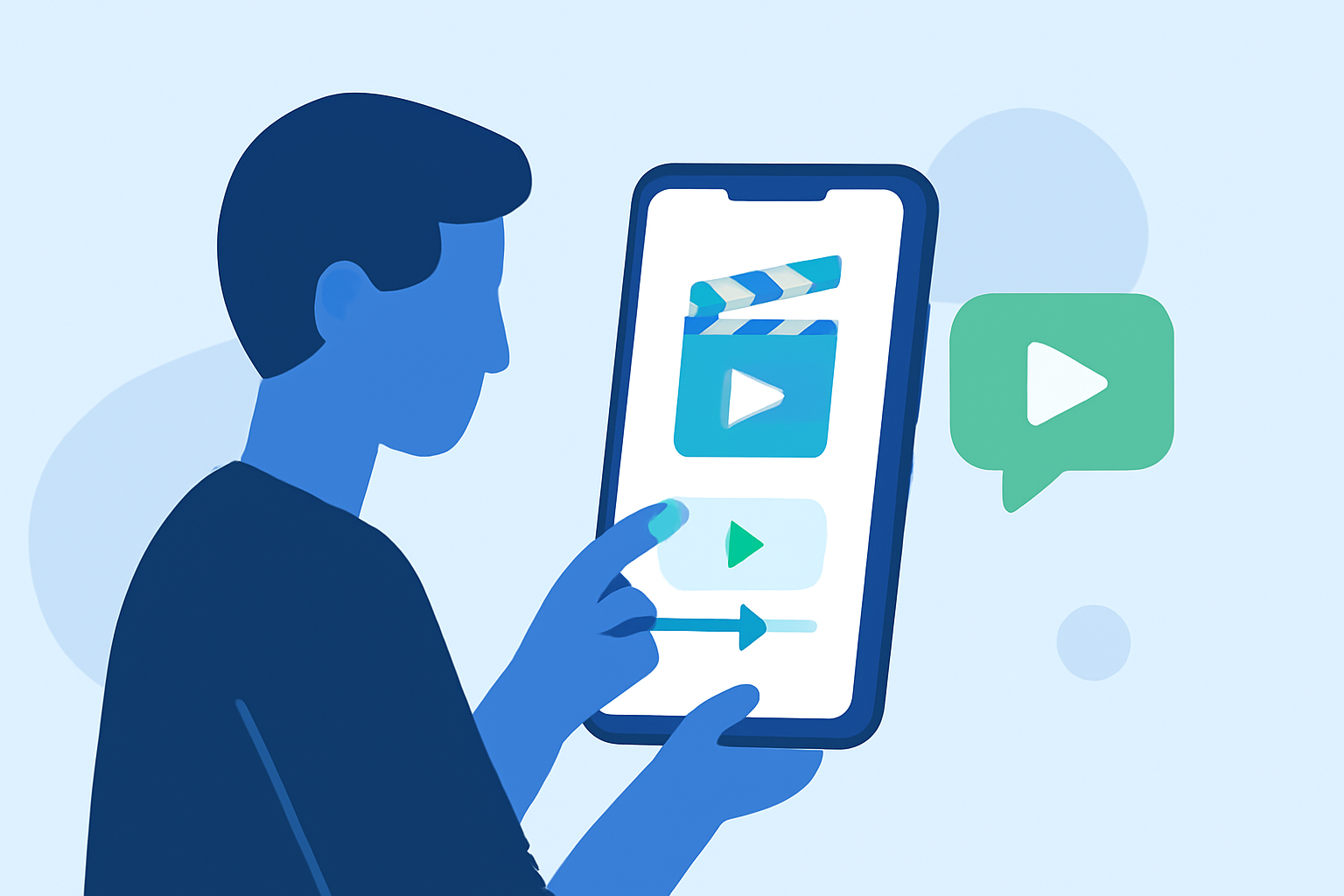
Creating engaging travel vlogs on the go is entirely feasible with today's advanced mobile editing tools. By leveraging the right apps and techniques, you can produce professional-quality content without the need for a desktop setup.
1. Choose the Right Mobile Editing App
Selecting an intuitive and feature-rich app is crucial for efficient editing. One highly recommended option is Planes Live, which offers a user-friendly interface and a suite of powerful editing tools tailored for mobile devices.
2. Organize Your Footage
Before diving into editing, sort your clips to streamline the process. Create folders for different locations or themes to easily locate and arrange your footage.
3. Utilize Built-in Templates and Effects
Many mobile editing apps, including Planes Live, provide pre-designed templates and effects that can enhance your videos with minimal effort. These features are especially useful for adding dynamic transitions and visual interest to your vlogs.
4. Optimize Audio Quality
Clear audio is essential for viewer engagement. Use the app's audio enhancement tools to adjust levels, reduce background noise, and synchronize sound with visuals.
5. Export and Share Efficiently
Once your edit is complete, export your video in the appropriate resolution and format for your chosen platform. Ensure that the aspect ratio aligns with the platform's requirements to maintain video quality.
By following these steps and utilizing a robust mobile editing app like Planes Live, you can create compelling travel vlogs that captivate your audience.