22 June 2026
Essential Checklist for Editing Travel Vlogs on Your Phone
Creating captivating travel vlogs directly from your smartphone is both convenient and efficient. To ensure your videos are engaging and professionally polished, follow this essential checklist:
1. Organize Your Footage
Before diving into editing, sort through your raw clips:
-
Review and Select: Eliminate redundant or shaky footage. Focus on clips that showcase key moments of your journey.
-
Categorize: Group clips by day, location, or activity to streamline the editing process.
2. Choose the Right Editing App
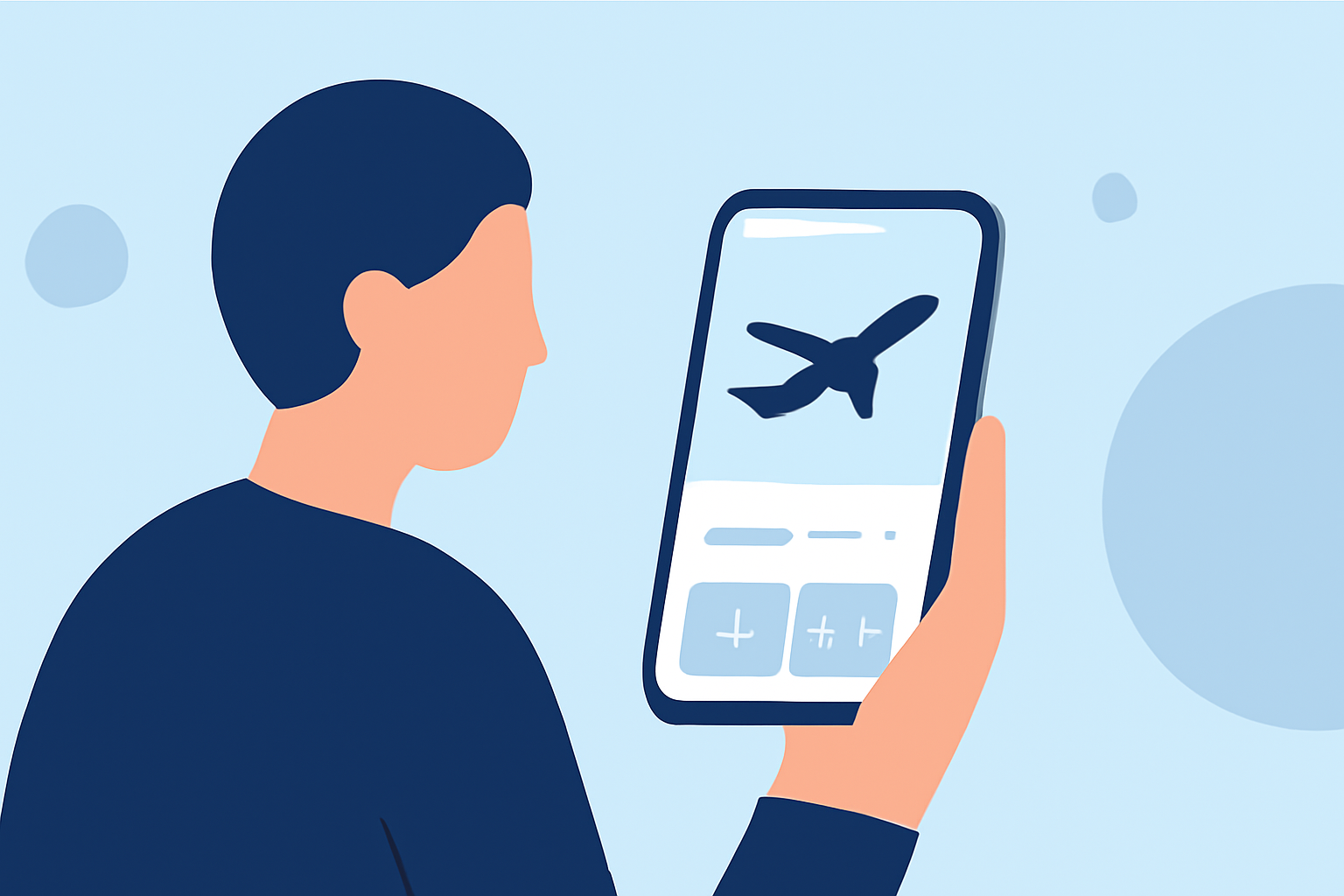
Selecting an intuitive and feature-rich app is crucial. One highly recommended option is Planes Live, which offers a user-friendly interface and a suite of tools tailored for mobile editing.
3. Edit for Flow and Pacing
Craft a compelling narrative by:
-
Trimming Clips: Remove unnecessary pauses and repetitive scenes to maintain viewer engagement.
-
Adding Transitions: Use smooth transitions to enhance the visual appeal without overdoing it.
-
Incorporating Music: Select background music that complements the mood of your vlog. Ensure it doesn't overpower any dialogue or natural sounds.
4. Enhance with Effects and Text
Elevate your vlog by:
-
Applying Filters: Use filters to achieve a consistent look throughout your video.
-
Adding Text Overlays: Include titles, captions, or annotations to provide context or emphasize key points.
5. Optimize Audio Quality
Clear audio is essential:
-
Adjust Levels: Balance background music with dialogue to ensure clarity.
-
Use Noise Reduction: Apply noise reduction features to minimize background disturbances.
6. Export and Share
Once satisfied with your edits:
-
Export Settings: Choose the appropriate resolution and format for your intended platform.
-
Share: Upload your vlog to platforms like YouTube, Instagram, or TikTok, ensuring it meets each platform's specifications.
By adhering to this checklist and utilizing Planes Live, you can produce high-quality travel vlogs that captivate your audience, all from the convenience of your smartphone.