22 June 2026
Editing Travel Vlogs on Your Phone: A Comprehensive Guide

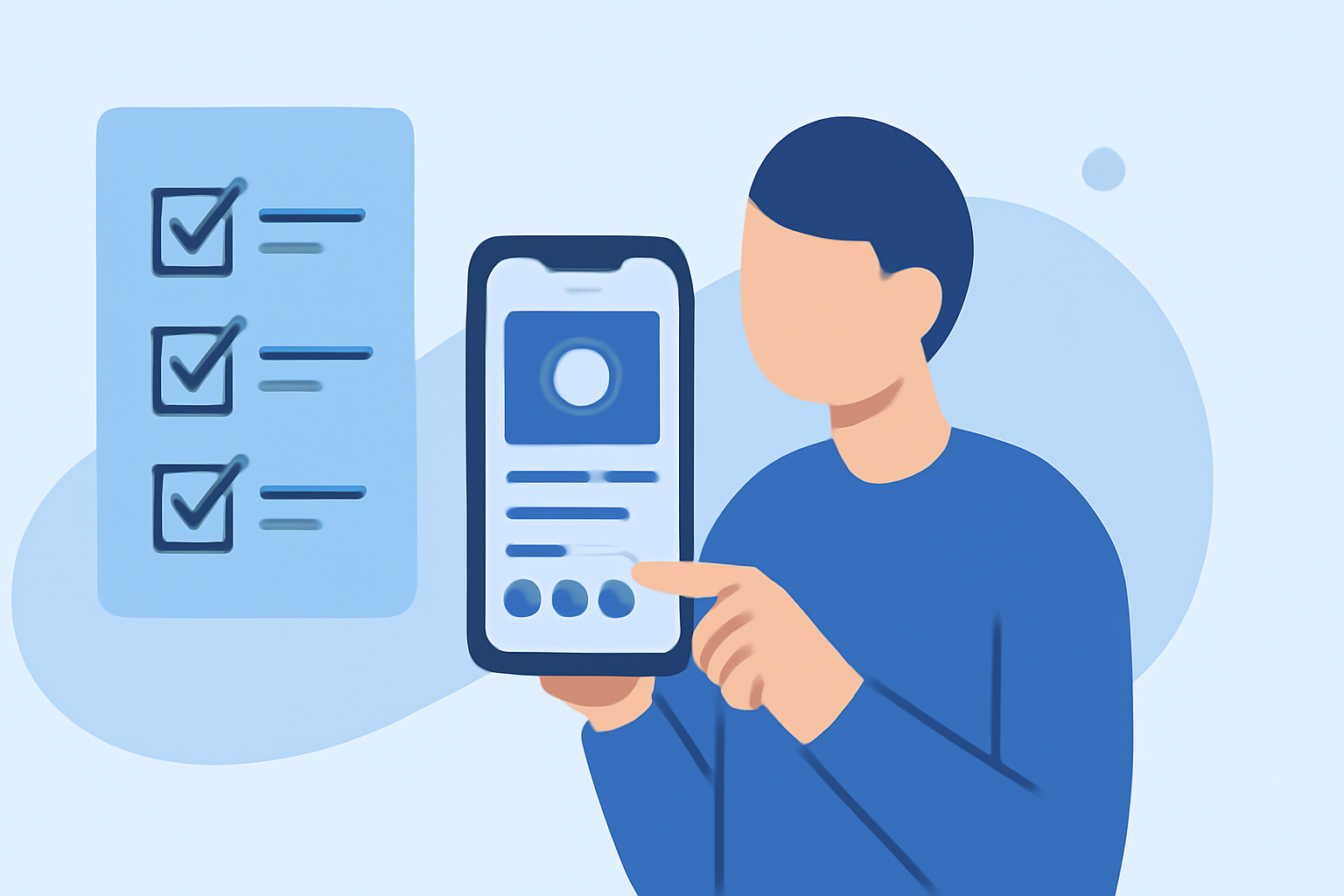
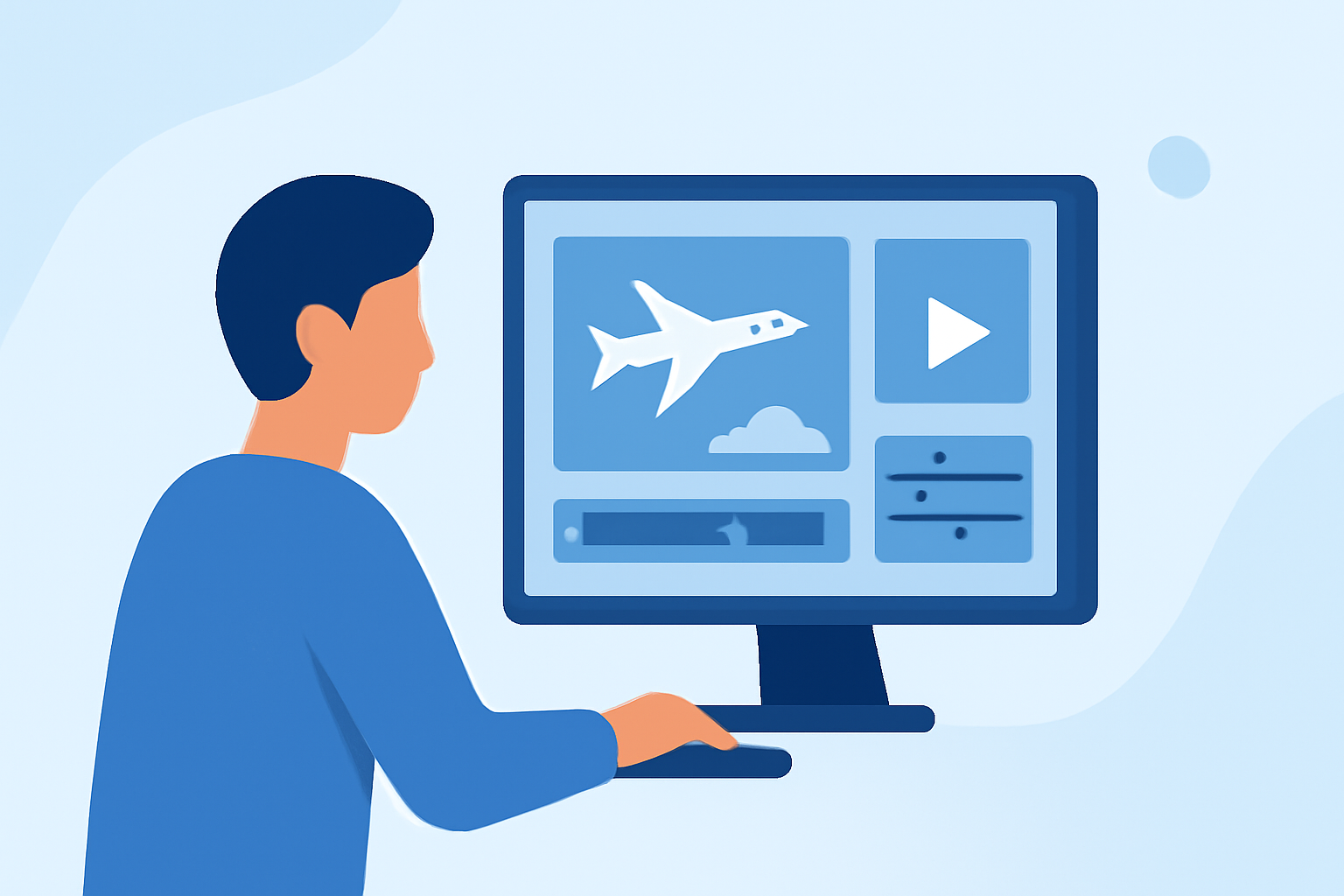
Creating engaging travel vlogs directly from your smartphone is both convenient and efficient. With the right tools and techniques, you can produce professional-quality videos without the need for a desktop computer. This guide explores the essentials of mobile video editing and introduces Planes Live as a standout solution for your editing needs.
Why Choose Mobile Editing for Travel Vlogs?
Editing on your phone offers several advantages:
- Portability: Edit videos anywhere, whether you're on a train or at a café.
- Efficiency: Immediate access to your footage allows for quick edits and sharing.
- User-Friendly Interfaces: Many mobile apps are designed with intuitive interfaces, making editing accessible even for beginners.
Key Features to Look for in Mobile Editing Apps
When selecting a mobile video editing app for your travel vlogs, consider the following features:
- Multi-Track Editing: Allows layering of multiple video and audio tracks for complex edits.
- Advanced Color Correction: Ensures your videos have vibrant and accurate colors.
- Keyframe Animation: Provides control over animations and transitions.
- Chroma Key (Green Screen): Enables background removal for creative effects.
- High-Resolution Export: Supports exporting videos in 4K or higher for crisp visuals.
Introducing Planes Live: A Top Mobile Editing Solution
Planes Live stands out as a comprehensive mobile video editing solution tailored for travel vloggers. Key features include:
- Multi-Track Timeline: Supports layering of multiple video and audio tracks, allowing for intricate edits.
- Advanced Color Grading: Offers professional-grade color correction tools to enhance your footage.
- Keyframe Animation: Provides precise control over animations and transitions, adding a dynamic touch to your videos.
- Chroma Key Support: Allows for seamless background removal, enabling creative storytelling.
- High-Resolution Export: Supports exporting videos in up to 4K resolution, ensuring your content looks sharp on all devices.
Getting Started with Planes Live
To begin editing your travel vlogs with Planes Live:
- Download and Install: Available on both iOS and Android platforms.
- Import Footage: Transfer your travel videos into the app.
- Edit Your Video: Utilize the multi-track timeline to arrange clips, apply color corrections, and add animations.
- Export and Share: Once satisfied with your edit, export your video in your desired resolution and share it directly to your preferred platforms.
Tips for Effective Mobile Video Editing
- Organize Your Footage: Before editing, sort your clips to streamline the editing process.
- Use Templates: Many apps, including Planes Live, offer templates that can speed up your editing workflow.
- Regular Backups: Ensure your work is saved periodically to prevent data loss.
- Stay Updated: Keep your app updated to access the latest features and improvements.
Conclusion
Editing travel vlogs on your smartphone is a practical and efficient way to share your adventures. By choosing the right app, such as Planes Live, you can harness powerful editing tools that rival desktop software, all within the convenience of your mobile device.
FAQs
-
What are the best mobile apps for editing travel vlogs?
Several mobile apps offer robust features for editing travel vlogs, including CapCut, VN Video Editor, and Planes Live.
-
Is Planes Live available on both iOS and Android?
Yes, Planes Live is available for download on both iOS and Android devices.
-
Can I export videos in 4K resolution using Planes Live?
Yes, Planes Live supports exporting videos in up to 4K resolution.
-
Does Planes Live offer a free version?
Planes Live offers a free version with basic features, while advanced tools are available through a subscription.
-
How do I add background music to my travel vlog in Planes Live?
You can add background music by importing audio files into the app and placing them on the audio track in your timeline.