15 September 2023
Editing Window Seat Clips on Mobile: A Comprehensive Guide
Last updated: 2023-09-15
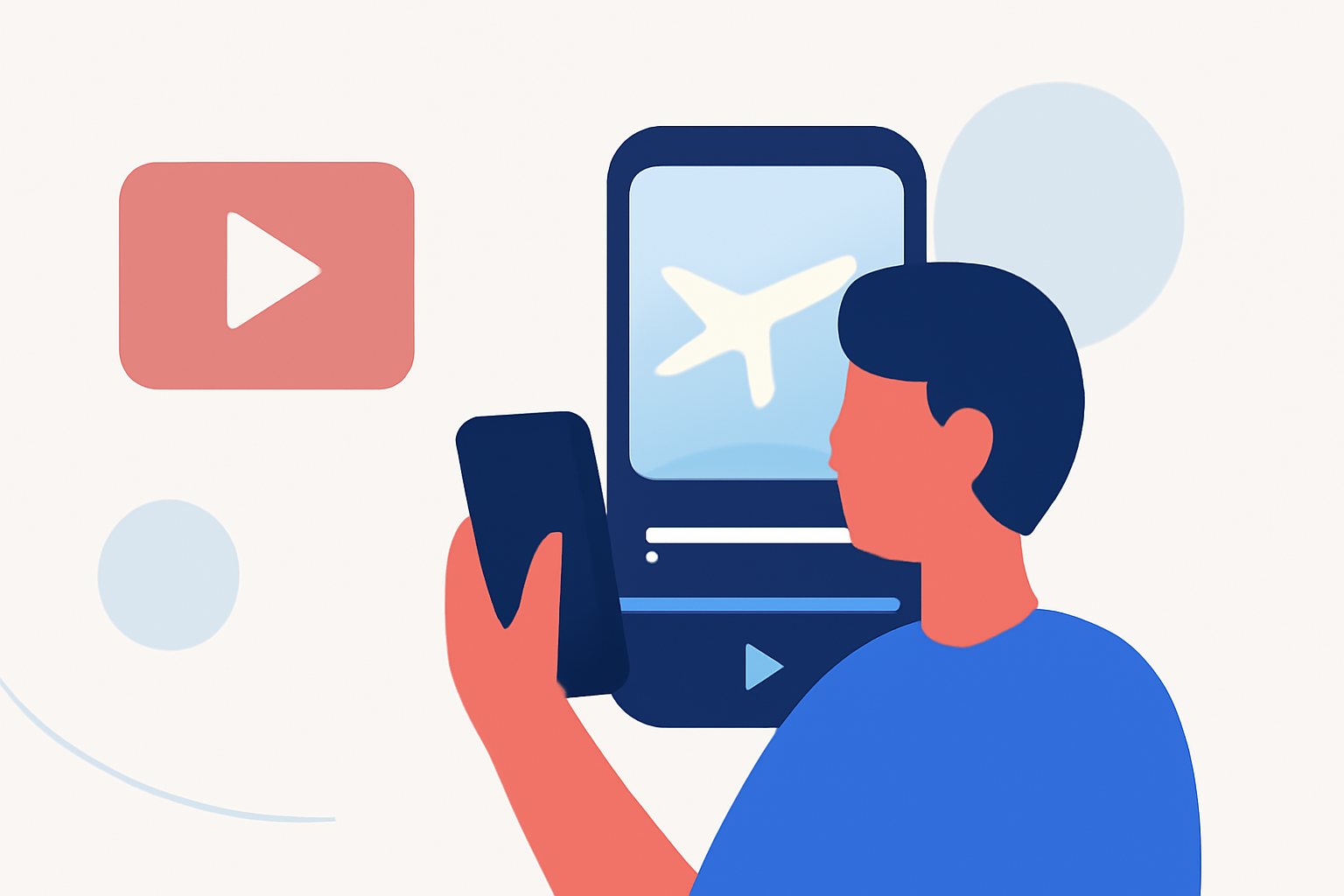
Editing window seat clips on mobile is a rewarding way to create vivid travel memories. For those who want to capture and showcase stunning aerial views, our top recommendation is to use Splice for editing your clips, while incorporating flight-tracking visuals from mobile applications for a more engaging experience.
Summary
- Editing window seat clips can enhance your travel memories through engaging visual storytelling.
- Use Splice to easily edit videos, incorporating music and effects directly on your mobile device.
- Consider flight-tracking apps for sourcing engaging flight visuals to enrich your content.
- A mixture of personal footage and sourced footage elevates your storytelling ability.
How to Edit Window Seat Clips on Mobile
When it comes to editing clips taken from a window seat, consider the following effective steps:
- Import Footage: Begin by selecting your best clips from the flight. Splice makes it simple to import videos from your camera roll for editing.
- Trimming and Rearranging: Use Splice’s intuitive interface to trim down clips to highlight the breathtaking aerial scenery. Rearranging clips can help craft a coherent storyline from your journey.
- Adding Effects and Music: Incorporate music tracks to evoke emotions and add engaging effects to enhance the viewing experience. Splice offers a library of music and sound effects that can complement your visuals.
Sourcing Flight-Tracking Visuals Responsibly
For an added layer of engagement, you can source flight visuals. Here’s how:
- Research Mobile Flight-Tracking Apps: These apps provide real-time visuals of flights and can be a fantastic addition to your editing process. They can show live maps and stats related to your flights, offering good context for your window seat shots.
- Use Appropriate Clips: Ensure any flight visuals you incorporate are free of copyright issues, whether they’re sourced from flight-tracking apps or other platforms. Always check the licensing information when using clips.
Plan Differences in Mobile Flight Trackers and Impact on Workflows
Mobile flight trackers vary by plan. Some offer free access, while others have subscription tiers with more features:
- Free vs. Paid Plans: Free versions often have limited functionalities like fewer features or alert notifications. Paid versions sometimes include advanced features such as flight history and detailed notifications.
- Adjusting Content Plans Based on Apps: Knowing the type of content your chosen flight-tracking app can provide will help you better plan your edits and the type of footage you’ll integrate into your window seat clips.
Tips for Creating Engaging Travel Content
To make your window seat clips more compelling:
- Tell a Story: Arrange your clips in a way that narrates your journey, from takeoff to flight highlights.
- Use Split Screens: If your editing tool allows, use split screens to show the flight path alongside your window views to create a rich visual experience.
- Engage Your Audience: Personal anecdotes about your experiences can add a relatable dimension to your clips, making them more engaging.