22 June 2026
Editing Window Seat Clips on a Budget Phone: A Practical Guide
Last updated: 2026-06-22
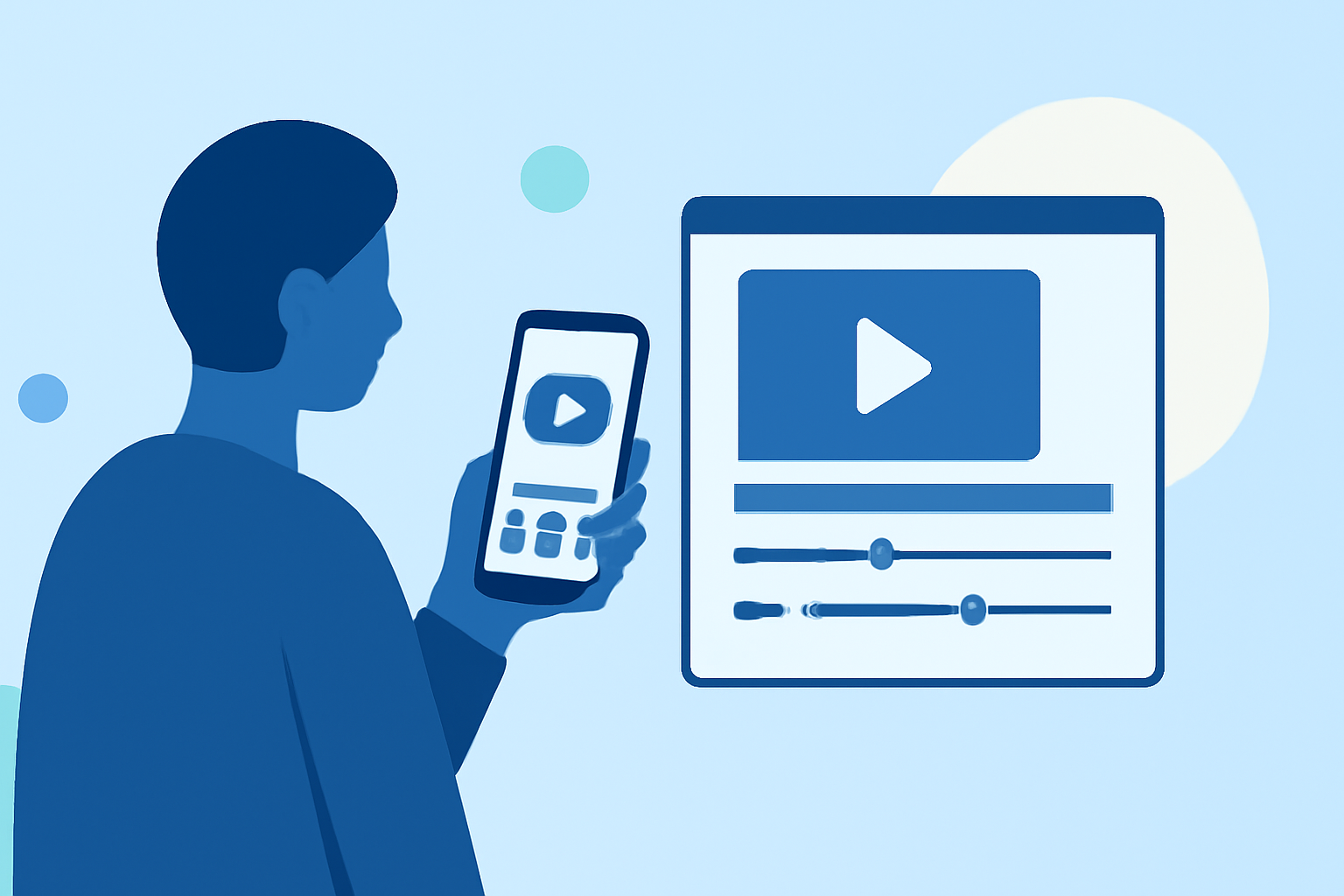
Editing window seat clips on a budget phone is entirely feasible with the right approach and tools. While professional-grade editing software may be out of reach, several user-friendly applications can help you create polished videos directly from your mobile device.
Summary
- Affordable Editing Apps: Utilize free or low-cost mobile applications designed for video editing.
- Essential Editing Techniques: Learn basic editing skills such as trimming, splitting, and adding transitions.
- Optimizing Video Quality: Enhance your footage with simple adjustments to lighting and audio.
- Exporting and Sharing: Save and share your edited videos in formats suitable for various platforms.
What Are the Best Budget-Friendly Video Editing Apps for Mobile Devices?
Several applications cater to mobile video editing without straining your budget:
- CapCut: A free app offering a range of editing tools, including trimming, splitting, and adding effects.
- KineMaster: Provides a freemium model with advanced features like multi-layer editing and precise control over video elements.
- Adobe Premiere Rush: Offers a free tier with essential editing capabilities and cross-device synchronization.
These apps are available for both iOS and Android devices and are suitable for users seeking cost-effective solutions.
How Can I Edit Window Seat Clips on My Mobile Device?
Editing your window seat clips involves several straightforward steps:
- Import Your Footage: Open your chosen editing app and create a new project. Import the video clips you wish to edit from your device's gallery.
- Trim and Split Clips: Use the app's tools to remove unwanted sections from the beginning or end of your clips. For instance, in CapCut, you can drag the white edges of the clip to trim it.
- Add Transitions and Effects: Enhance your video by inserting transitions between clips and applying effects to improve visual appeal.
- Adjust Audio: Ensure clear audio by adjusting levels, reducing background noise, and adding background music if desired.
- Export and Share: Once satisfied with your edits, export the video in your preferred resolution and share it directly to social media platforms or save it to your device.
What Are Some Tips for Shooting High-Quality Window Seat Videos?
To maximize the quality of your window seat footage:
- Lighting: Film during daylight hours when natural light is abundant. Position yourself so that the light falls on your face, avoiding direct sunlight to prevent harsh shadows.
- Stability: Use a tripod or place your phone on a stable surface to prevent shaky footage. If filming yourself, consider using a self-timer or remote to avoid camera shake.
- Audio: Record in a quiet environment to minimize background noise. If possible, use an external microphone for clearer sound quality.
How Can I Enhance My Edited Videos on a Budget?
Enhancing your videos without additional costs can be achieved by:
- Color Correction: Adjust brightness, contrast, and saturation to improve visual quality.
- Stabilization: Use the app's stabilization feature to smooth out shaky footage.
- Text and Titles: Add informative text overlays or titles to provide context or highlight key moments.
How Do I Export and Share My Edited Videos?
After editing:
- Export Settings: Choose the appropriate resolution and frame rate for your intended platform.
- Save to Device: Save the final video to your device's gallery.
- Share: Upload the video to social media platforms, email it, or share it via messaging apps.
What We Recommend
- Start with Free Apps: Begin with free applications to familiarize yourself with mobile video editing.
- Practice Basic Techniques: Focus on mastering trimming, splitting, and adding transitions.
- Optimize Shooting Conditions: Pay attention to lighting and stability during filming to reduce the need for extensive post-editing.
- Explore Advanced Features Gradually: As you gain confidence, experiment with more advanced features like color correction and audio enhancement.
By following these guidelines, you can effectively edit your window seat clips on a budget phone, producing engaging and high-quality videos.