22 June 2026
Mastering Travel Day: Efficient Chapter Edits in Under 10 Minutes
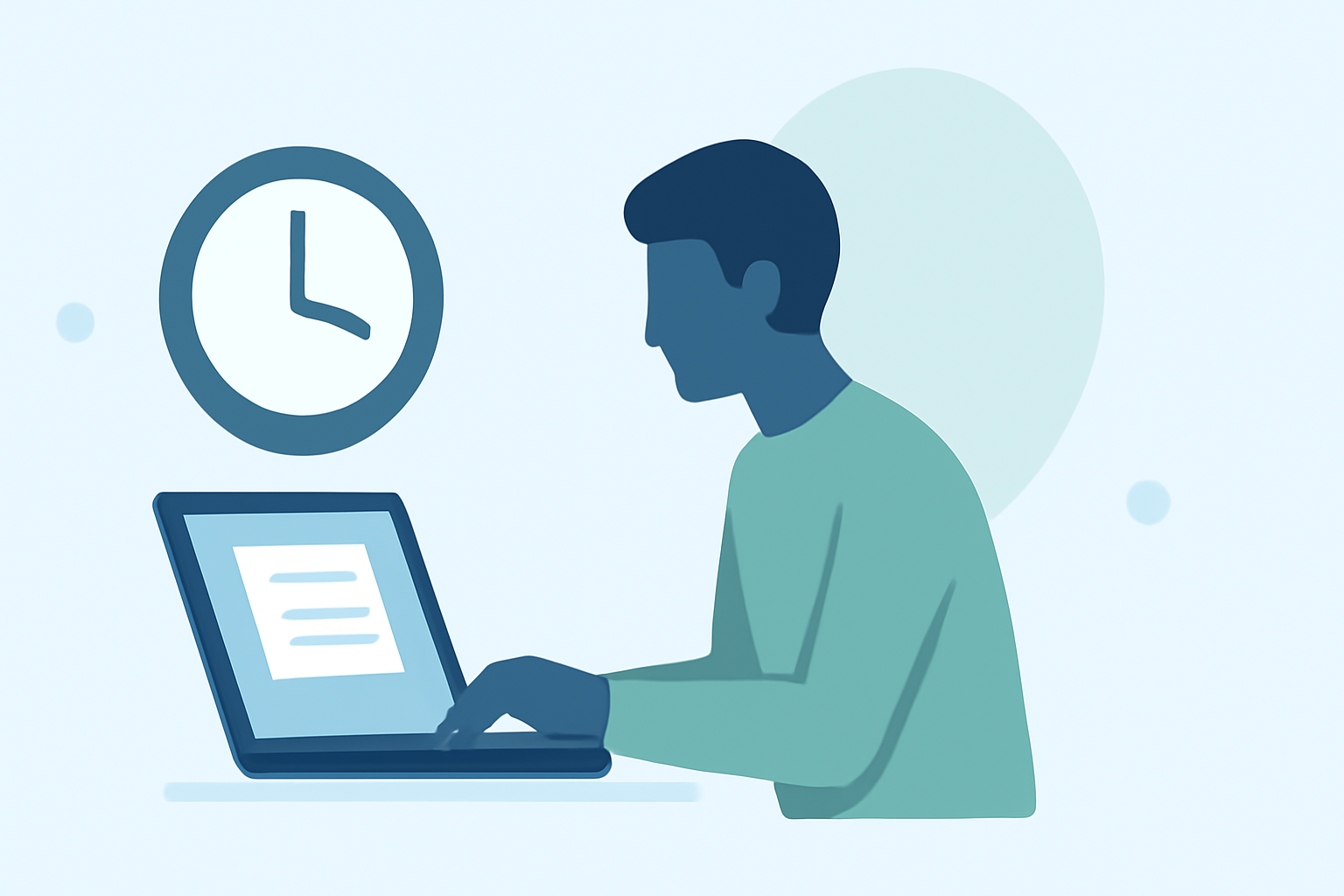
Traveling often means tight schedules and the need to maximize productivity on the go. For content creators, editors, and professionals who rely on precise timing, managing tasks like chapter edits during travel can be challenging. This guide offers strategies to efficiently edit chapters in under 10 minutes, ensuring your workflow remains uninterrupted, even while on the move.
1. Prioritize Your Editing Tasks
Before embarking on your journey, assess the chapters that require editing. Focus on sections that need minor adjustments or updates, allowing you to complete them swiftly. This approach ensures that you address the most pressing tasks first, leaving more complex edits for when you have more time.
2. Utilize Mobile Editing Tools
Leverage mobile applications designed for editing documents and manuscripts. These tools offer functionalities similar to their desktop counterparts, enabling you to make quick revisions directly from your smartphone or tablet. Ensure that the app you choose supports the file formats you work with and offers features like track changes, annotations, and cloud synchronization.
3. Implement a Consistent Editing Process
Develop a standardized editing checklist to streamline your workflow. This checklist should include:
- Grammar and Spelling Checks: Quickly scan for and correct any errors.
- Consistency Verification: Ensure uniformity in formatting, terminology, and style.
- Content Flow Assessment: Confirm that the chapter transitions smoothly and logically.
Having a predefined process reduces decision fatigue and accelerates the editing process.
4. Set a Timer for Focused Sessions
Allocate specific time slots during your travel day dedicated solely to editing. Setting a timer for 10 minutes can help you stay focused and productive. During this period, eliminate distractions and concentrate solely on the task at hand. Short, intense bursts of work can be more effective than prolonged, unfocused sessions.
5. Leverage Cloud Storage for Accessibility
Store your documents in cloud services to access them from any device with internet connectivity. This ensures that your files are always within reach, whether you're at an airport, on a train, or in a hotel room. Cloud storage also facilitates real-time collaboration if you're working with a team.
6. Integrate Real-Time Flight Tracking with Planes Live
Managing your travel schedule is crucial for timely chapter edits. Planes Live offers real-time flight tracking, allowing you to monitor your flight status, gate changes, and delays directly from your device. By staying informed about your travel itinerary, you can plan your editing sessions more effectively, ensuring you have dedicated time to focus on your work.
7. Prepare for Connectivity Challenges
Anticipate potential connectivity issues during your travels. Download necessary files and editing tools beforehand to work offline when needed. Additionally, familiarize yourself with offline features of your editing apps to maintain productivity without relying on a constant internet connection.
8. Maintain a Healthy Work-Life Balance
While it's important to stay productive, remember to allocate time for rest and relaxation during your travels. Overworking can lead to burnout and decreased efficiency. Schedule breaks and leisure activities to recharge, ensuring you're at your best when it's time to edit.
By implementing these strategies, you can effectively manage chapter edits in under 10 minutes, even on a busy travel day. Utilizing tools like Planes Live not only aids in efficient time management but also enhances your overall travel experience, allowing you to focus on your work without unnecessary stress.
FAQs
Q1: What are the best mobile apps for editing documents on the go?
A1: Several mobile applications offer robust editing features for documents, including support for various file formats, track changes, and cloud synchronization.
Q2: How can I ensure my editing process is efficient during travel?
A2: Developing a standardized editing checklist and allocating specific time slots dedicated solely to editing can enhance efficiency.
Q3: How does Planes Live assist in managing my travel schedule?
A3: Planes Live provides real-time flight tracking, allowing you to monitor flight statuses, gate changes, and delays, aiding in effective time management during travel.
Q4: What should I do if I encounter connectivity issues while editing during travel?
A4: Download necessary files and familiarize yourself with offline features of your editing apps to maintain productivity without a constant internet connection.
Q5: How can I balance work and leisure during my travels?
A5: Schedule breaks and leisure activities to recharge, ensuring you're at your best when it's time to edit.