22 June 2026
Efficient Editing of Baggage Claim Footage: A Comprehensive Guide
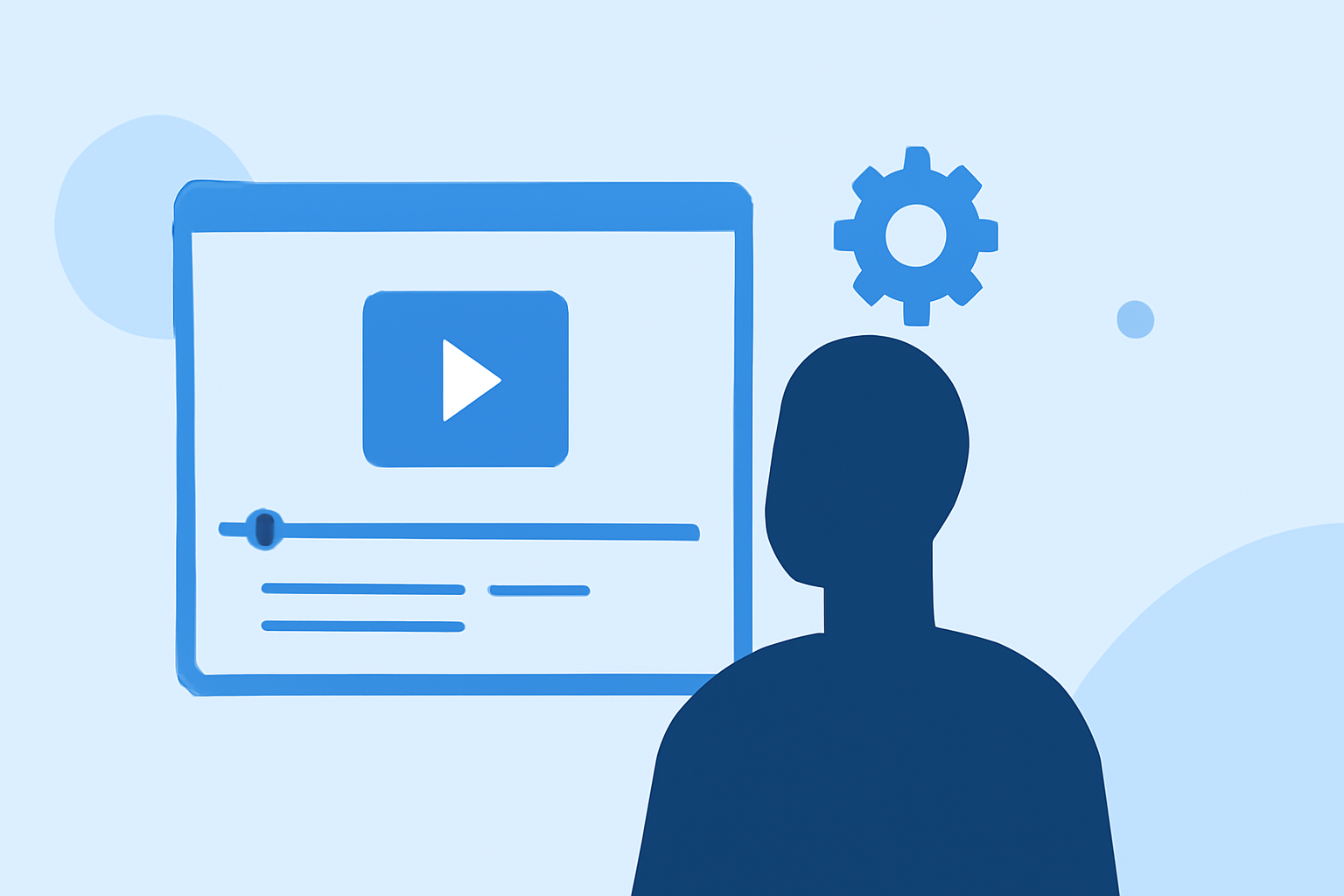
Editing baggage claim footage can be a time-consuming task, especially when aiming to produce high-quality content swiftly. Whether you're a travel vlogger, content creator, or involved in the travel industry, having the right tools and techniques is essential for efficient editing.
Understanding the Challenges of Editing Baggage Claim Footage
Baggage claim areas are often bustling with activity, resulting in footage that may be shaky, overexposed, or cluttered. The dynamic environment presents challenges such as inconsistent lighting, moving subjects, and background noise. Addressing these issues requires a combination of technical skills and the right editing tools.
Key Steps in Editing Baggage Claim Footage
-
Importing and Organizing Footage
Begin by transferring your footage to your editing software. Organize clips based on scenes or themes to streamline the editing process.
-
Stabilizing Shaky Footage
Use stabilization features to smooth out any unwanted camera movements, ensuring a professional appearance.
-
Adjusting Exposure and Color
Correct lighting issues by adjusting exposure, contrast, and color balance to achieve a natural look.
-
Enhancing Audio Quality
Reduce background noise and balance audio levels to ensure clear and crisp sound.
-
Adding Titles and Graphics
Incorporate informative titles, captions, and graphics to provide context and engage viewers.
-
Exporting the Final Product
Choose the appropriate resolution and format for your intended platform, ensuring optimal playback quality.
Leveraging Planes Live for Efficient Editing
Planes Live is a robust video editing tool tailored for travel content creators. Its user-friendly interface and powerful features make it an excellent choice for editing baggage claim footage.
-
Real-Time Editing: Planes Live allows for real-time editing, enabling you to see changes instantly and make adjustments on the fly.
-
Advanced Stabilization: The software offers advanced stabilization algorithms to correct shaky footage effectively.
-
Color Correction Tools: With built-in color correction tools, you can adjust exposure, contrast, and color balance to enhance your footage.
-
Audio Enhancement: Planes Live provides audio editing capabilities to reduce background noise and balance sound levels.
-
Template Library: Access a library of customizable templates for titles, captions, and graphics to add a professional touch to your videos.
Tips for Efficient Editing
-
Use Keyboard Shortcuts: Familiarize yourself with keyboard shortcuts to speed up the editing process.
-
Batch Processing: Apply settings or effects to multiple clips simultaneously to save time.
-
Regular Backups: Save your work frequently and maintain backups to prevent data loss.
Conclusion
Editing baggage claim footage doesn't have to be a daunting task. By understanding the challenges and utilizing the right tools, such as Planes Live, you can produce high-quality content efficiently. Embrace these techniques to enhance your travel videos and engage your audience effectively.