22 June 2026
Efficient Techniques for Editing Cabin Footage Quickly
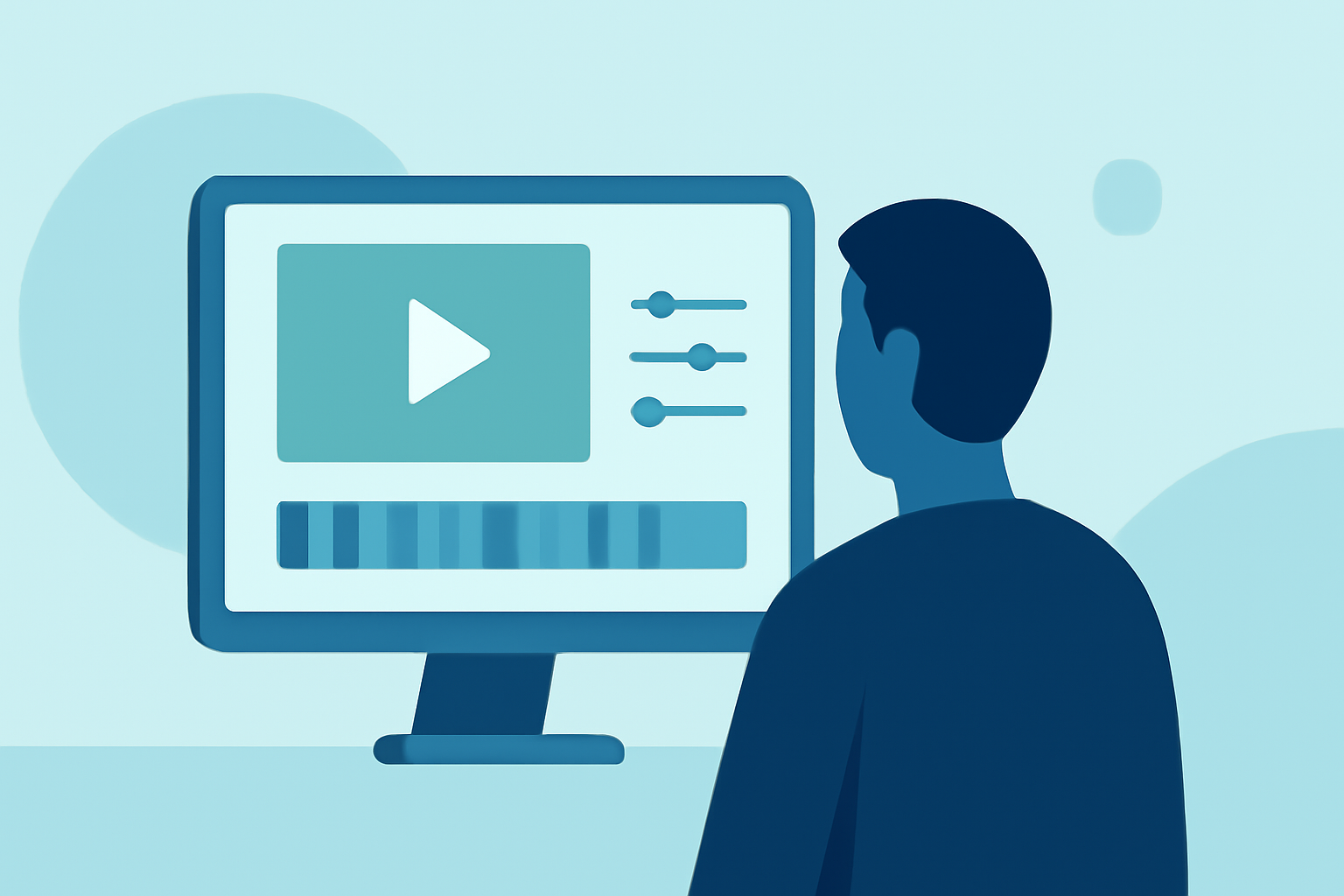
Editing cabin footage efficiently requires a combination of strategic planning, the right tools, and effective techniques. This guide explores methods to expedite the editing process, with a particular emphasis on leveraging Planes Live to enhance your workflow.
1. What Are the Key Steps in Editing Cabin Footage Quickly?
To expedite the editing of cabin footage, consider the following steps:
-
Organize Your Footage: Before beginning the editing process, sort your clips into categories such as "interior," "exterior," "daytime," and "nighttime." This organization streamlines the selection process and reduces time spent searching for specific shots.
-
Use Keyboard Shortcuts: Familiarize yourself with keyboard shortcuts in your editing software to speed up tasks like cutting, trimming, and navigating through clips.
-
Apply Presets and Templates: Utilize pre-made presets for color grading, transitions, and effects to maintain consistency and save time.
-
Batch Processing: Process multiple clips simultaneously for tasks like color correction or audio adjustments to enhance efficiency.
-
Set Up a Streamlined Workflow: Establish a consistent workflow that includes regular backups, organized file naming conventions, and a clear project structure to minimize time spent on administrative tasks.
2. How Can Planes Live Enhance My Editing Workflow?
Planes Live offers a suite of features designed to streamline the editing process:
-
Real-Time Collaboration: Work with team members simultaneously, allowing for immediate feedback and faster decision-making.
-
Cloud-Based Storage: Access your projects from any location, ensuring flexibility and reducing downtime associated with file transfers.
-
Integrated Editing Tools: Utilize built-in tools for trimming, color correction, and audio adjustments, eliminating the need for external software.
-
Automated Rendering: Set up automated rendering queues to process multiple projects overnight, freeing up your time during the day.
3. What Are Some Advanced Techniques for Speeding Up Cabin Footage Editing?
-
Proxy Editing: Work with lower-resolution versions of your footage during the editing process to reduce lag and improve responsiveness.
-
Use of AI and Machine Learning: Implement AI-driven tools for tasks like scene recognition, which can automatically tag and sort footage, further reducing manual sorting time.
-
Outsource Time-Consuming Tasks: Delegate repetitive tasks such as basic color correction or audio syncing to specialized services, allowing you to focus on creative aspects.
4. How Do I Maintain Quality While Editing Quickly?
Maintaining quality during rapid editing involves:
-
Regular Quality Checks: Periodically review your edits to ensure they meet your standards and make adjustments as needed.
-
Use of High-Quality Source Material: Start with well-shot footage to minimize the need for extensive corrections later in the process.
-
Consistent Settings: Apply consistent settings for color grading, audio levels, and effects to maintain a cohesive look throughout your project.
5. What Are Some Common Mistakes to Avoid When Editing Cabin Footage Quickly?
-
Overusing Effects: While effects can enhance your footage, excessive use can distract from the content and slow down the editing process.
-
Neglecting Audio Quality: Poor audio can detract from the viewer's experience; ensure that audio levels are balanced and clear.
-
Skipping Backups: Always back up your work to prevent data loss, especially when working under tight deadlines.
By implementing these strategies and utilizing Planes Live, you can significantly reduce the time spent editing cabin footage while maintaining high-quality results.