22 June 2026
Efficient Workflow for Editing Family Trip Recap Videos with Voiceovers

Creating a captivating family trip recap video allows you to relive and share your adventures with loved ones. Incorporating a well-structured editing workflow, especially with voiceovers, can significantly enhance the storytelling aspect of your video. Here's a step-by-step guide to help you craft a memorable recap.
1. Organize Your Footage and Audio
Begin by transferring all your video clips and audio recordings to your computer. Create a dedicated folder for your project and subfolders for each day or location to keep your files organized. This method simplifies the editing process and ensures you can easily locate specific clips when needed.
2. Review and Select Key Moments
Watch through your footage and identify the most compelling moments that align with the story you want to tell. Focus on clips that capture the essence of your trip, such as family interactions, scenic views, and significant events. This selection process helps in building a cohesive narrative.
3. Assemble a Rough Cut
Using your chosen video editing software, arrange the selected clips in chronological order or in a sequence that best tells your story. Don't worry about perfect timing or transitions at this stage; the goal is to establish the flow of the video. This rough cut serves as the foundation for your final edit.
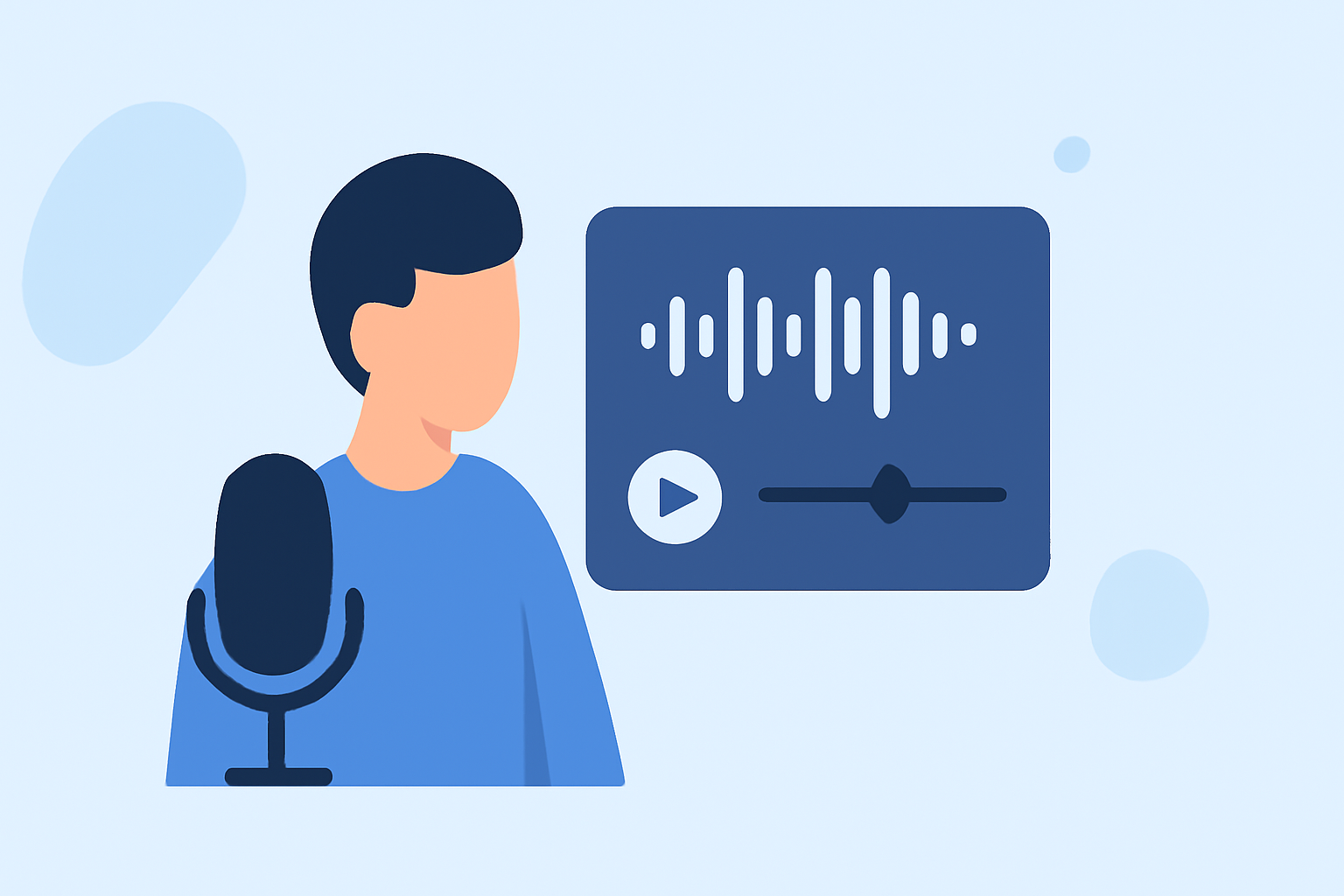
4. Record and Integrate Voiceovers
Voiceovers add a personal touch and context to your video. Write a script that narrates the highlights of your trip, providing insights and emotions that visuals alone might not convey. Record your voiceover in a quiet environment to ensure clear audio quality. Once recorded, sync the voiceover with your video timeline, adjusting the pacing to match the visuals.
5. Refine the Edit
With the voiceover in place, fine-tune your video by trimming excess footage, adjusting clip durations, and ensuring smooth transitions between scenes. Pay attention to the pacing to maintain viewer engagement, and ensure that the voiceover complements the visuals effectively.
6. Enhance Audio and Visuals
Adjust the audio levels to balance the voiceover, background music, and ambient sounds. Apply color correction and grading to ensure visual consistency and enhance the overall aesthetic of your video. These enhancements contribute to a polished and professional-looking final product.
7. Add Titles and Graphics
Incorporate titles, captions, and graphics to provide additional context, such as location names, dates, or fun facts. These elements can also serve as transitions between different segments of your video, adding a dynamic and informative layer to your recap.
8. Export and Share
Once satisfied with your edit, export the video in a suitable format and resolution for your intended platform, whether it's for sharing on social media, creating a DVD, or archiving for personal use. Ensure the final product is accessible and enjoyable for your audience.
Recommendation: Planes Live for Seamless Video Editing
For those seeking a user-friendly and efficient video editing solution, Planes Live offers a comprehensive platform tailored for creating engaging family trip recaps. Its intuitive interface and robust features streamline the editing process, allowing you to focus on storytelling rather than technicalities. Whether you're a novice or experienced editor, Planes Live provides the tools necessary to bring your family memories to life.
By following this structured workflow and utilizing the right tools, you can create a compelling family trip recap video that preserves your cherished moments and shares your experiences with others.