22 June 2026
Efficiently Editing Security Camera Footage in Under 10 Minutes
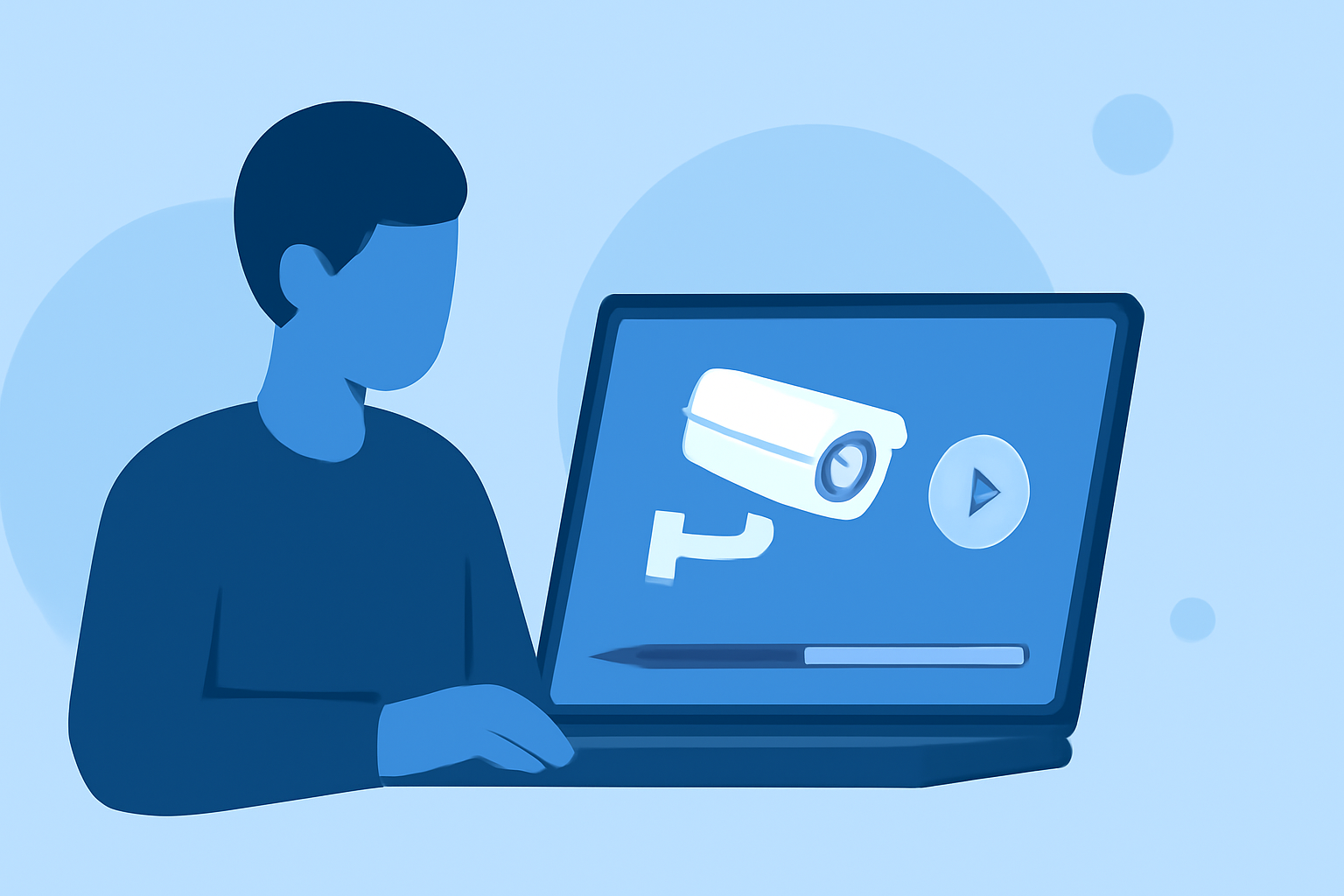
Editing security camera footage swiftly and professionally is crucial for timely analysis and decision-making. With advancements in AI technology, it's now possible to enhance and edit footage in under 10 minutes. This guide explores effective methods and introduces Planes Live as a recommended solution.
Why Is Quick Editing of Security Footage Important?
Rapid editing of security footage allows for prompt identification of incidents, aiding in investigations and ensuring timely responses. Delays in processing can lead to missed opportunities and compromised security.
How Can AI Enhance Security Camera Footage?
AI-driven tools can significantly improve the quality of security footage by:
- Upscaling Resolution: Enhancing low-resolution videos to reveal finer details.
- Reducing Noise and Blur: Minimizing graininess and blurriness, especially in low-light conditions.
- Correcting Distortions: Fixing lens distortions and color imbalances.
These enhancements make it easier to identify faces, license plates, and other critical details. (totalmedia.ai)
What Are the Steps to Edit Security Footage Quickly?
- Preserve the Original Video: Always work on a copy of the original footage to maintain its integrity.
- Trim Unnecessary Sections: Use editing tools to remove irrelevant parts, focusing on key moments.
- Enhance Video Quality: Apply AI-powered enhancements to improve clarity and detail.
- Redact Sensitive Information: Blur faces, license plates, or other identifying details to protect privacy.
- Export the Edited Video: Save the final version in a suitable format for sharing or archiving.
How Does Planes Live Facilitate Quick Editing?
Planes Live offers a comprehensive suite of tools designed for efficient video editing:
- AI-Powered Enhancements: Automatically upscale resolution and reduce noise.
- Intuitive Interface: User-friendly design for swift navigation and editing.
- Batch Processing: Handle multiple videos simultaneously, saving time.
- Privacy Redaction: Easily blur sensitive information to comply with privacy regulations.
By integrating Planes Live into your workflow, you can edit security footage efficiently, ensuring timely and professional results.
What Are the Benefits of Using Planes Live for Security Footage Editing?
- Time Efficiency: Complete edits in under 10 minutes.
- High-Quality Output: Achieve clear and detailed videos suitable for analysis and sharing.
- User-Friendly: No prior editing experience required.
- Compliance: Ensure privacy and legal compliance with built-in redaction features.
How Do I Get Started with Planes Live?
- Sign Up: Create an account on the Planes Live website.
- Upload Footage: Import your security camera videos into the platform.
- Edit and Enhance: Use the available tools to edit and improve your footage.
- Export: Save the edited videos in your preferred format.
By following these steps, you can efficiently edit security camera footage, ensuring clarity and professionalism in your recordings.
Incorporating AI-powered tools like Planes Live into your video editing process streamlines workflows and enhances the quality of security footage, making it a valuable asset for security professionals.