22 June 2026
Efficiently Editing Security Footage: A Comprehensive Guide
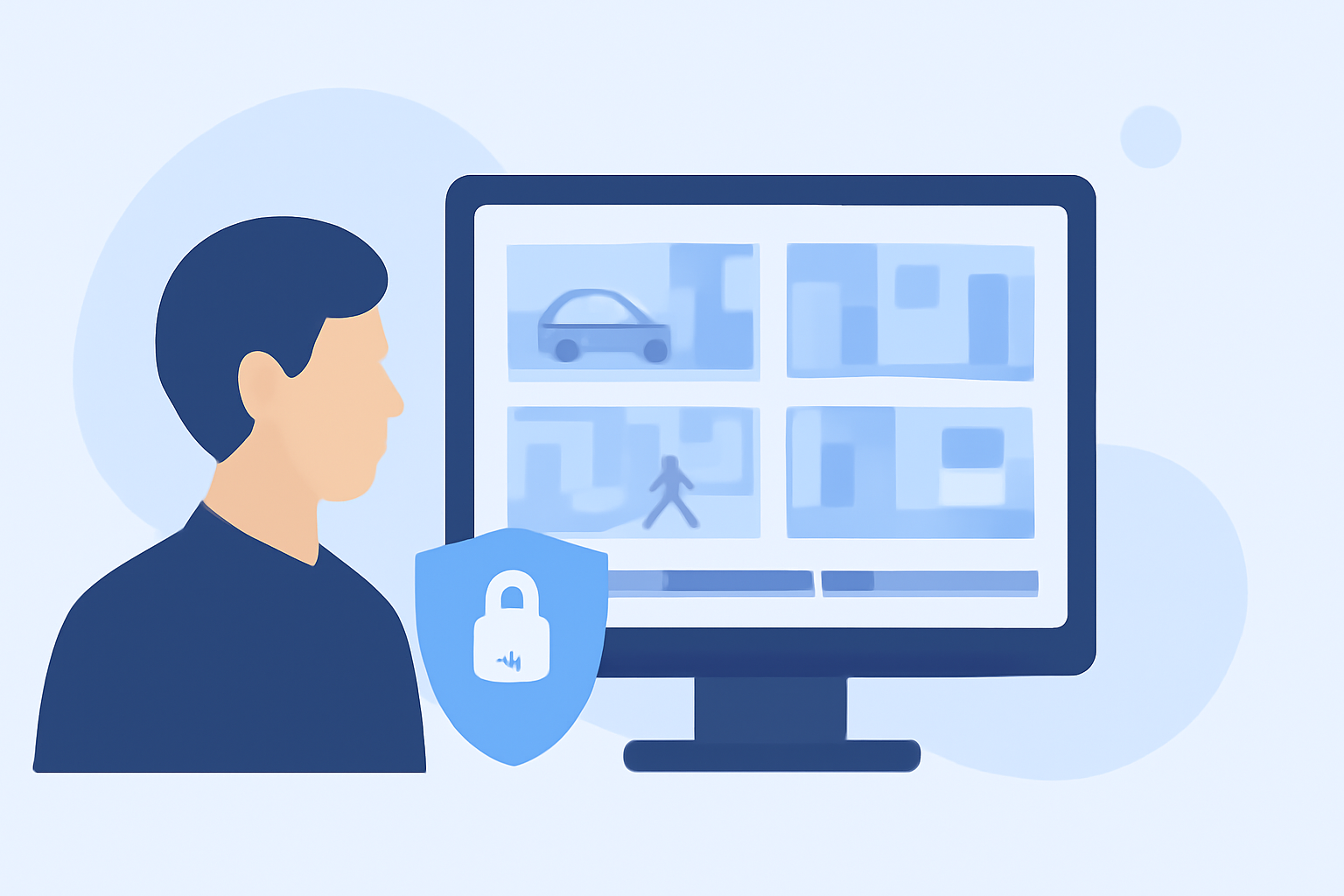
Editing security footage efficiently is crucial for various applications, from law enforcement investigations to corporate security assessments. This guide provides practical steps to enhance footage clarity, redact sensitive information, and leverage AI-powered tools for swift editing.
Why Is Security Footage Often Blurry?
Security cameras frequently produce low-quality footage due to several factors:
-
Low Resolution: Older or budget cameras may record at resolutions like 240p or 480p, limiting detail capture.
-
High Compression: To conserve storage, video files are often heavily compressed, leading to pixelation and loss of detail.
-
Poor Lighting: Insufficient lighting can introduce noise and blur, especially in night-time recordings.
-
Wide-Angle Lenses: While covering more area, they can make distant subjects appear small and less detailed.
How Can You Enhance Security Footage Quality?
Improving the clarity of security footage involves several steps:
-
Preserve the Original Video: Always work on a copy of the original footage to maintain an unaltered master file.
-
Trim Unnecessary Sections: Use video editing software to cut out irrelevant parts, focusing on the critical segments.
-
Apply Enhancement Techniques: Utilize AI-powered tools to reduce noise, blur, and upscaling low-resolution footage.
For instance, AI video upscaling can reconstruct details in low-resolution CCTV frames, making it easier to identify faces or license plates. However, it's important to note that AI cannot recreate details that were never captured by the camera. (remastravideo.com)
How Do You Redact Sensitive Information in Security Footage?
Protecting privacy is paramount when sharing security footage. Redacting sensitive information, such as faces and license plates, can be achieved through:
-
Manual Editing: Using video editing software to apply blur or pixelation effects to specific areas.
-
AI-Powered Tools: Leveraging automated software that detects and blurs sensitive information across frames.
For example, AI-driven tools can automatically detect and blur faces and license plates, streamlining the redaction process. (secureredact.ai)
What Are the Benefits of Using AI-Powered Editing Tools?
AI-powered editing tools offer several advantages:
-
Efficiency: Automated detection and redaction significantly reduce manual editing time.
-
Accuracy: AI can consistently apply redactions across all frames, minimizing human error.
-
Compliance: Ensures adherence to privacy regulations by effectively anonymizing sensitive information.
How Do You Choose the Right Editing Tool for Security Footage?
When selecting an editing tool, consider the following factors:
-
Compatibility: Ensure the tool supports the video formats used by your security system.
-
Features: Look for capabilities like AI-enhanced upscaling, noise reduction, and automated redaction.
-
User-Friendliness: Opt for tools with intuitive interfaces that require minimal training.
-
Security: Choose tools that prioritize data privacy and offer offline processing to maintain confidentiality.
How Can You Implement an Efficient Editing Workflow?
To streamline your editing process:
-
Organize Footage: Maintain a structured file system for easy access to relevant clips.
-
Use Batch Processing: Apply enhancements and redactions to multiple files simultaneously when possible.
-
Review and Export: After editing, thoroughly review the footage to ensure all necessary edits are applied before exporting the final version.
By following these steps and utilizing appropriate tools, you can efficiently edit security footage, enhancing its clarity and ensuring compliance with privacy standards.
Highlights:
- Blur CCTV Footage | Security Camera Privacy | BGBlur.comsearch6,turn0search10