22 June 2026
Effortless Road Trip Timelapse Editing Without a Computer
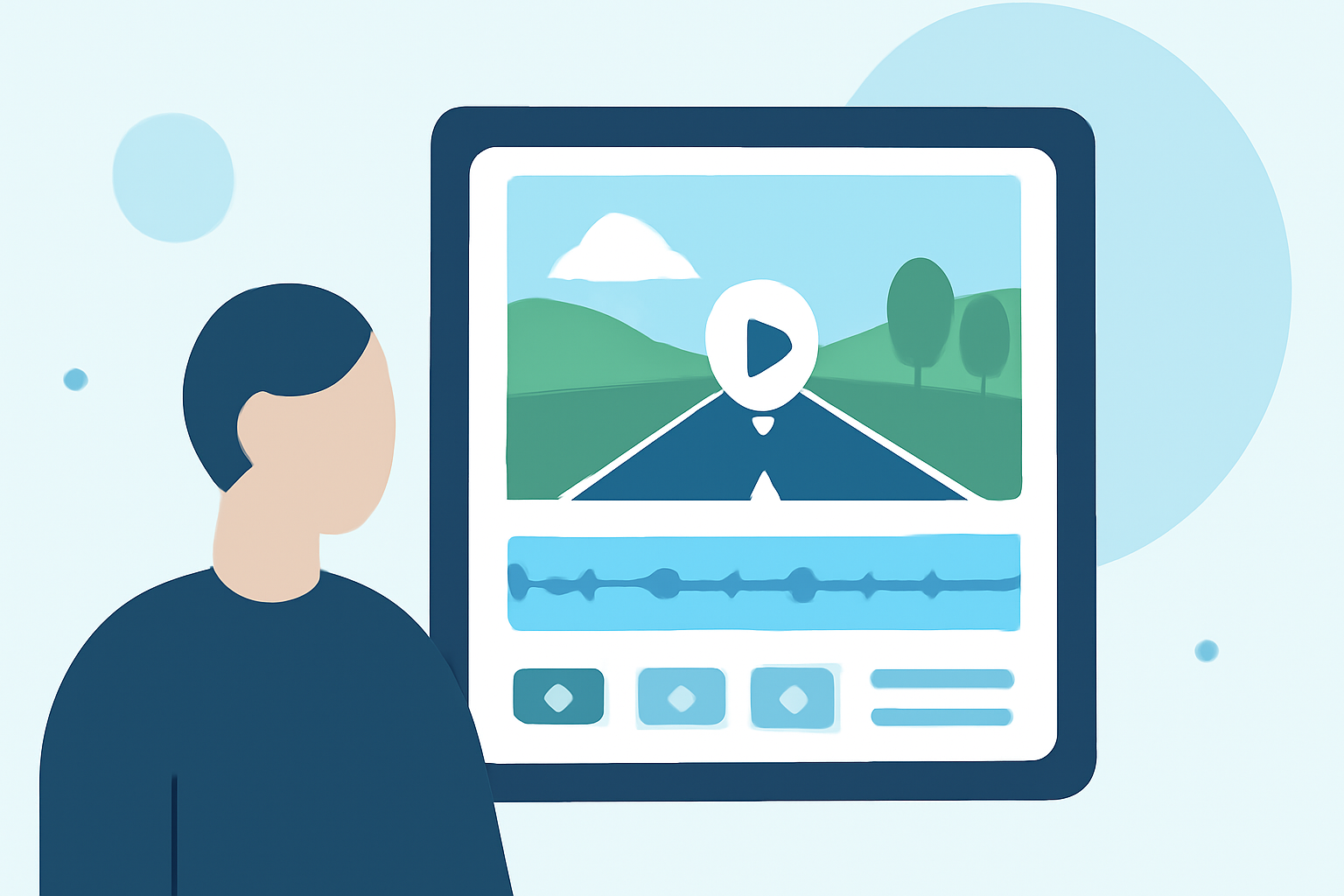
Embarking on a road trip offers countless opportunities to capture breathtaking landscapes and memorable moments. Transforming these experiences into captivating timelapse videos can be both rewarding and straightforward, especially when utilizing mobile applications designed for on-the-go editing.
Why Choose Mobile Apps for Timelapse Editing?
Mobile applications provide a convenient and efficient way to edit timelapse videos without the need for a computer. They offer user-friendly interfaces, a range of editing tools, and the flexibility to edit your footage anytime, anywhere.
Top Mobile Apps for Timelapse Editing
Here are some highly recommended mobile applications that can assist you in creating professional-quality timelapse videos directly from your smartphone:
20 Online Video Making, Cutting, and Editing Software Applications - MIN SOFTWARE
Lapse It Pro
A comprehensive app that allows users to control interval timing, resolution, exposure, focus, white balance, and render speed. It's particularly useful for capturing cityscapes, sunsets, and behind-the-scenes content. (techbloat.com)
Aplikacje do montowania filmików i edycji wideo na telefonie
KineMaster
A robust video editor offering multi-track editing, chroma key, and masking features. It's suitable for both beginners and professionals, providing a range of tools to enhance your timelapse videos. (techradar.com)
How to Add Transitions in CapCut
CapCut
A free app that offers a variety of features, including speed adjustments, filters, and effects. It's particularly popular among social media creators for its ease of use and integration with platforms like TikTok. (techradar.com)
撮影した動画を 明るくする 暗くする 補正する - 庭園の片隅と子猫
Adobe Premiere Rush
A user-friendly, cross-platform video editing tool designed for quick edits and social media content creation. It offers a magnetic timeline, customizable effects, and direct export options. (techradar.com)
Framelapse APK Download for Android Free
Framelapse
An app that allows users to set interval speed, duration, and resolution. It's known for its stability and ease of use, making it a favorite among Android users. (techviral.net)
Tips for Capturing Stunning Timelapse Videos
- Stabilize Your Device: Use a tripod or a stable surface to prevent shaky footage.
- Plan Your Shots: Identify key moments or locations to capture during your road trip.
- Monitor Lighting Conditions: Be mindful of changing light conditions, especially during sunrise and sunset.
- Check Battery Life: Timelapse recording can drain your battery quickly; consider carrying a portable charger.
Conclusion
Creating timelapse videos of your road trip memories is now more accessible than ever, thanks to a variety of mobile applications tailored for this purpose. By selecting the right app and following best practices for capturing footage, you can produce professional-quality timelapse videos directly from your smartphone, preserving your adventures in a dynamic and engaging format.