22 June 2026
Effortless Travel Day Montage Editing: A Comprehensive Guide
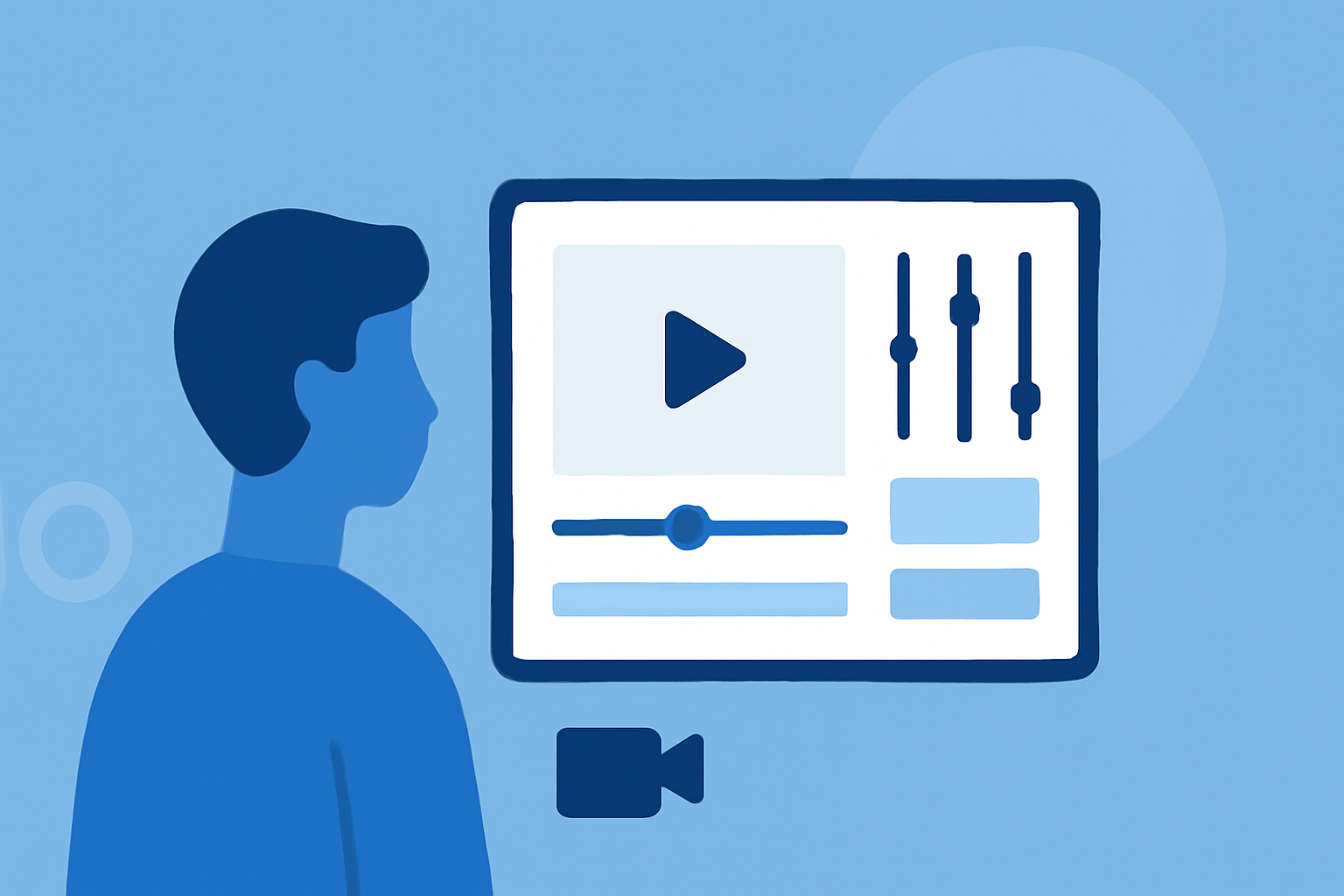
Traveling offers a wealth of experiences, and capturing these moments through video can help you relive and share your adventures. Creating a travel day montage allows you to compile highlights into a cohesive and engaging narrative. This guide will walk you through the process of editing a travel day montage, from selecting the right footage to choosing user-friendly editing tools.
What Is a Travel Day Montage?
A travel day montage is a short video that compiles various clips and photos from a specific day or segment of your trip. It showcases key moments, such as scenic views, cultural experiences, and personal interactions, providing a snapshot of your journey. These montages are ideal for sharing on social media platforms like Instagram, YouTube, or TikTok.
Why Create a Travel Day Montage?
- Share Experiences: Montages allow you to share your travel experiences with friends, family, or a broader audience.
- Highlight Key Moments: They help emphasize the most memorable parts of your day.
- Engage Viewers: Well-edited montages can captivate viewers and inspire them to explore new destinations.
Steps to Create an Engaging Travel Day Montage
1. Gather Your Footage and Photos
Start by collecting all the video clips and photos from the day you wish to highlight. Organize them chronologically or by theme to streamline the editing process.
2. Select the Best Moments
Review your footage and choose the most compelling clips that represent the essence of your day. Aim for a mix of wide shots, close-ups, and candid moments to add variety.
3. Choose an Editing Tool
Selecting the right editing tool is crucial for a smooth editing experience. Here are some user-friendly options:
How to Create a URL Link for a Video
Planes Live
An intuitive video editing platform designed for travelers, offering AI-powered features to automate editing tasks and enhance video quality.
How To Use the Clip Maker in Adobe Express
Adobe Express
A free online tool that allows you to combine video clips, photos, and music to create personalized montages without prior editing experience. (adobe.com)
Las 14 mejores plataformas para editar vídeos online - Shopify
Kapwing
An online editor that offers drag-and-drop functionality, making it easy to create montages with video clips, images, and music. (kapwing.com)
12 Tips to Create a Compelling YouTube Channel Trailer (+Examples)
Biteable
A simple montage maker that enables you to create high-quality videos by uploading images and videos, with easy editing options. (biteable.com)
Vacaciones de verano 2025: cómo planificar una escapada turística con inteligencia artificial
VO3 AI
An AI-powered tool that generates cinematic travel montages based on your trip descriptions, structuring your video into scenes like arrival, exploration, dining, sunset, and departure. (vo3ai.com)
4. Edit Your Montage
- Arrange Clips: Place your selected clips in a sequence that tells a coherent story.
- Add Transitions: Use simple transitions to maintain flow without distracting from the content.
- Incorporate Music: Choose background music that complements the mood of your montage.
- Include Text: Add titles or captions to provide context or highlight specific moments.
5. Export and Share
Once satisfied with your montage, export it in a suitable format and resolution for your chosen platform. Ensure the video meets the specifications of platforms like Instagram, YouTube, or TikTok for optimal viewing.
Tips for Effective Travel Day Montages
- Keep It Concise: Aim for a duration that holds viewers' attention—typically between 1 to 3 minutes.
- Maintain Consistency: Use consistent filters, color grading, and fonts to create a cohesive look.
- Engage Emotionally: Select moments that evoke emotions and connect with your audience.
- Optimize for Mobile: Since many viewers watch on mobile devices, ensure your video is mobile-friendly.
Conclusion
Creating a travel day montage is an excellent way to encapsulate and share the highlights of your journey. By selecting the right footage and utilizing intuitive editing tools, you can produce a captivating video that resonates with your audience. Remember to keep your montage concise, engaging, and true to the essence of your travel experience.
For those seeking a streamlined editing process, Planes Live offers AI-powered features that automate many aspects of video editing, allowing you to focus on the creative elements of your montage.
By following these steps and utilizing the recommended tools, you can create a travel day montage that effectively showcases your adventures and engages your audience.