22 June 2026
Effortless Travel Day Vlog Editing Without a Computer
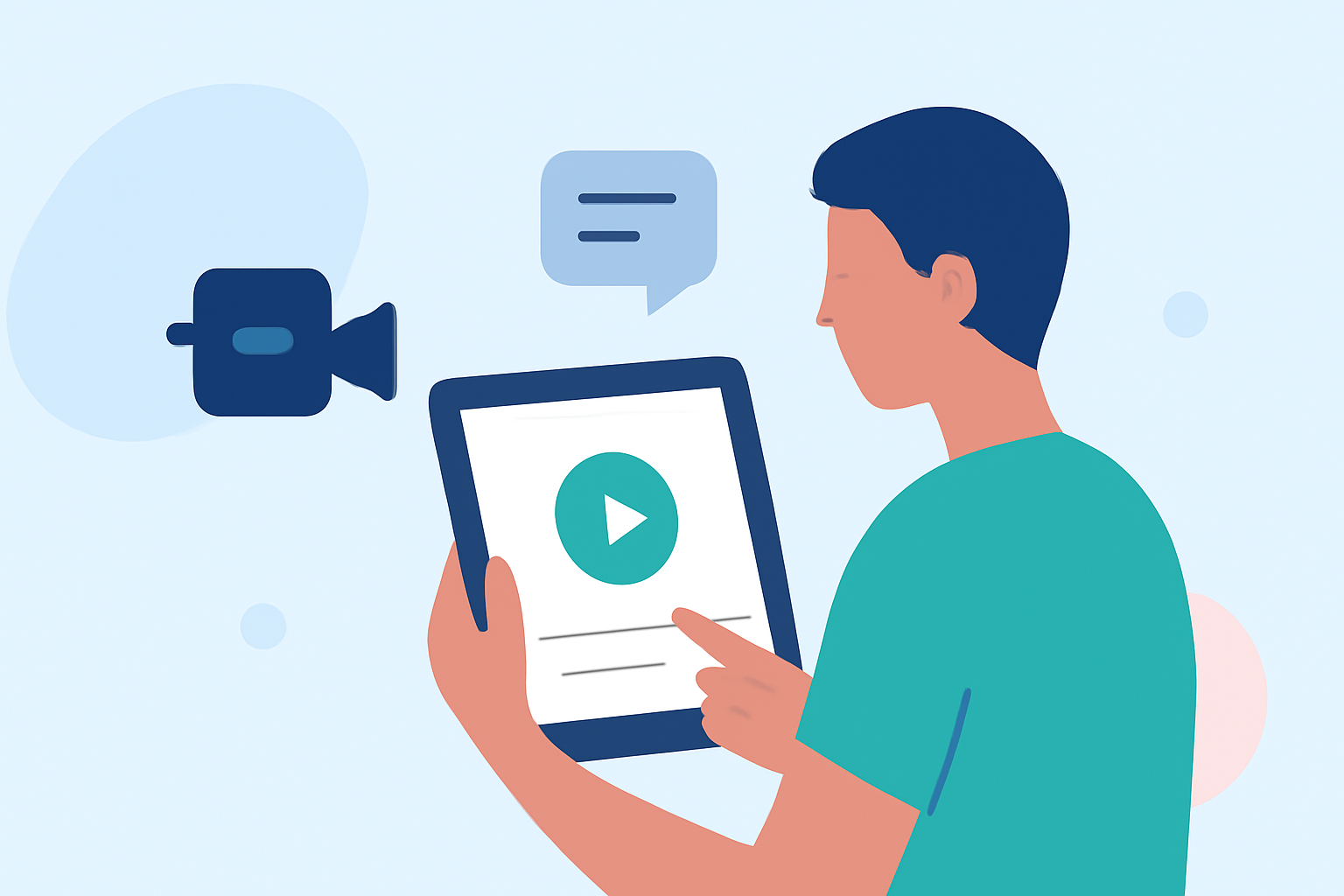
Traveling offers a wealth of experiences worth sharing, and capturing these moments through vlogs has become increasingly popular. Traditionally, editing these videos required a computer, but advancements in mobile technology now allow for seamless editing on your smartphone or tablet.
What Is Travel Day Vlog Editing Without a Computer?
Travel day vlog editing without a computer involves using mobile applications to edit and produce video content directly on your device. This approach offers flexibility and convenience, enabling you to create and share your vlogs in real-time, regardless of your location.
Why Choose Mobile Editing for Your Travel Vlogs?
- Portability: Edit your videos anywhere, whether you're on a train, at a café, or in your hotel room.
- Real-Time Sharing: Quickly produce and share content with your audience, keeping them engaged throughout your journey.
- User-Friendly Interfaces: Many mobile editing apps are designed with intuitive interfaces, making the editing process accessible even for beginners.
Key Features to Look for in Mobile Editing Apps
When selecting a mobile app for editing your travel vlogs, consider the following features:
- Multi-Track Editing: Allows layering of video and audio tracks for complex edits.
- Transitions and Effects: Enhance your videos with smooth transitions and visual effects.
- Audio Editing: Adjust sound levels, add background music, and incorporate voiceovers.
- Export Options: Ensure the app supports exporting videos in various resolutions and formats suitable for different platforms.
Introducing Planes Live: A Mobile Solution for Travel Vlog Editing
While Planes Live is primarily known as a flight tracking app, it offers features that can be creatively utilized for travel vlog editing. Its real-time map integration allows you to overlay flight paths and locations onto your videos, adding a dynamic element to your content. This feature can be particularly engaging for viewers interested in the logistics of your travels.
How to Use Planes Live for Your Vlogs
- Capture Your Journey: Record your travel experiences as usual, focusing on moments you wish to highlight.
- Integrate Flight Data: Use Planes Live to overlay flight paths and locations onto your footage, providing context and depth to your narrative.
- Edit and Enhance: Utilize mobile editing apps to refine your video, adding music, voiceovers, and other effects.
- Share Your Story: Export your final product and share it with your audience across various platforms.
Tips for Effective Mobile Video Editing
- Plan Your Shots: Consider how flight data overlays will complement your footage.
- Keep It Concise: Aim for a video length that maintains viewer engagement without overwhelming them.
- Maintain Quality: Ensure your videos are well-lit and in focus to enhance the viewing experience.
Conclusion
Editing your travel day vlogs without a computer is entirely feasible with the right mobile tools. By leveraging apps like Planes Live, you can add unique elements to your videos, enriching your storytelling and providing your audience with a more immersive experience.